
janetm62681729
Known Participant
April 24, 2022
Answered

Overwrite previous version Photoshop

  • April 24, 2022
  • 2 replies
  • 1089 views

hi on mac desktop Big Sur 11.6.5

PS 23.3.1

was trying to downgrade and get previous version-want to keep BOTH version but despite box Unchecked and restarting, still wants to Overwrite... any suggestions? thanks adobe had no answer.
This topic has been closed for replies.
Correct answer D Fosse

Dot release updates will overwrite. 23.y.y will always overwite 23.x.x


You can only have two major versions installed, like 22.x.x and 23.x.x. If that's what you want, uninstall both and reinstall the oldest first, then the newest.


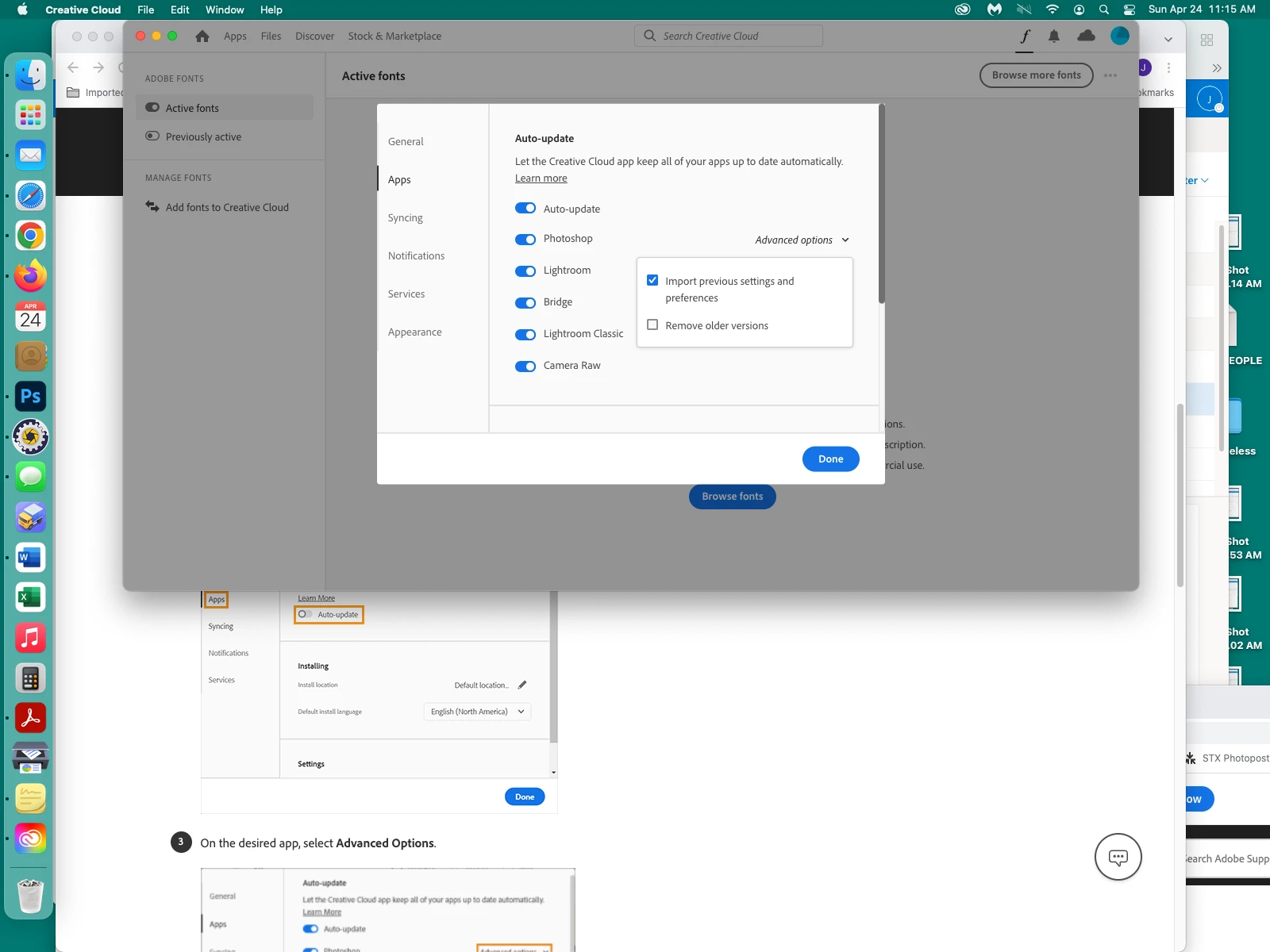
Oh, btw, you obviously need to turn off auto-update!

2 replies

TheDigitalDog
Inspiring
April 24, 2022

In Adobe Creative Cloud, select PS, click on the three dots and select "Other Versions".

That should install the older one without removing the newer one. 

Author “Color Management for Photographers" & "Photoshop CC Color Management/pluralsight"
D Fosse
Community Expert
Community Expert
April 24, 2022

Just keep in mind that the latest installed will take over file associations (at least on Windows). That may not be a problem immediately here, but it will be if one of them is later uninstalled again.


Latest installer activity always determines file associations, both ways, and including dot updates.

D Fosse
Community Expert
D FosseCommunity ExpertCorrect answer
Community Expert
April 24, 2022

Dot release updates will overwrite. 23.y.y will always overwite 23.x.x


You can only have two major versions installed, like 22.x.x and 23.x.x. If that's what you want, uninstall both and reinstall the oldest first, then the newest.


Oh, btw, you obviously need to turn off auto-update!

janetm62681729
Known Participant
April 26, 2022

yes auto up date off

thanks. i really trying to avoid Uninstalling.. i'll just live with the latest version but already missing the tool.