Answered
Paint Bucket Color showing as tint
I uploaded a smartobject then rasterized it. I would like to add color. When I use the paint bucket tool, instead of painting the color I have selected it is a light tint. 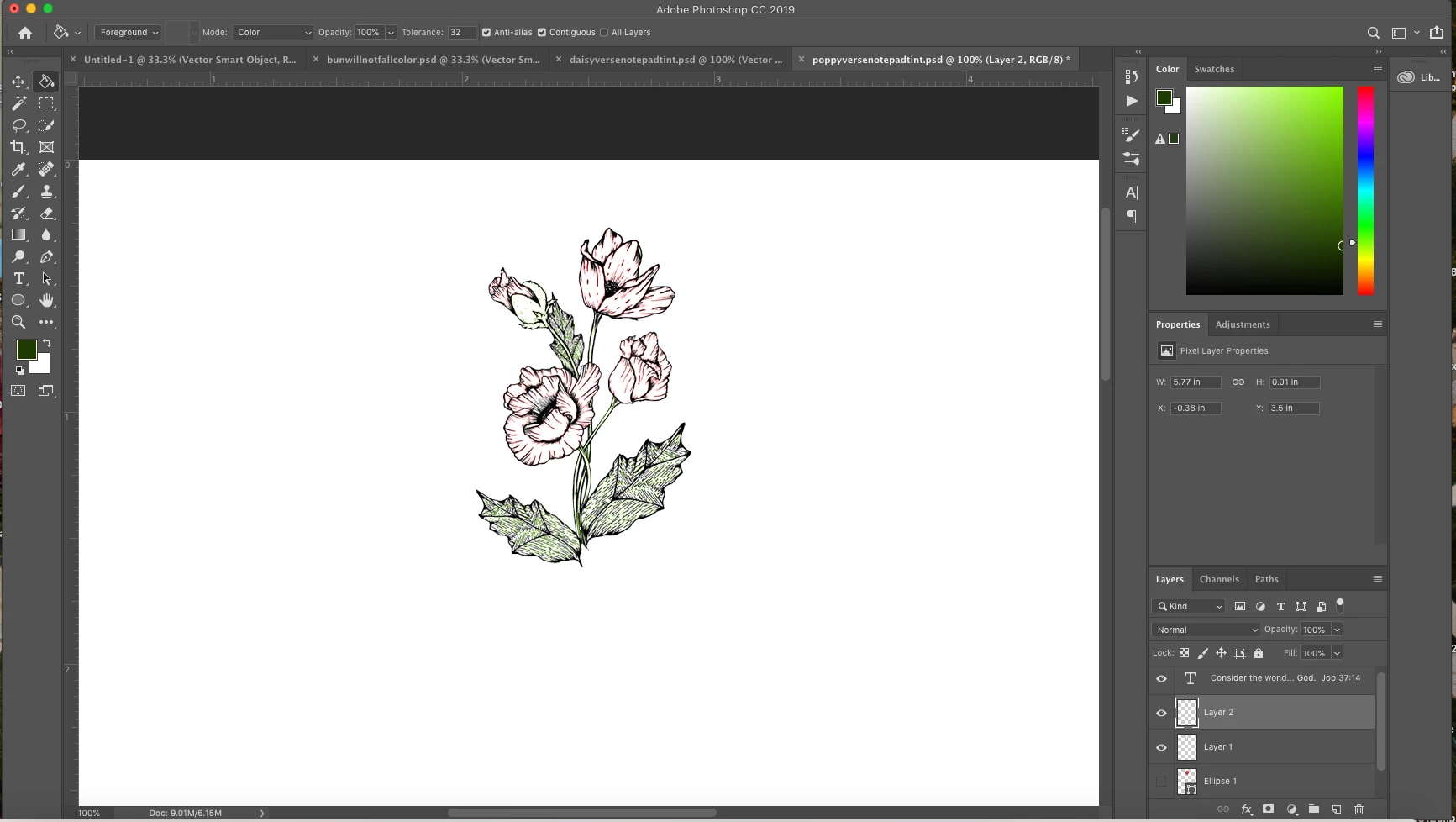

I uploaded a smartobject then rasterized it. I would like to add color. When I use the paint bucket tool, instead of painting the color I have selected it is a light tint.
In your options bar you have the mode set to color, change it to normal.
Already have an account? Login
Enter your E-mail address. We'll send you an e-mail with instructions to reset your password.


 AdChoices