
Question
Pasting a vector file in Photoshop changes its aspect ratio
I have this issue when I copy a vector logo from Illustrator and paste it in Photoshop (v. 25.5.0).
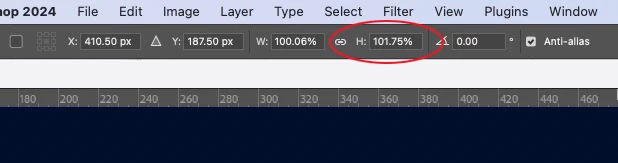
The usual window asking to paste as pixels, smart object, etc, appears and hit OK. The image or smart object pasted shows at the top bar that the logo is going to be pasted with a distorted aspect ratio (not W:100% - H:100% as it should be).
Any idea if there is a setting to fix this? Is this a bug?
Thanks for any help!


 AdChoices