Participant
August 6, 2024
Answered

Paths, Make Selection no longer works

  • August 6, 2024
  • 2 replies
  • 424 views

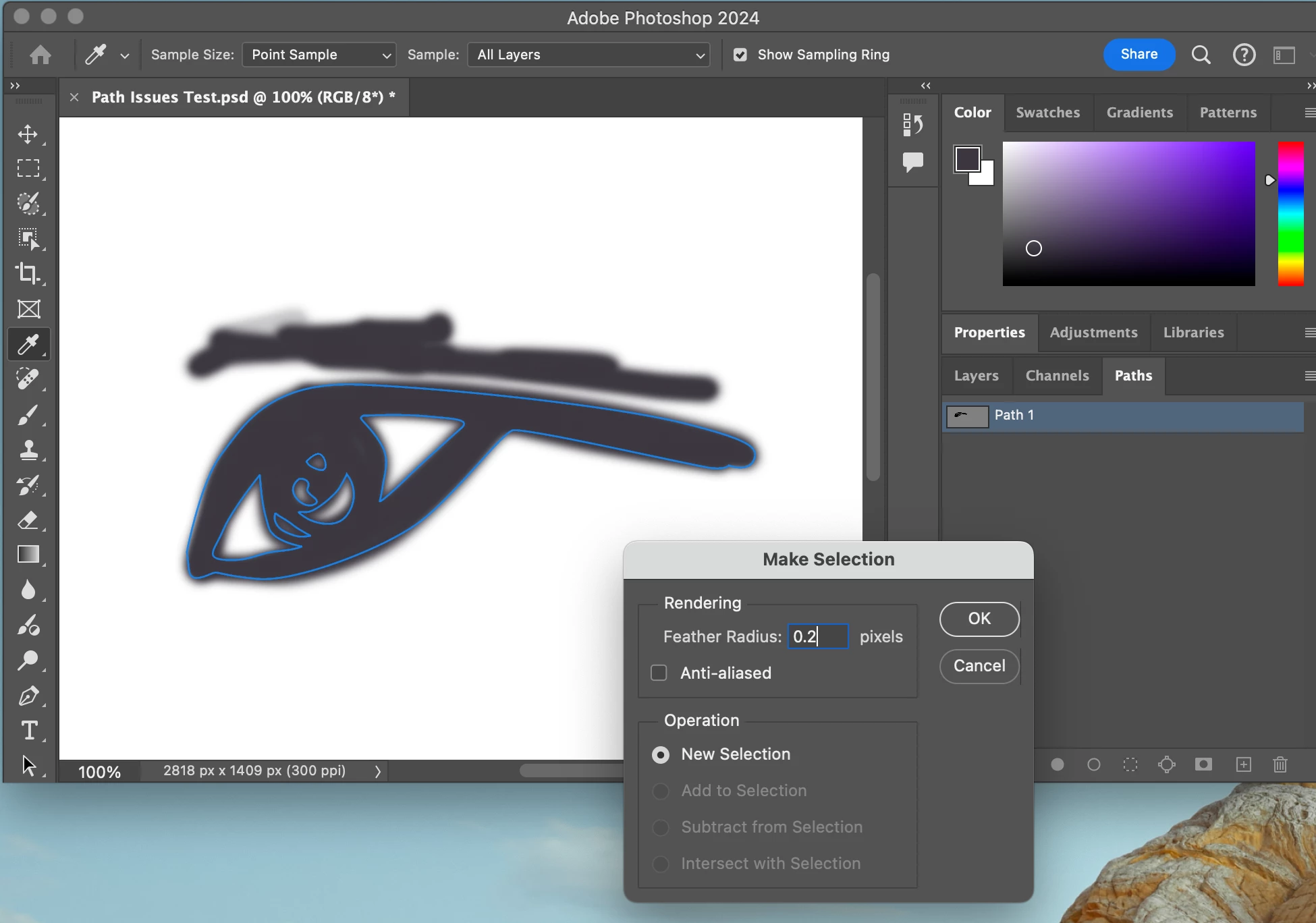
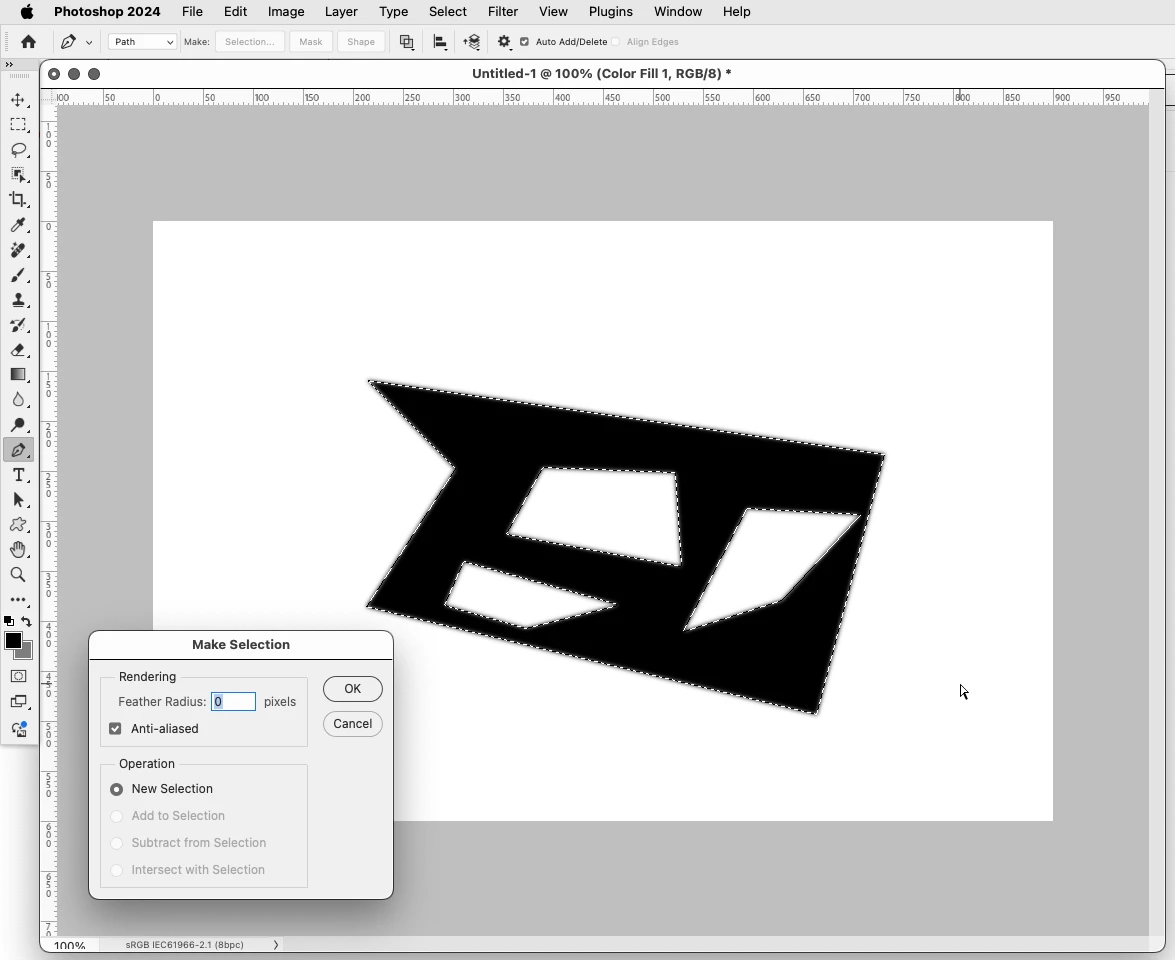
While I know of a work around, I don't understand while this basic paths feature is no longer working. I have including the simple steps and the error message. 
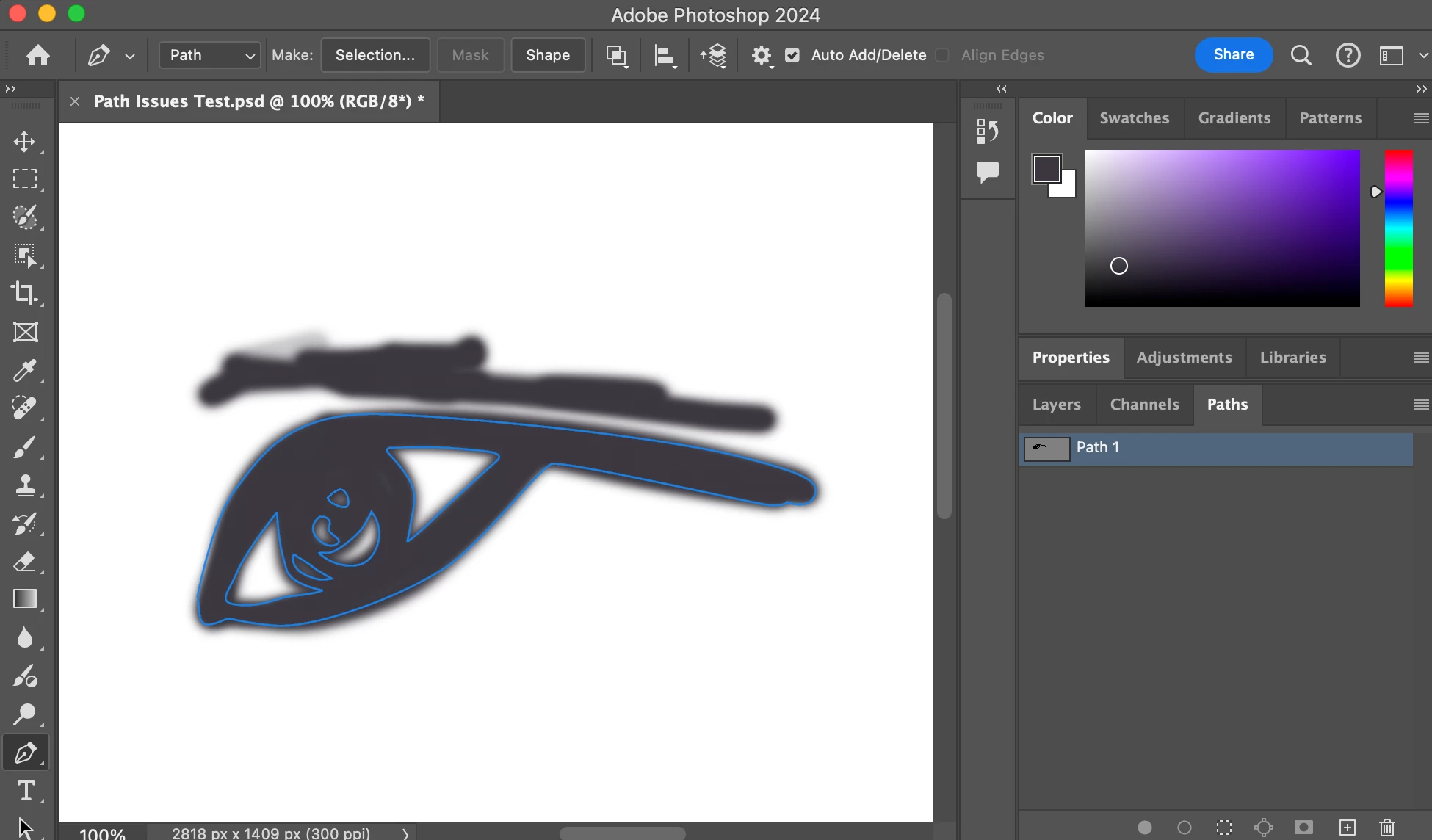
While I know if I hold down on the command button I can select the individual paths, but this basic method should still work and not give me an error message. Any input would be appreciated, thank you.

Correct answer Jeff Arola

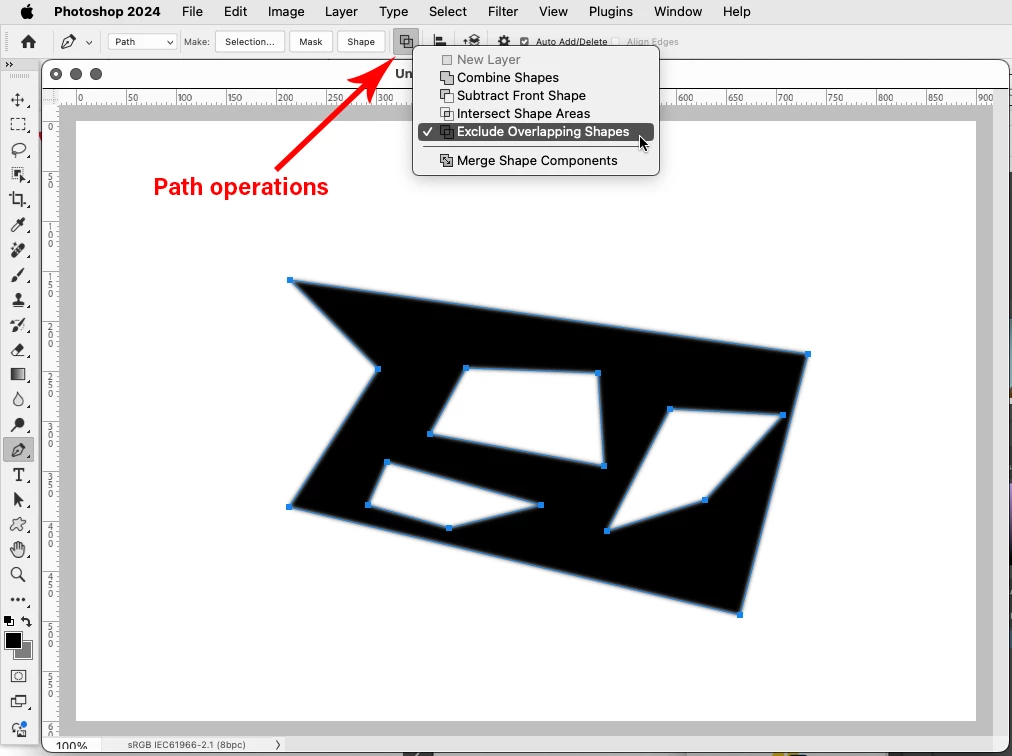
Looks like the Path operations are set to Intersect Shape Areas.

Select the paths with the Direct Selection Tool, then set the Path operations to Exclude Overlapping Shapes

(with the Pen Tool press the Cmd key for the Direct Selection Tool then drag over the paths to select them)


2 replies

Jeff Arola
Community Expert
Jeff ArolaCommunity ExpertCorrect answer
Community Expert
August 6, 2024

Looks like the Path operations are set to Intersect Shape Areas.

Select the paths with the Direct Selection Tool, then set the Path operations to Exclude Overlapping Shapes

(with the Pen Tool press the Cmd key for the Direct Selection Tool then drag over the paths to select them)


Participant
July 16, 2025

Thank you for your advice, it worked! 

Semaphoric
Community Expert
Community Expert
August 6, 2024

You need to have the control points showing. Option+Click on the Path thumbnail, and then try making the selection.