
Participant
May 1, 2024
Question

Pattern tile saving as straight line???

  • May 1, 2024
  • 4 replies
  • 543 views

Hi, 

Working in Photoshop newest version, on Macbook Pro.

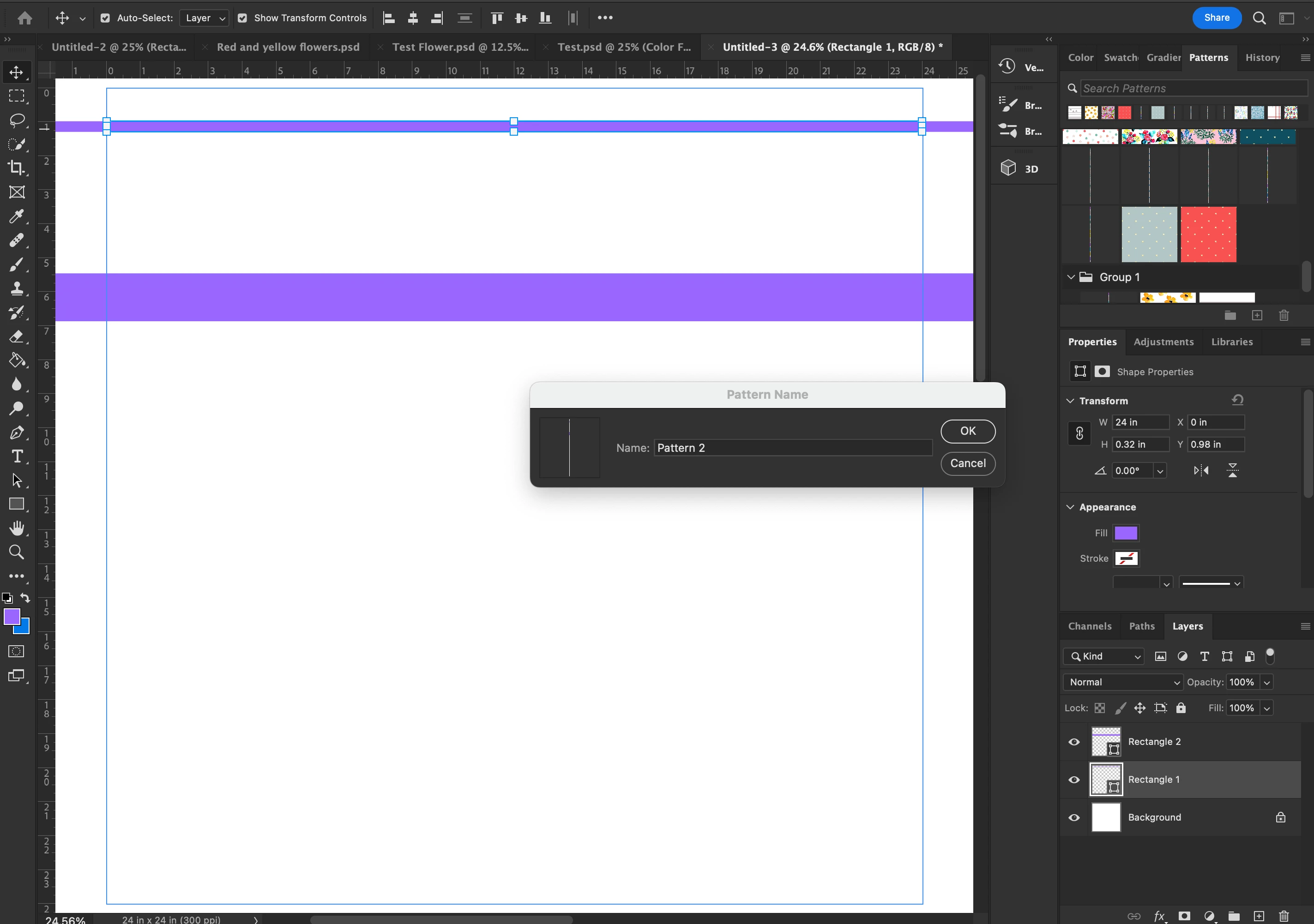
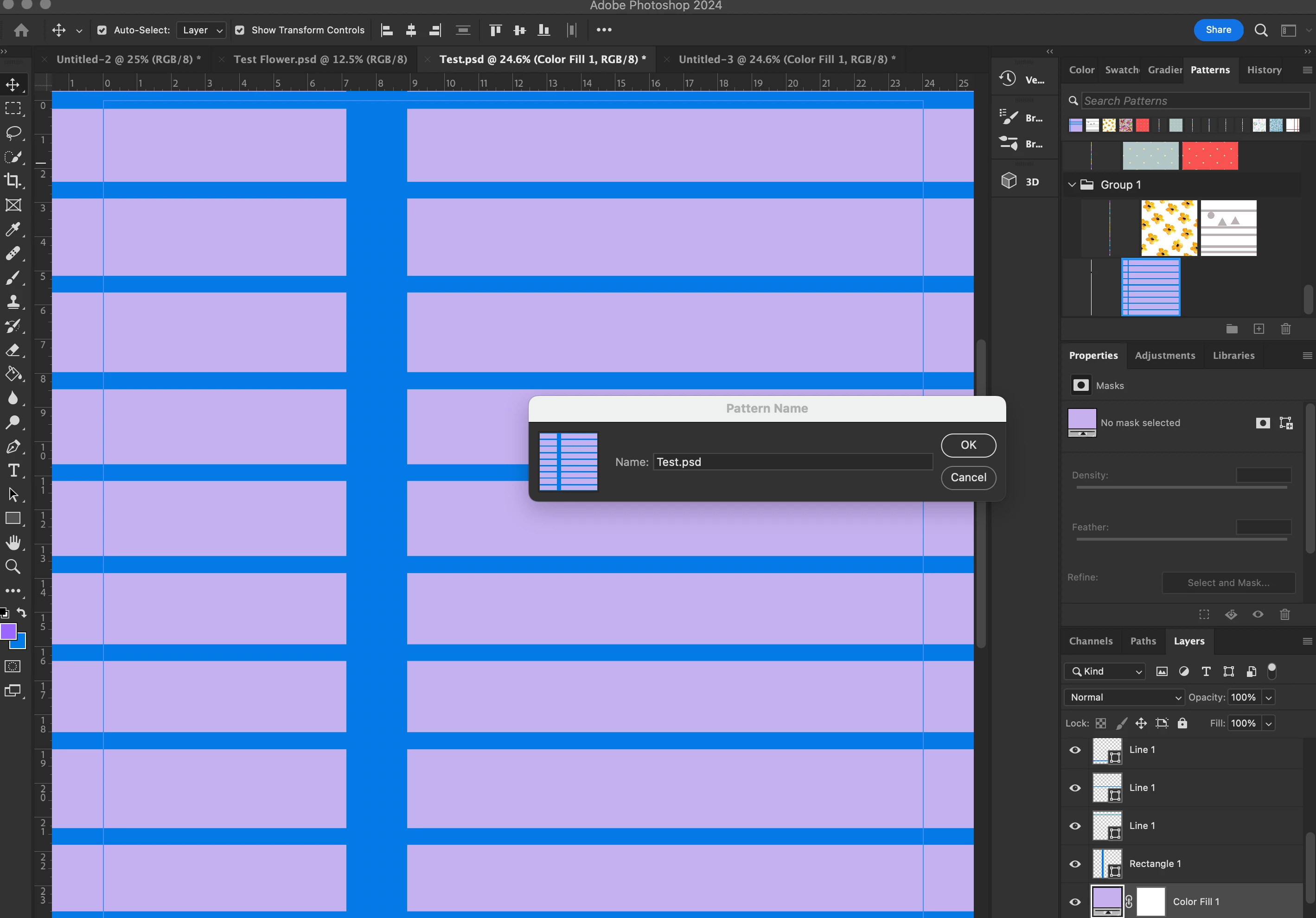
I am making a repeating pattern with horizontal stripes in pattern preview. When I save the pattern to the pattern area to make a pattern tile, it shows in the pattern tile as a straight skinny vertical line surrounded by black. Please see included pictures.


I tried making the pattern stripes with the rectangle tool and the line tool (I did use a different document for each). If I add a shape to the pattern it saves as a normal view, also if I add a vertical line it saves as a normal view. If I open a new document and open up the pattern tile that shows the vertical line surrounded by black the orginal horizontal stripe pattern shows just fine in the new document, so it is just the pattern tile that is showing a thin vertical line...I am hoping someone can help me figure out why this is happening. Thank you in advance
This topic has been closed for replies.

4 replies

Participant
May 5, 2024

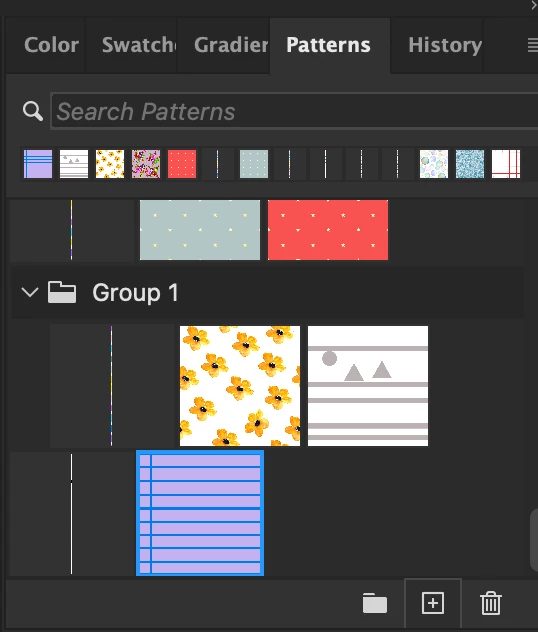
Thank you for responding everyone. Here is an update. I am making a repeating pattern with horizontal stripes. My document is 24 inches by 24 inches. When I am saving a pattern tile I am going to Edit>Define Pattern> which open the Pattern name box> Name pattern and save. The pattern tile shows as a small verical line surrounded by black (see top picture). Another options for saving a pattern tile is clicking on the + in the pattern section of photoshop. I have completed horizontal patterns in the past and saved them as a pattern tile and I can see the full pattern in the pattern tile, see pictures of the pattern box below. I don't understand why I can't view the entire stripe pattern in the tile. I am trying to wrap my head around "if a pattern has no horizontal variation a one pixel wide column would be enough to define it."  Thanks.


Participant
May 5, 2024

*I call it a pattern tiles, but I have also heard it called pattern swatch.

Bojan Živković11378569
Community Expert
Community Expert
May 3, 2024

I'm having trouble understanding as well. Could you please clarify the issue by describing it step by step? Explain what you are doing at each step, how you are creating and applying the pattern, what the actual outcome is, and what you expect to happen.

c.pfaffenbichler
Community Expert
Community Expert
May 3, 2024

What is the problem? 

If a Pattern has no horizontal variation a one-pixel-wide column of pixels is sufficient to define it. 

didiermazier
Community Expert
Community Expert
May 3, 2024

What is the size of your pattern sample? Normally an applied pattern will repeat squares of the sample aligned on lines and columns.

So if your aim is to get lines you should make a very large sample

And then applying it will fill the screen

Note that you can chage the size and the angle

Hope it helps