Ahora no puedo ni trasformar selecciones ... se cierra photoshop con casi cualquier actividad.... Bufff, me está estresando...
Hi @MB_Photography_Photo! So sorry for the delay in getting back to you, and thanks a ton for your patience.
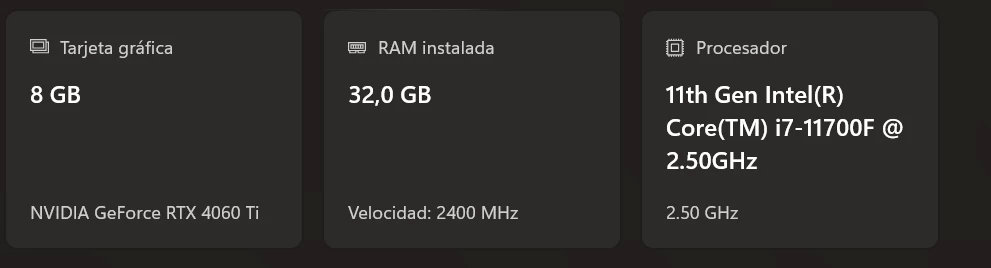
We did receive your crash report — thank you for sending that in! The tricky part is that this crash seems to be unique; we haven’t seen any other reports quite like it, which suggests it might be something specific to your setup.
Let’s try a few things to help narrow it down:
1. Head to Photoshop > Preferences > Performance, uncheck “Use Graphics Processor”, and then restart Photoshop. If the issue goes away, it could point to a problem with your GPU.
2. Sometimes, problematic fonts can cause unexpected behavior. With Photoshop and the Creative Cloud app closed, navigate to: \Users\[your username]\AppData\Roaming\Adobe\Adobe Photoshop <version> then delete the CT Font Cache folder and empty your Recycle Bin. This will reset the font cache and create a fresh one the next time you launch Photoshop.
3. If you have antivirus software running, try disabling it briefly to see if performance improves. Some antivirus tools can interfere with Photoshop’s processes.
Let us know how it goes — we’re here to help and will keep digging until we get this sorted out!
Thanks again,
Alek
*(If you mention me with an @, like @Aleke, I’ll get a notification and can respond faster.)*



 AdChoices