
Pen Tool Leaving a Trail Issue in Adobe Photoshop (Latest Version)
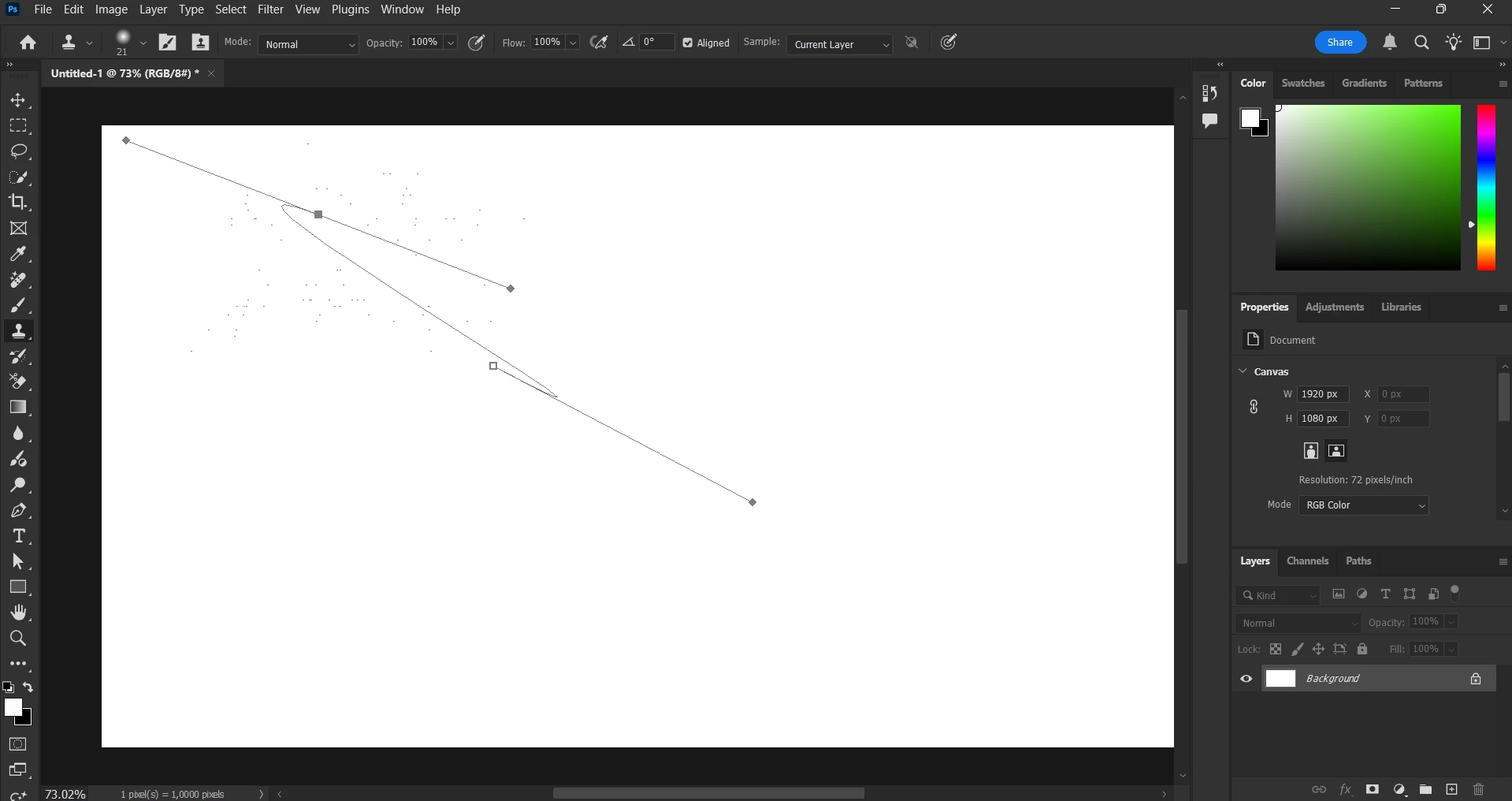
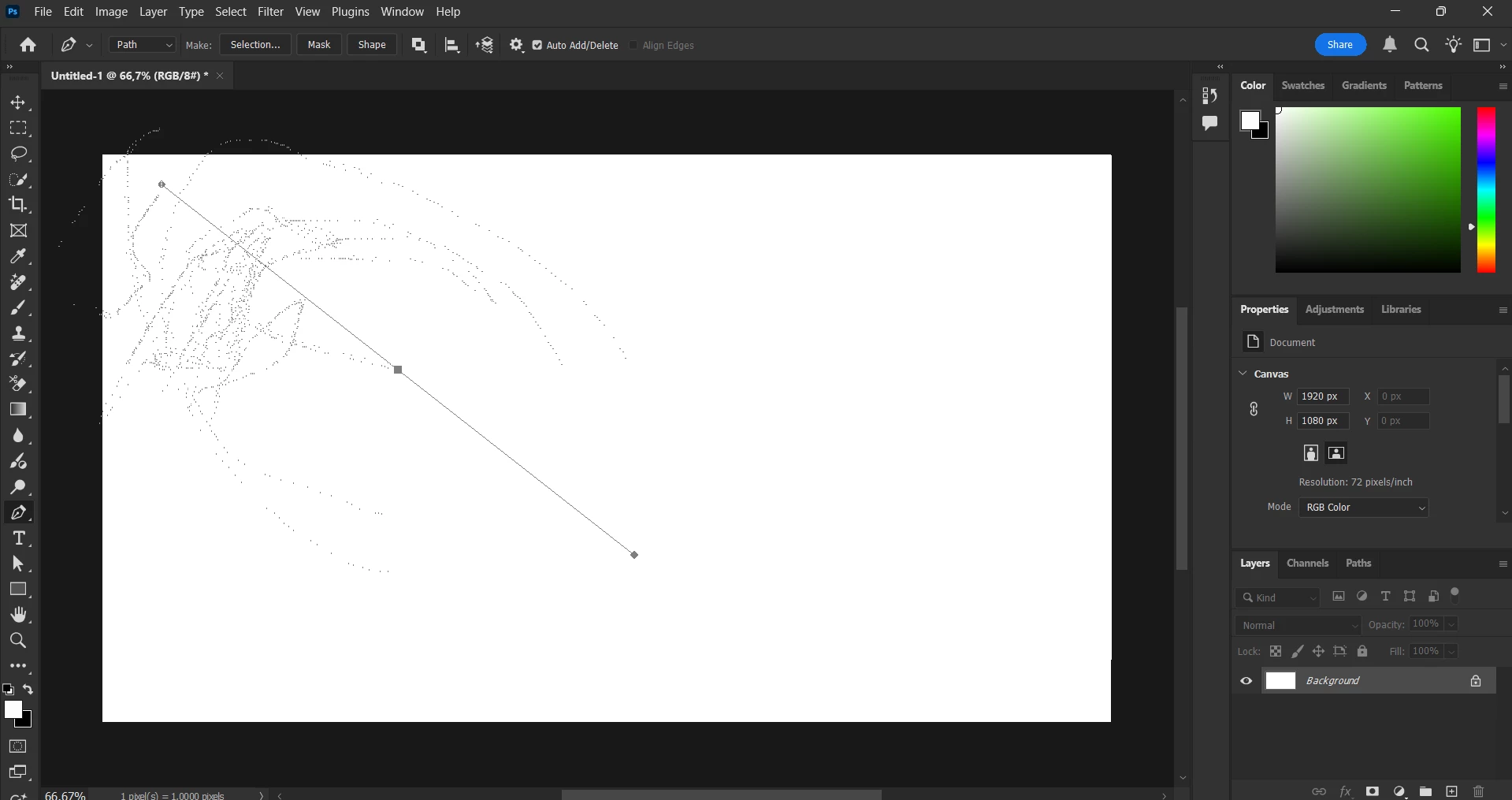
I'm experiencing an issue with the Pen Tool in Adobe Photoshop where it leaves a trail behind as I use it. This is the first time I've encountered this problem, and I'm using the latest version of Adobe Photoshop.
Here are the steps I've taken to try to resolve the issue:
Path Options: I ensured that I selected either "Path" or "Shape" options while using the Pen Tool.
Layer Styles: I checked my layer styles to confirm that there were no effects like "Stroke" or "Outer Glow" applied.
Restarted Photoshop: I closed and reopened Photoshop to see if it was a temporary glitch.
Reset Photoshop Settings: I reset Photoshop settings when starting the application and confirmed the reset.
Checked for Updates: I verified that I am using the most recent version of Adobe Photoshop.
Despite these efforts, the issue persists. I would greatly appreciate any advice or solutions you can provide to resolve this problem.
Thank you!


 AdChoices