© Si
Inspiring
March 15, 2025
Answered

Pen tool set to shape - multiple curved lines are auto-connecting the ends? Why?

  • March 15, 2025
  • 5 replies
  • 370 views

I'm drawing multiple curved, colour lines with the pen tool on one shape layer.  (See screen shot below).
For some reason the latest version of photoshop now automaticaly connects ends !?
This used to be straight forward - Never used to happen. Is it a bug? Or is there a new way to turn this off?

Correct answer c.pfaffenbichler

Photoshop CC 2019 is the oldest running Photoshop version I have access to and there it is the same – two subPathItems on the Shape Layer closes the Strokes. 
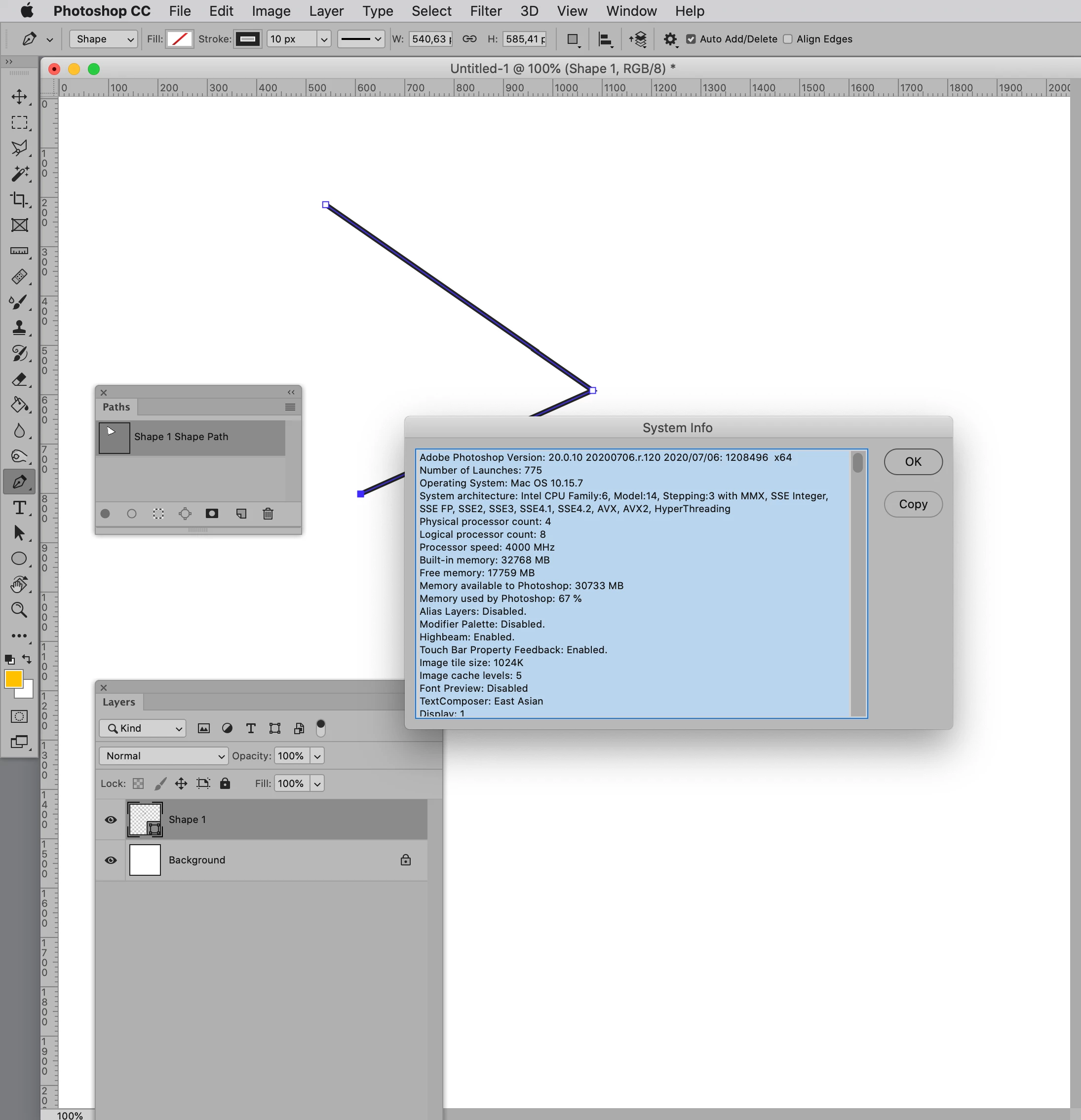
Maybe you created one Shape Layer for each element back when and this time you duplicated the subPathItem inside the Vector Mask instead of creating a new Shape Layer? 

5 replies

© Si
© SiAuthor
Inspiring
March 16, 2025

Awesome! Thank you.

c.pfaffenbichler
Community Expert
c.pfaffenbichlerCommunity ExpertCorrect answer
Community Expert
March 16, 2025

Photoshop CC 2019 is the oldest running Photoshop version I have access to and there it is the same – two subPathItems on the Shape Layer closes the Strokes. 
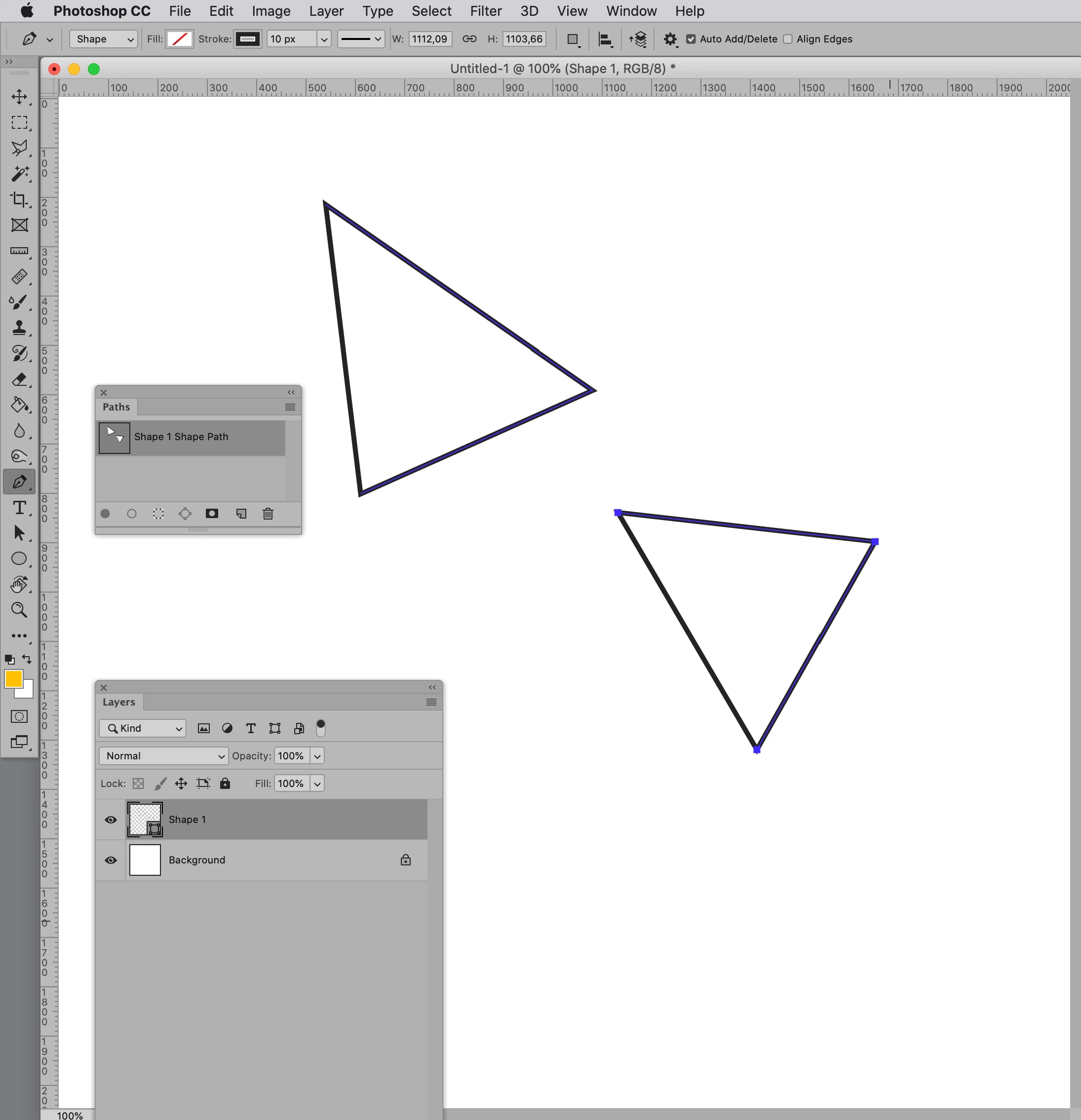
Maybe you created one Shape Layer for each element back when and this time you duplicated the subPathItem inside the Vector Mask instead of creating a new Shape Layer? 

© Si
© SiAuthor
Inspiring
March 16, 2025

I apreciate your response. Thank you. You maywell be correct..
Although, I'm holding out in hope - I'm not yet convinced this has as always been the way.

c.pfaffenbichler
Community Expert
Community Expert
March 16, 2025

As far as I recall this has always been the case since the introduction of Shape Layer Strokes. 

The Stroke on a Shape Layer with a Vector Mask with one subPathItem remains open, for more than one subPathItems the Stroke gets closed. 


Edit: For open subPathItems that is. 

© Si
© SiAuthor
Inspiring
March 16, 2025