
Participant
September 11, 2024
Question

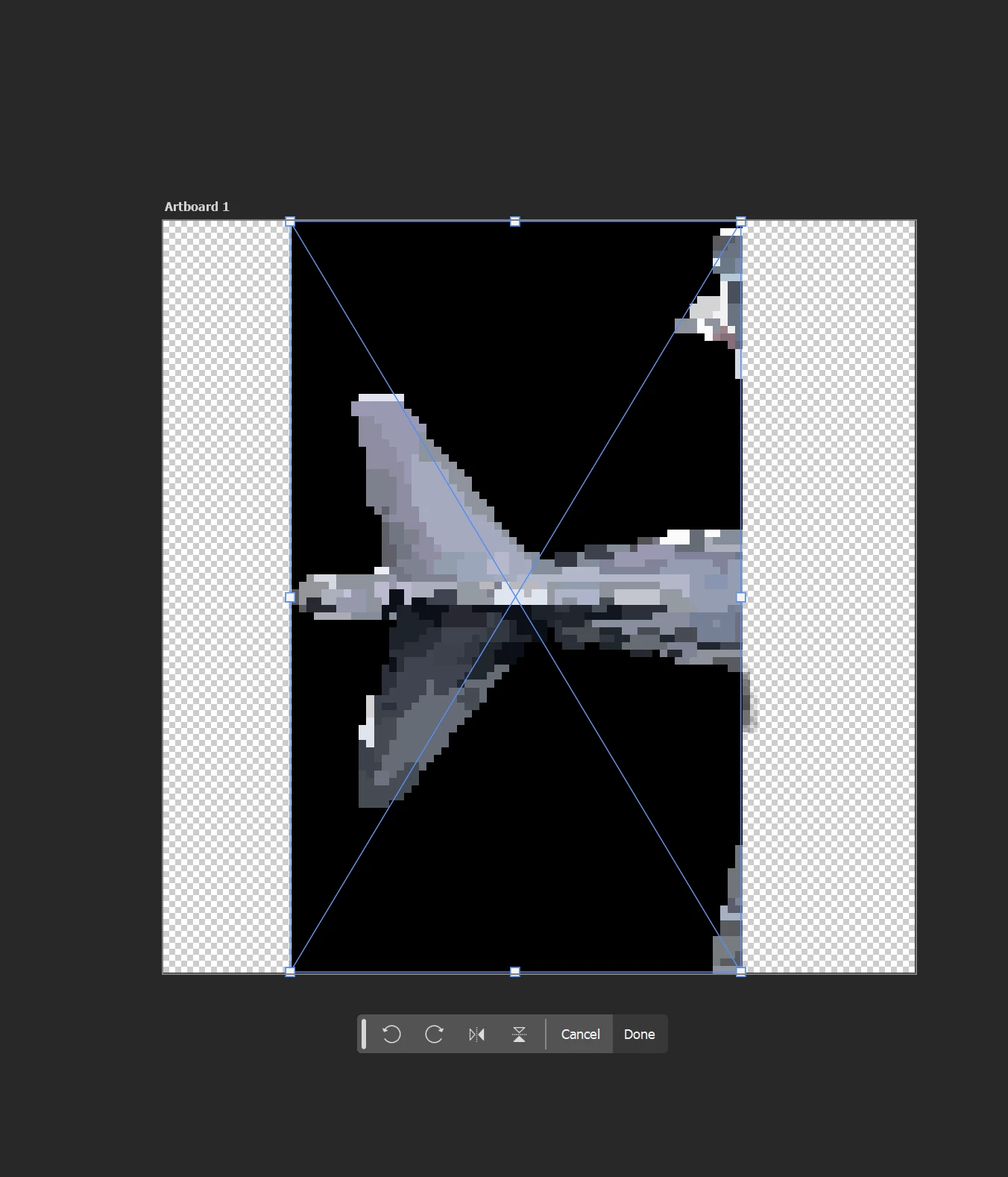
Photo shop only importing 1/3 of an SVG image

  • September 11, 2024
  • 1 reply
  • 246 views

I am trying to import an SVG file into my photoshop, the file opens fine online, however, when I import it into photoshop only the left third of the image will be brought into the program.


Photoshop Version 25.12
This topic has been closed for replies.

1 reply

Sameer K
Community Manager
Community Manager
September 11, 2024

Hey, @leon_0273. Welcome to the Photoshop Community. I'll need more info to help you figure this out.


I'll move this to discussions for now. Does this happen with specific documents? Are the original documents stored on an internal or external drive? Does this issue happen only when you're working with Artboards?

Please share the system info from Photoshop & Lightroom Classic from Help > System info > Copy & paste into a text document > upload & attach here. 


Please send me a few sample RAW and PSD documents via direct message.


Ensure there are no stale preferences in your Photoshop. Go to the location of the preference folder below and rename it to backup.

  • Windows 10/11: Users/[user name]/AppData/Roaming/Adobe/Adobe Photoshop [version]/Adobe Photoshop [version] Settings
  • You can press Press the Windows key > Enter 'Run' > Enter %APPDATA%\Adobe
  • Rename the Adobe Photoshop folder by adding a .old at the end. (Adobe Photoshop 2024 > Rename > Adobe Photoshop 2024. old), you can later restore these preferences if needed.(https://adobe.ly/4860qM9)
  • Restart the computer.

These changes will give a fresh start to Photoshop as a fresh install. Let me know how it goes.

Thanks!

Sameer K

(Use '@mention' to tag me when you reply)