
Participant
September 16, 2020
Answered
Photoshop 2020 South East Asian Text Options Suddenly Unavailable
- September 16, 2020
- 2 replies
- 1750 views
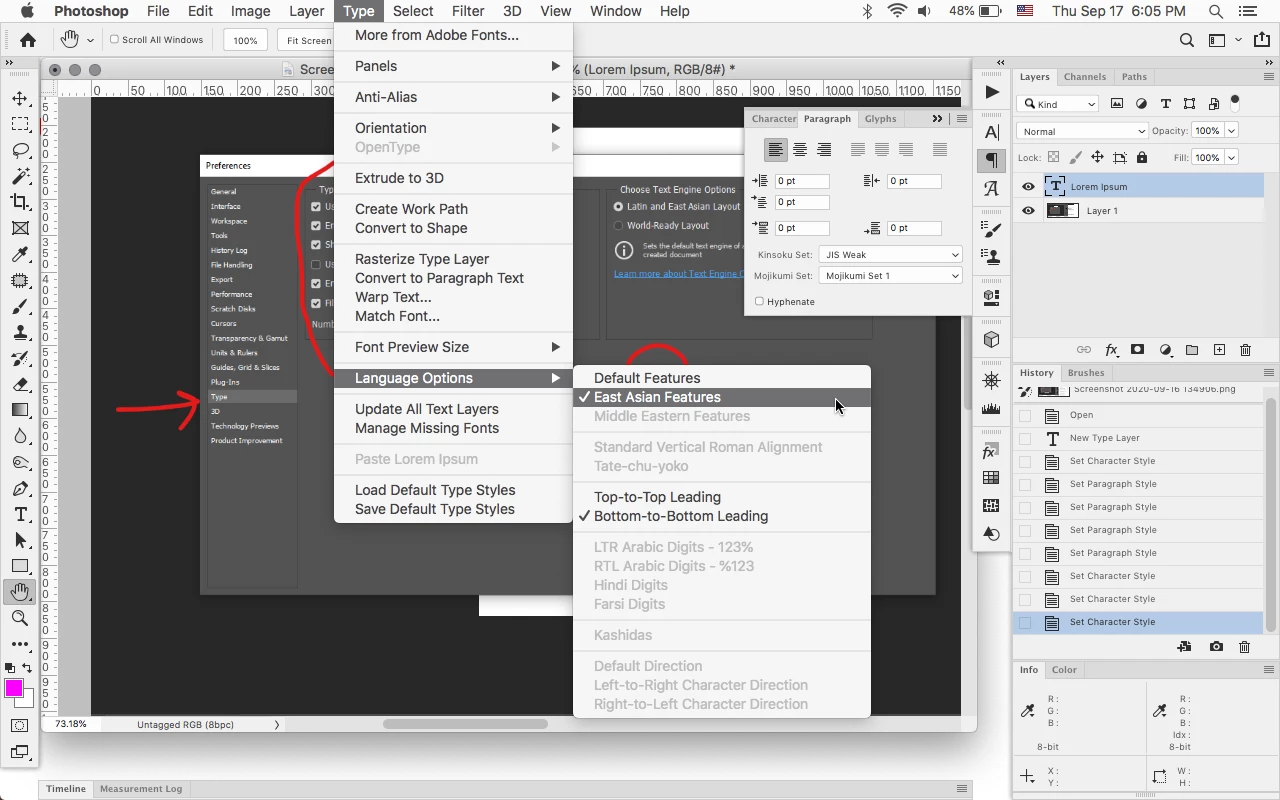
We work on Japanese text. The options for Mojikumi OR ANY OTHER FONT OPTIONS in Japanese are suddenly unavailable after the update and it is frustrating. The "experts" on chat have no clue what I am talking about and the online articles all point out to PREFERENCES --> TYPE --> SHOW EAST ASIAN TYPE OPTIONS but for the love of God, this simply does not exist. Please help!!! See screenshot.


 AdChoices