
Participant
January 14, 2025
Question

Photoshop 2024 Corrupt Files Issue

  • January 14, 2025
  • 2 replies
  • 140 views

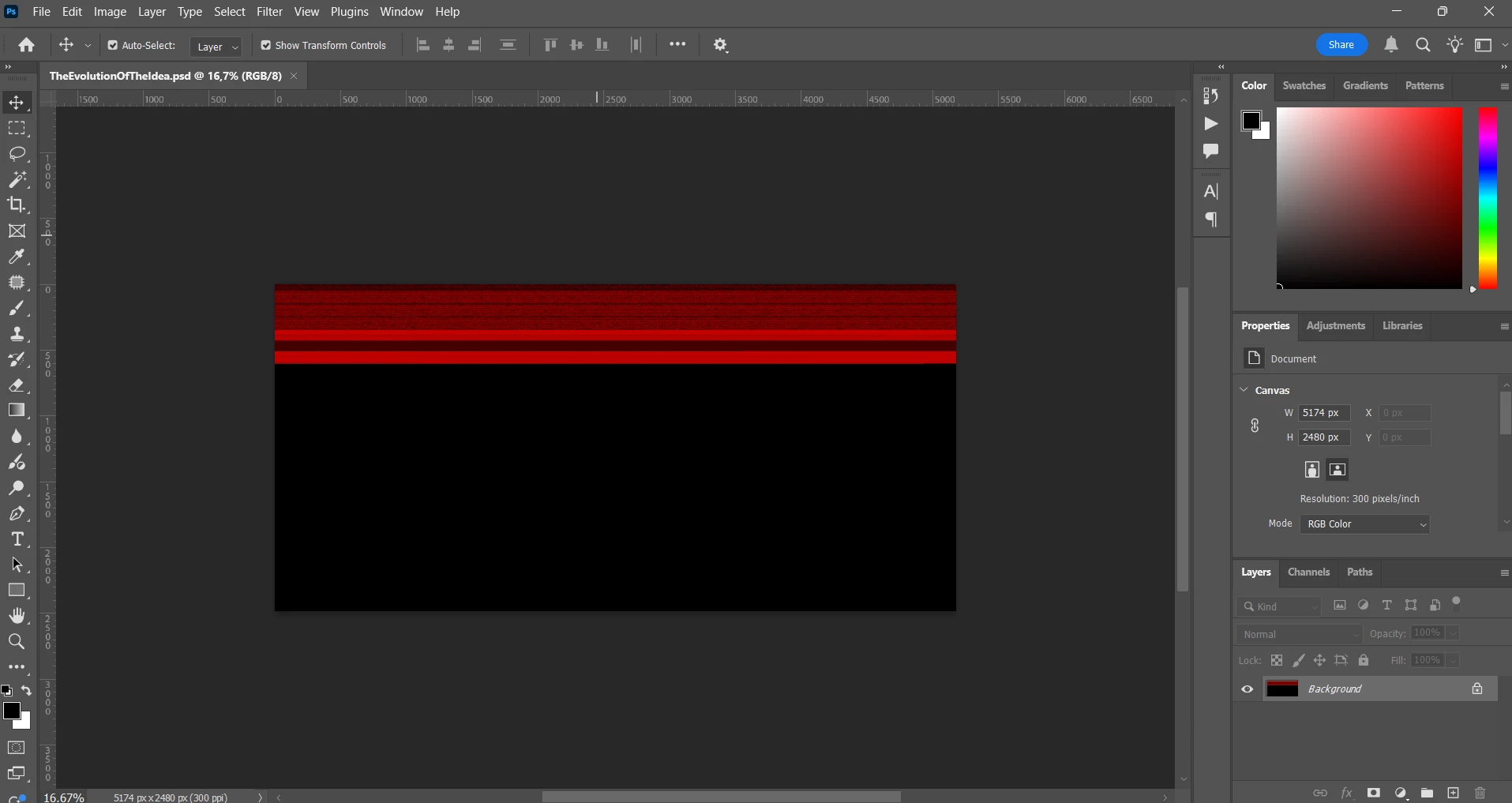
Hi - recently I've been having issues with photoshop corrupting my files, I will work on a project save it as a psd and then boom when i open it the layers are all merged and everything is distorted. This issue occurs randomly, I never know which one of my files are going to succumb to this. I've tried putting the corrupted psds in repair softwares and that never works. I've also done a check to see if there's any problems with my ram or my drives and they are in the clear so it is definatly a hardware problem. I desperately need help with this issue as i am losing crucial projects.
 

2 replies

D Fosse
Community Expert
Community Expert
January 14, 2025

File corruption is always, no exception, caused by failing hardware.


It can be a failing drive or bad RAM, but the most common cause is saving directly to an external drive, with worn and loose connectors/cables. Even more risky is saving directly over a network connection. Network connections are notorious for random and unpredictable failure.

kglad
Community Expert
Community Expert
January 14, 2025

in the future, to find the best place to post your message, use the list here, https://community.adobe.com/

p.s. i don't think the adobe website, and forums in particular, are easy to navigate, so don't spend a lot of time searching that forum list. do your best and we'll move the post (like this one has already been moved) if it helps you get responses.


<"moved from using the community bugs">
yin999Author
Participant
January 14, 2025

Thank You!