
Participating Frequently
April 7, 2025
Question

Photoshop 2025 keeps crashing on open

  • April 7, 2025
  • 4 replies
  • 899 views

I'm using Photoshop on a ProArt P16 (H7606) and it's been working swimmingly ever since I got it. That's not the case anymore.  I restarted my computer after After Effects crashed, and re-opening my computer re-opened a lot of project files I had open before then. After every project opened, I was met with this notification window.
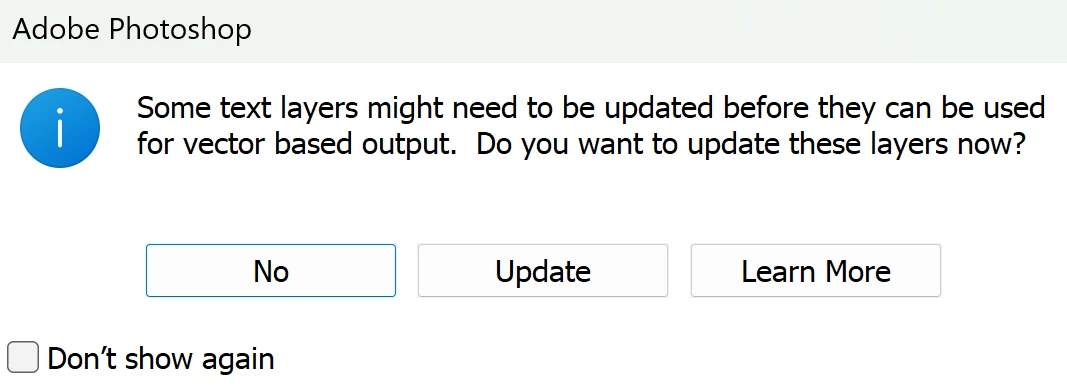
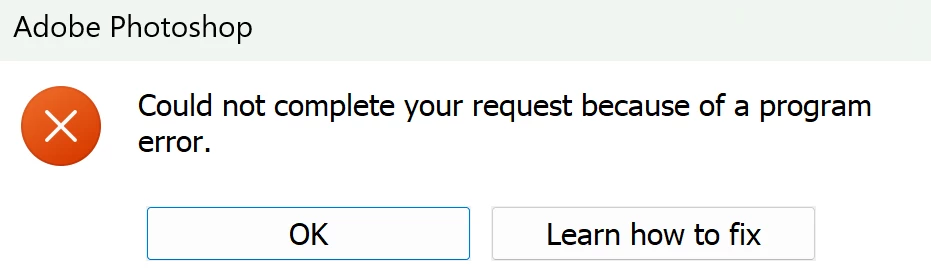
If I clicked no, Photoshop would freeze until an error report window would open. After sending the report, Photoshop closes. If I clicked update, this window would pop up:
 

If I clicked learn more, the same result as "No" would happen.


Even if I click "Don't show again," the window would show up again upon re-opening the app.


Although I have the latest version of Photoshop 2025 (which I updated after the first crash, didn't fix it), whenever I click on the icon I get a message pop up asking "Do you want this app to make changes to your device?" from Photoshop 2023. Task manager says it's 2025, which is strange. Attempting to open Photoshop from within the Creative Cloud does not work for some reason. Uninstalling and reinstalling Photoshop through Creative Cloud didn't work either.

4 replies

ml3mAuthor
Participating Frequently
April 7, 2025

Seems like synced Creative Cloud files are now discontinued, so I'm unsure how to approach this now that the instructions are out of date

ml3mAuthor
Participating Frequently
April 7, 2025

Also, hovering over the icon doesn't show the complete Photoshop version name since the word Adobe is in the way. When the app is fully open, only the top project file title is displayed.

CMass
Legend
April 7, 2025

If you haven't already, please try a clean install: https://adobe.ly/43KWn8G


^CM

ml3mAuthor
Participating Frequently
April 7, 2025

Once Photoshop is open, I'm unable to click on the menu bar because the text layer window immediately opens up. Doesn't work while the project file windows are opening up. After clicking any of the options, the menu bar and all other buttons on Photoshop are unusable.

CMass
Legend
April 7, 2025

Hey @ml3m


It sounds like a few things are going on that are not only frustrating but confusing. Are you able to open Photoshop far enough to reset your preferences? If so, please follow the steps listed in this article: https://adobe.ly/424z7RZ If you're only getting a crash, please send a report Adobe and include an email address. Please send me that email address as a PM. 

When you hover over the Ps Icon, does it say 2025 or 2023? 


^CM