Bob Ulius
Known Participant
November 5, 2025
Answered

Photoshop 2026 Plugin Installed but Missing — No Sign in Plugin Manager or Menus

  • November 5, 2025
  • 1 reply
  • 552 views

Hi folks,

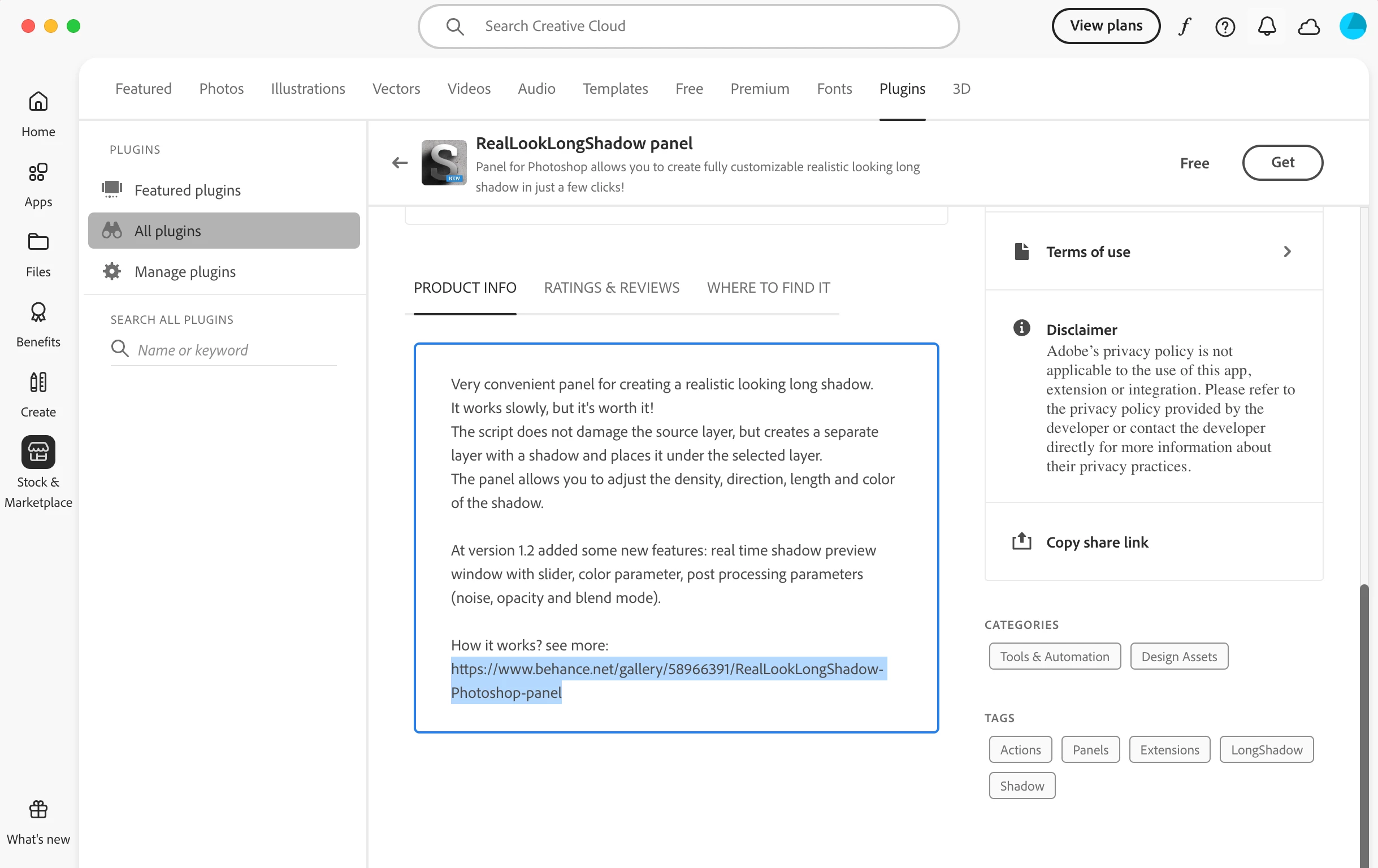
Just downloaedd my first plugin from Creative Cloud for Photoshop 2026. It says it is installed, but nowhere to be found. The plugins manager is blankl!! There is no Window>Extensions as some posts say or even the ""where to find" in the Creative Cloud app.

Where is it and how do I use it?

Thanks!

~Bob
Correct answer LAMY2017

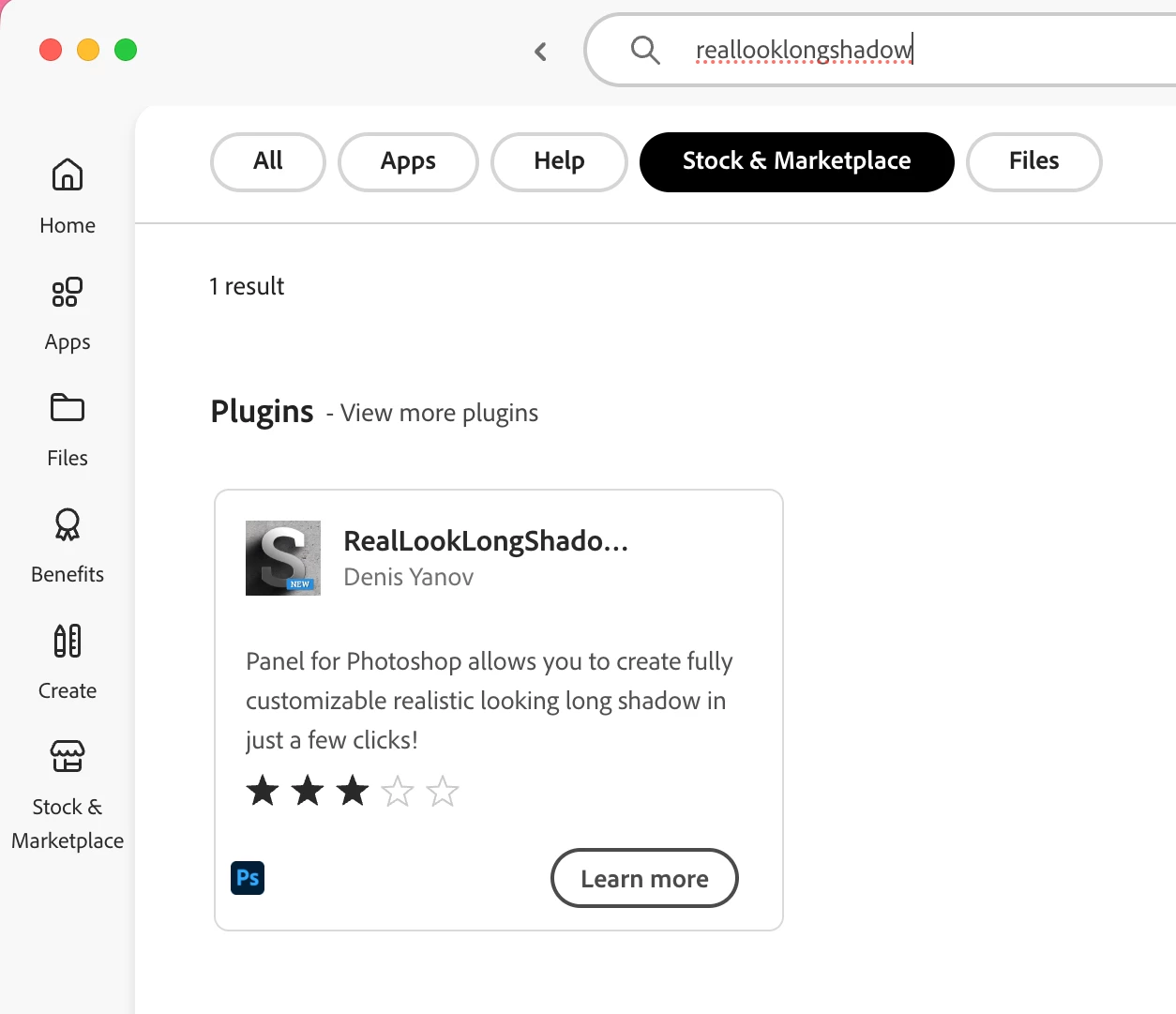
Click on Learn More

When I navigated to the founder's webpage,  I saw an interesting comment:

Oct 7, 2025
"Does not show on Apple Silicon based Mac computers unless you enable "Open Using Rosetta." Please update to be Apple Silicon compatible."


So, there's your work-around, Bob.


1 reply

Legend
November 5, 2025

"It says it is installed" -- which plugin, and where does it say it's installed?
I found mine in CC>Home>Plugins (your installed plugins).

Also accessed via Ps 2026>Plugins>Manage Plugins ->CC plugins

The 'where to find' popup says to find it "under the Plugins menu in Ps."

I don't have an Extensions section under Ps>Window in v27.0.0.


Larry
Bob Ulius
Bob UliusAuthor
Known Participant
November 5, 2025

See these:


 Not anywhere to be found...

CMass
Community Manager
Community Manager
November 6, 2025

Can you share which Plugin you're trying to install? 


^CM