

Question
Photoshop 2027 - levels adjustment highlights number when dragging
Hi,
Not a major, but annoying none the less.
I’ve just upgraded to photoshop 2027. I typically do lots of levels adjustments, where I adjust by pulling the edges of the graph inward, before using Command + ~ to move to the next image.
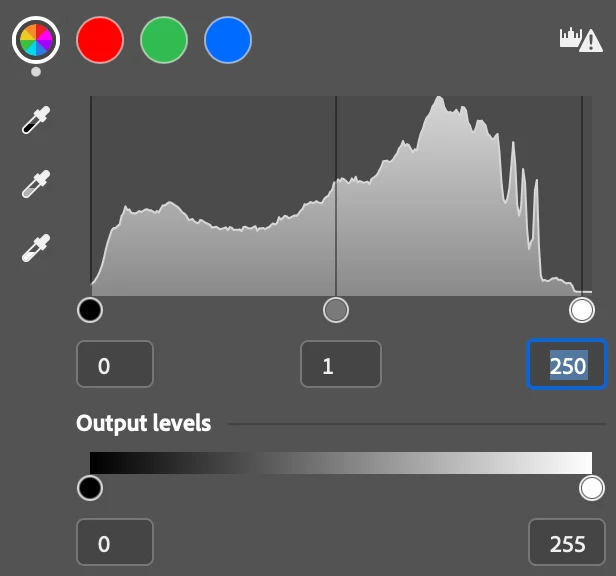
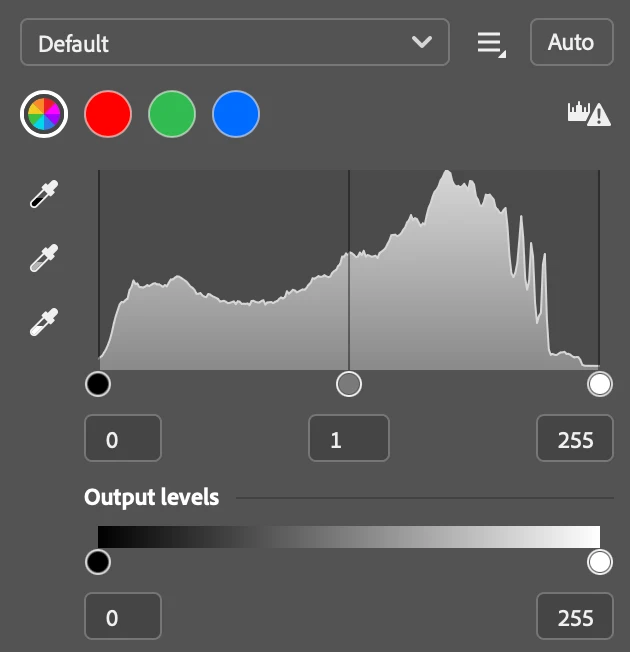
In the latest version of photoshop, the number that tells you the value of where you’re pulling the edge of the graph to, is highlighting (so someone could easily type in a value instead). It didn’t do this in previous versions (or if it did, it didn’t affect the keypad shortcuts). This is really annoying, as it means I have to click out of it for my command + ~ to move onto the next image and a lot of the time, it ends up moving the adjustment I just made.
Is there a way to stop the value highlighting?
 AdChoices