



Akash Sharma
Legend
June 4, 2021
Question

Photoshop 22.4.2 is now available

  • June 4, 2021
  • 7 replies
  • 11710 views

We are happy to announce the release of Photoshop 22.4.2
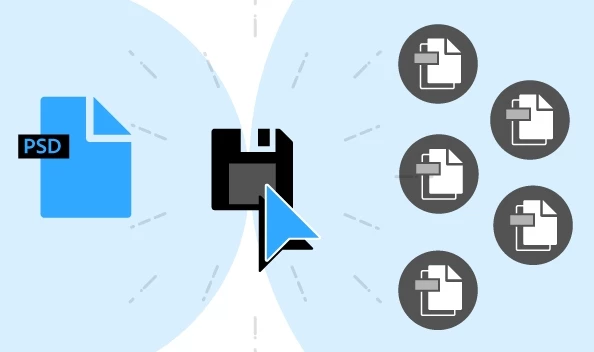


What's in the 22.4.2 update?

With the June 2021 release of Photoshop 22.4.2, you can both revert to the legacy Save As workflow and/or omit the addended “copy” when saving as a copy, if desired. For details, see Save your files in Photoshop.


This release also provides fixes to several customer reported issues. For details, see Fixed issues


To update Photoshop to 22.4.2, click "Update" in the Creative Cloud desktop app next to Photoshop. More detailed instructions for updating

7 replies

Participant
June 9, 2021

Can't save any file. Be it old or recent, saving any changes causes the dialogue box "Cannot save 'filename.psd' because of a program error." pops up.  Even when I try to replace the file, there's always a program error.  I've reverted to previous versions (22.4.1, 22.0.1, and 21.2.9) to no avail.  I use Photoshop regularly, so not being able to save effectively stops my work in its tracks. 

Participating Frequently
June 8, 2021

3d element creation still not working in update 22.4.2

Participant
June 8, 2021

This update sucks! When i move a layer around it doest update. I have to zoom in to see the changes

Participant
June 8, 2021

Save As Photoshop PDF is now under Save a Copy... why??

Participant
June 8, 2021

Oooo, never mind! I was still on 22.4.1, I'm pretty excited about the option to stop appending "copy" to files now that I updated to 22.4.2.

Participant
June 8, 2021

22.4.2 No longer sees my GPU Nvidia Quatro P2000 or gives me the option to enable it (Just says Unknown GPU). 

However, PS version 21.2.9 does see it and I'm able to enable it. 

I've updated the Nvidia drivers (restarted/rebooted, everything). 

My colleagues have noted the same on their machines as well.

Participant
June 8, 2021

now this message comes out when you try to use the enhance function with a mac mini with an M1 chip

Participant
June 8, 2021

There is a problem with the update

Participant
June 8, 2021

I keep trying, but it doesn't work.