
Participant
December 14, 2023
Question

Photoshop 3D isn't working

  • December 14, 2023
  • 2 replies
  • 1263 views

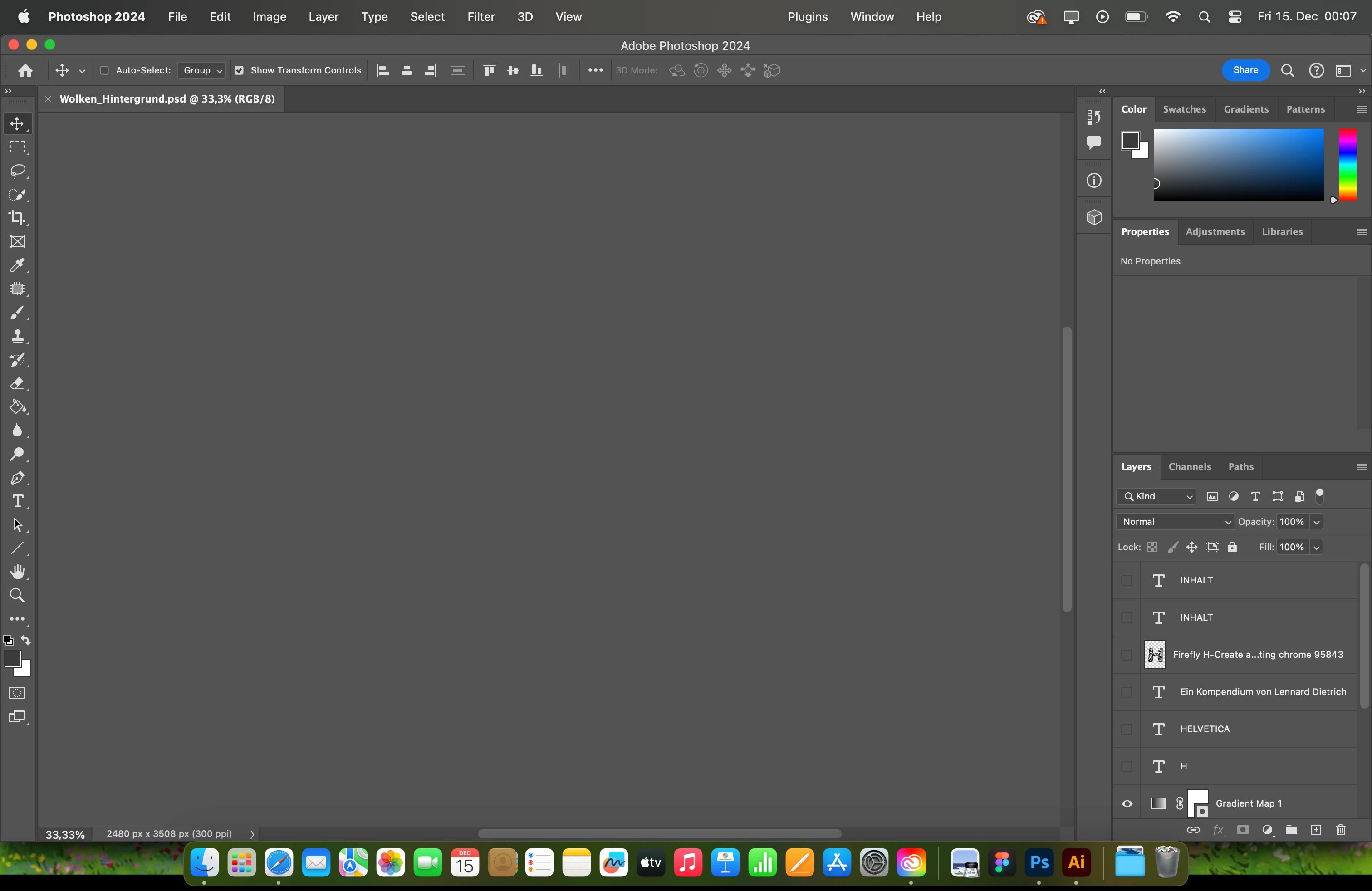
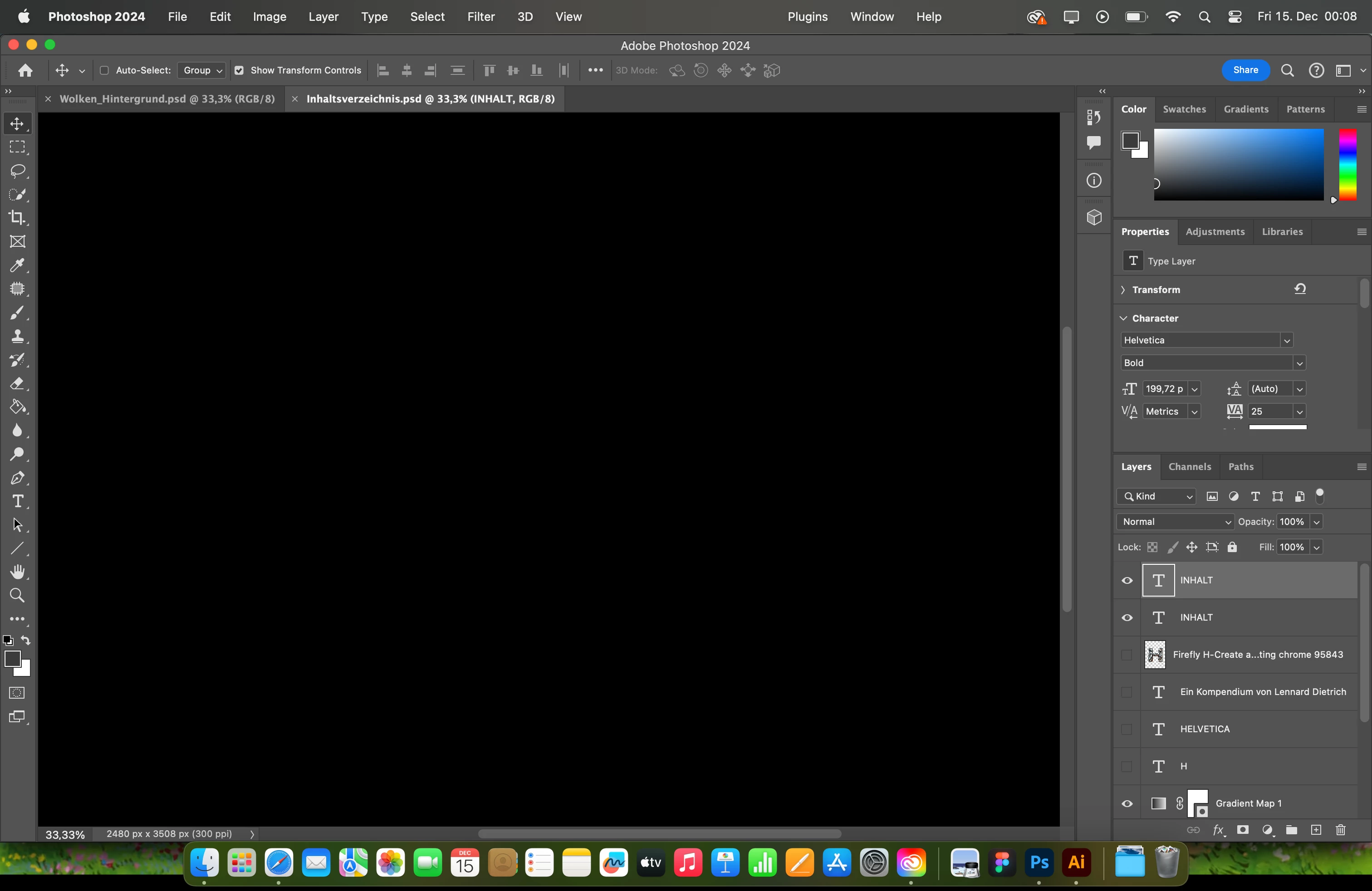
Hey there I have a problem with my Photoshop currently. I've got the newest version on my MacBook and I have a pretty good Laptop, so the issue isn't because of any technical problems. I want to create 3D logos in PS and if I want to edit the textures from my Layer PS is crashing and I cant even see any Layers, even normal ones without any 3D Effect. If I reopen Photoshop I still cant see any Layers on any Document, only if I restart my Laptop. 


What should I do? And how can I enable the 3d settings again?
This topic has been closed for replies.

2 replies

Conrad_C
Community Expert
Community Expert
December 14, 2023

Yes, problems are expected. When I try to switch to the 3D workspace I get this warning on my Mac, do you remember if it ever appeared on your Mac?

The Learn More button leads directly to the same web page that Myra posted.


Myra Ferguson
Community Expert
Community Expert
December 14, 2023

Unfortunately, 3D in Photoshop is being discontinued. There are some options you can try to get it to work from this Knowledge Base article: