


Photoshop, appearance of an artifact
Problem Description:Problem Description: While actively working in Photoshop, an empty, translucent white modal window suddenly appears over the workspace, completely blocking the application. The program interface becomes unresponsive: the top menu items become inactive (grayed out), interaction with the canvas stops, and standard keyboard shortcuts (such as Ctrl + S to save) are ignored. Any mouse clicks on the canvas or menu items are accompanied by the standard Windows system error sound. The issue may be directly related to the background JavaScript Runtime process (node.exe), running within Photoshop. Attempting to terminate node.exe using the standard Windows Task Manager method is blocked by the operating system. The only way to temporarily restore access to the interface is to force-quit the process via the command line. After force-quitting node.exe, Photoshop displays a delayed error message: "There was a problem with Generator. Please close Photoshop and try again..."
Despite implementing a series of internal and external measures to work around the issue, it consistently recurs every few minutes. Below is a timeline of the actions taken:
- UI Workarounds: Pressing
Esc, cycling through document tabs, or minimizing/maximizing the program (Win + D) failed to close or drop the blank screen overlay. - Disabling Adobe Generator (Internal Method): Navigated to Preferences > Plug-ins to uncheck Enable Generator. However, accessing this menu or initiating it immediately forced the blank window to trigger and lock the software up again.
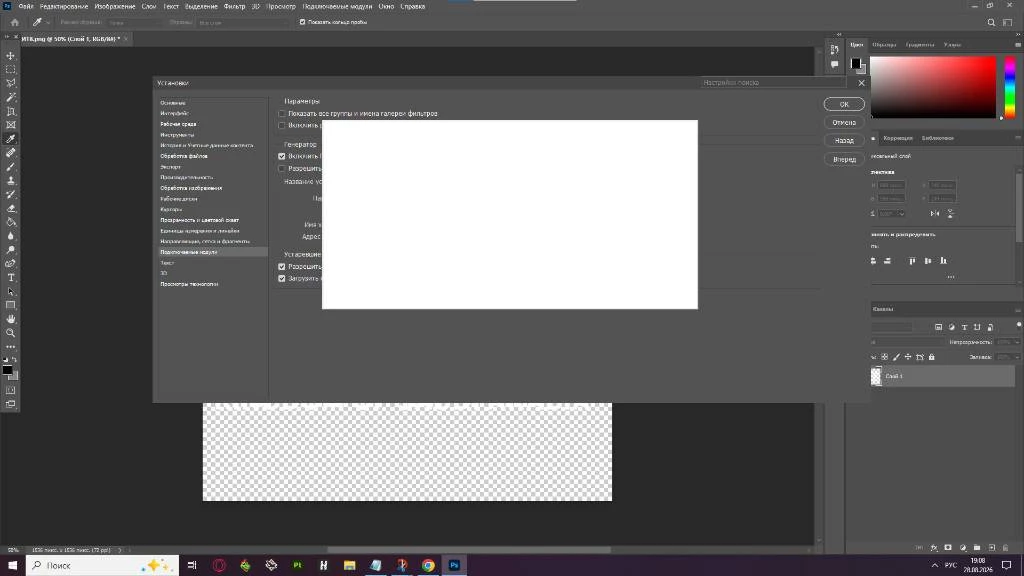
- Disabling Generator (External Directory Bypass): Navigated to
C:\Program Files\Adobe\Adobe Photoshop 2024\Plug-insand appended theGeneratordirectory toGenerator_01. The issue persisted.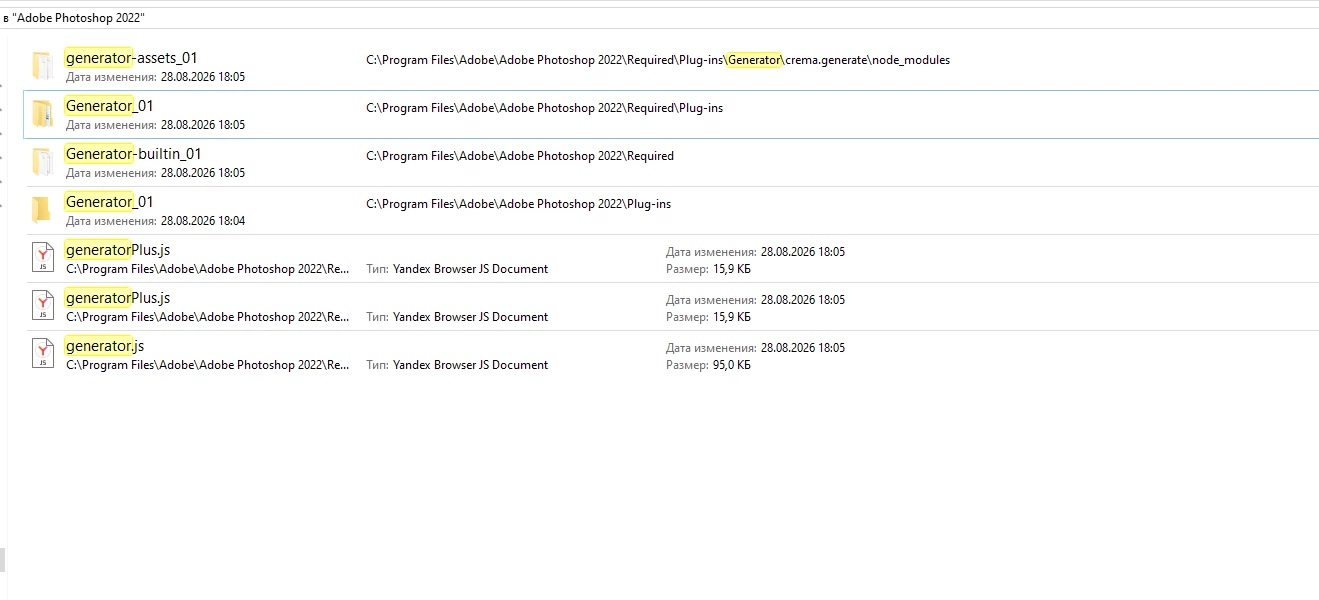
- UI & Tooltip Adjustments: To check if it was an in-app popup trigger, went to Preferences > Tools and disabled both Show Rich Tooltips and Show Tooltips. Additionally, unchecked Auto-show the Home Screen under Preferences > General. The white screen still appeared within minutes of drawing.
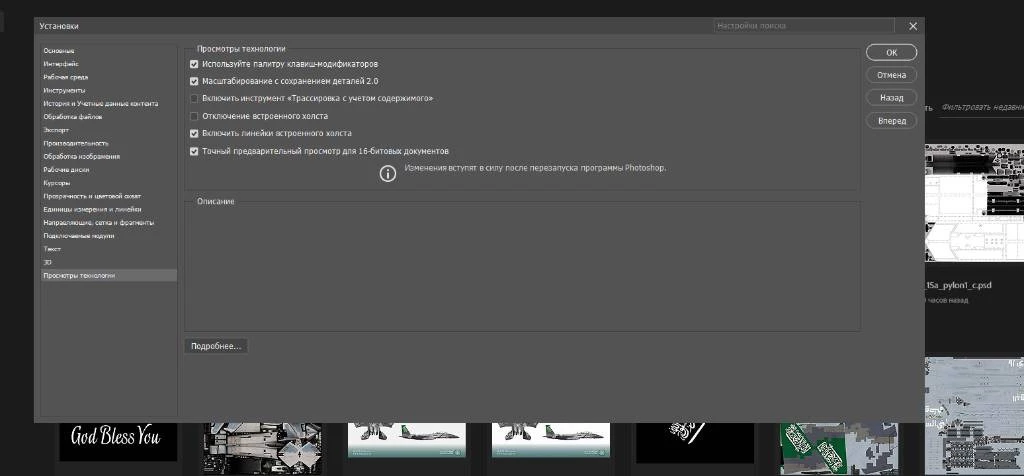
- Rendering Adjustments: Enabled Disable Native Canvas via Preferences > Technology Previews to test if it was a canvas rendering artifact. The bug remained unaffected.
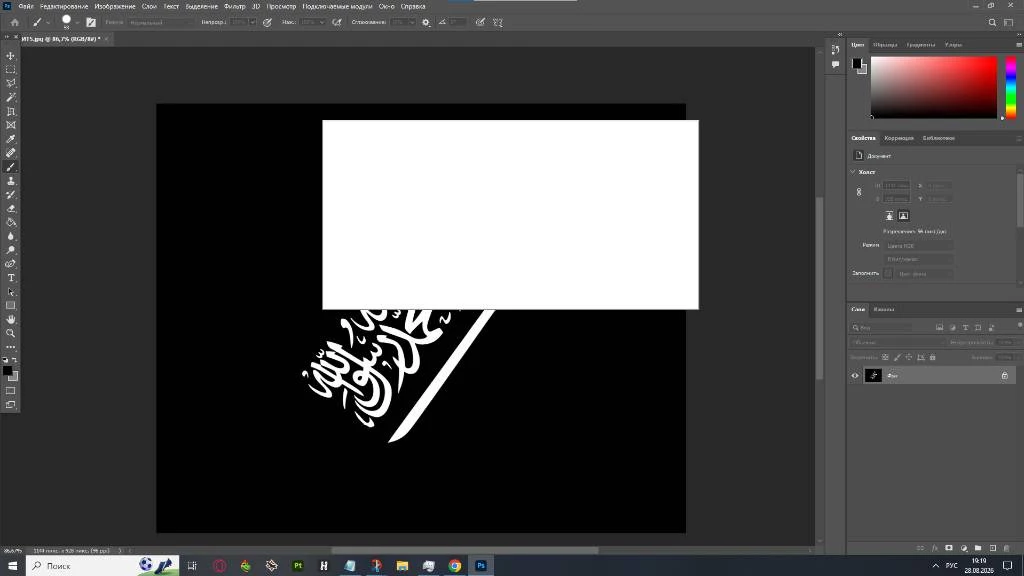
- Hard Resetting Settings Profile: Cleaned out user preferences externally by deleting the
Adobe Photoshop 2022 Settingsdirectory under%appdata%\Adobe\Adobe Photoshop 2022\. After testing on a completely fresh profile for roughly 3 minutes, the application locked up into a white screen again.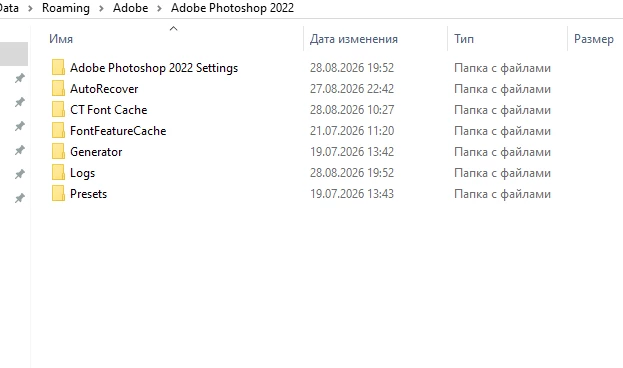
-
Complete UXP/Node Engine Disabling (Failed Attempt): Since the
Spacemodule folder does not exist natively in this directory tree, the entire UXP engine directory at...\Adobe Photoshop 2022\Required\UXPwas renamed toUXP_01to completely block CEF/Node web views. However, even with the UXP engine entirely bypassed and deactivated, the blank white window still appeared and froze the UI after a few minutes of work.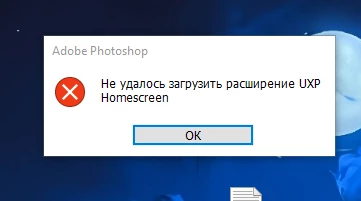
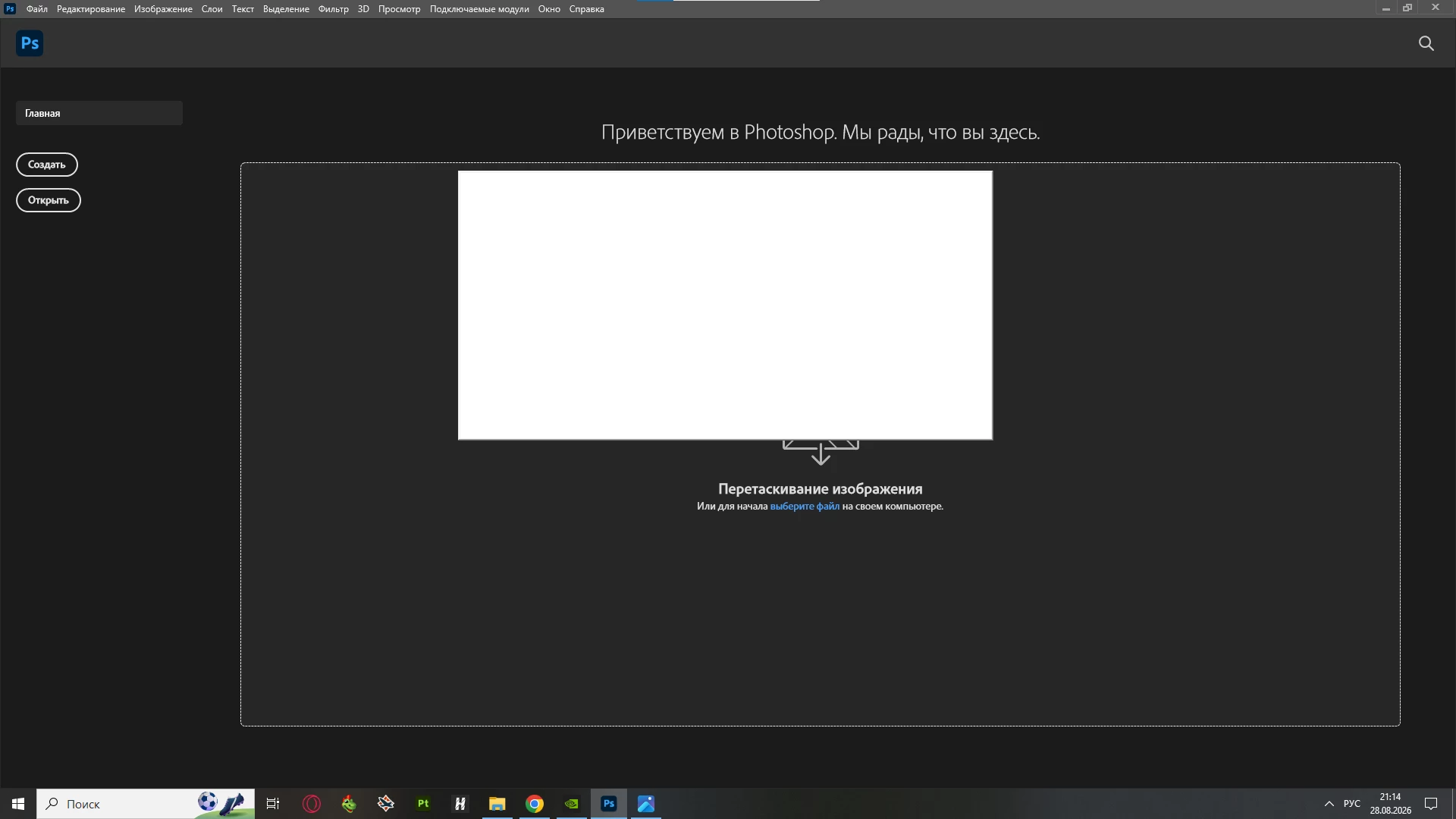
Please develop a specific plan to resolve this interface glitch.
 AdChoices