
Question
Photoshop "Blend If" layer to After Effects
I'm working with Photshop file into After Effects, but I encounter a parity problem between the two files.
Some photoshop layers use "blend if" blending mode, these layer don't display as intended on After Effects.
I've already encountered this issue; As a workaround, I used to merge layers into smart objects but the hierarchy of the Photoshop file do not let me apply the same technique this time.
Are there a simpler way to fix parities problems ? Or are there a way in Photoshop to merge "blend if" layers into a smart objects keeping identical results ?
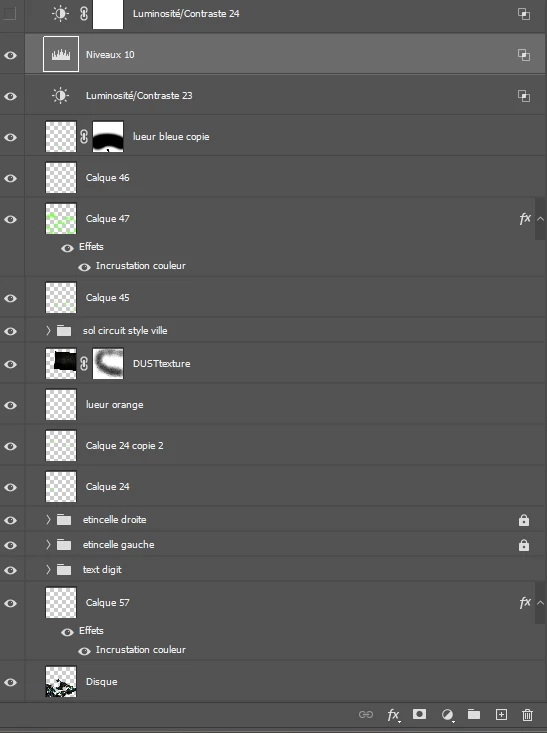
File Hierarchy (Photoshop)
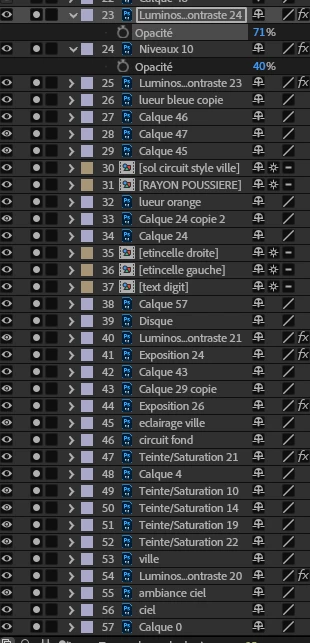
File Hierarchy (After Effects)
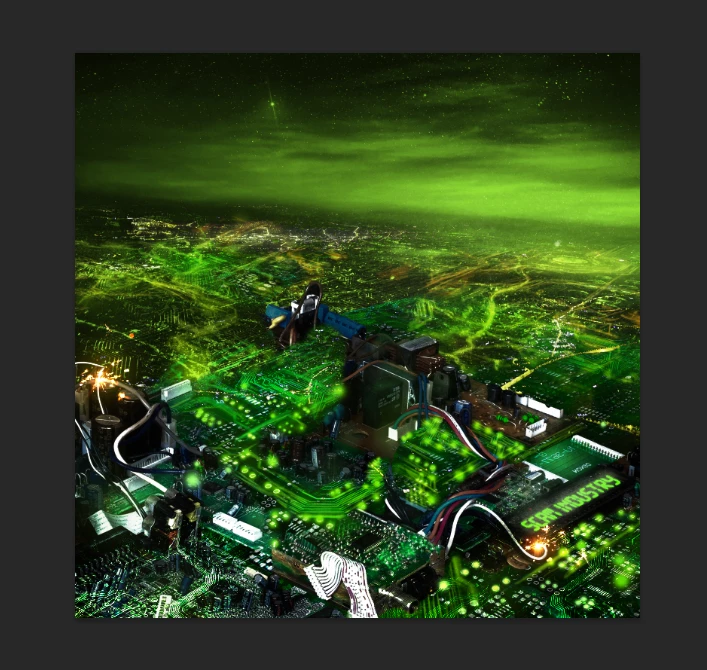
Photoshop result
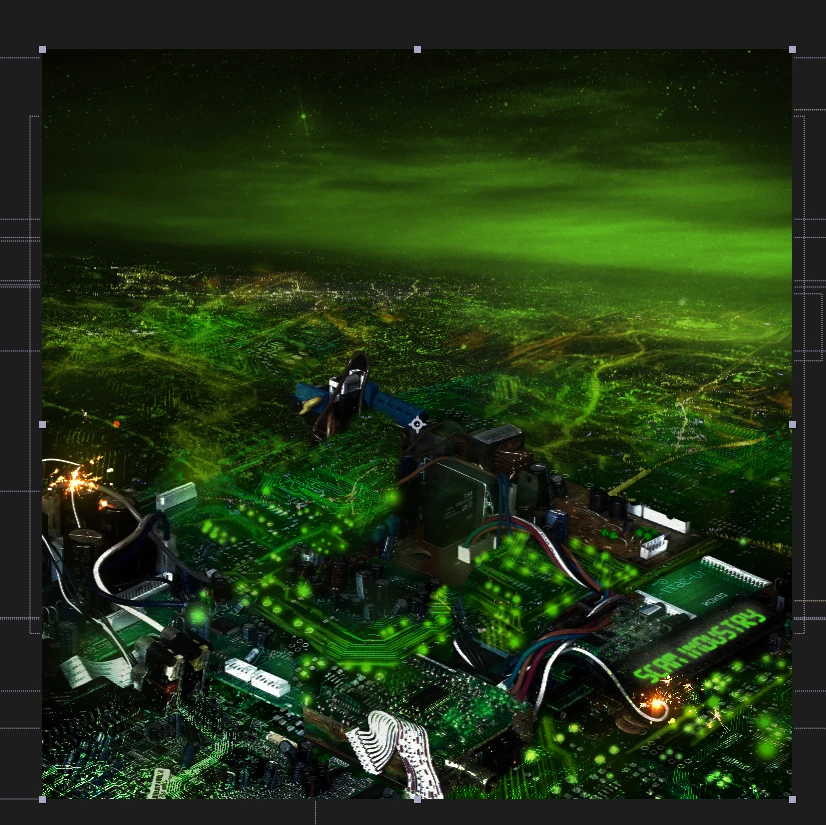
After effect result


 AdChoices