
Photoshop brush menu - they’re all white??!!
Hello everyone!!!
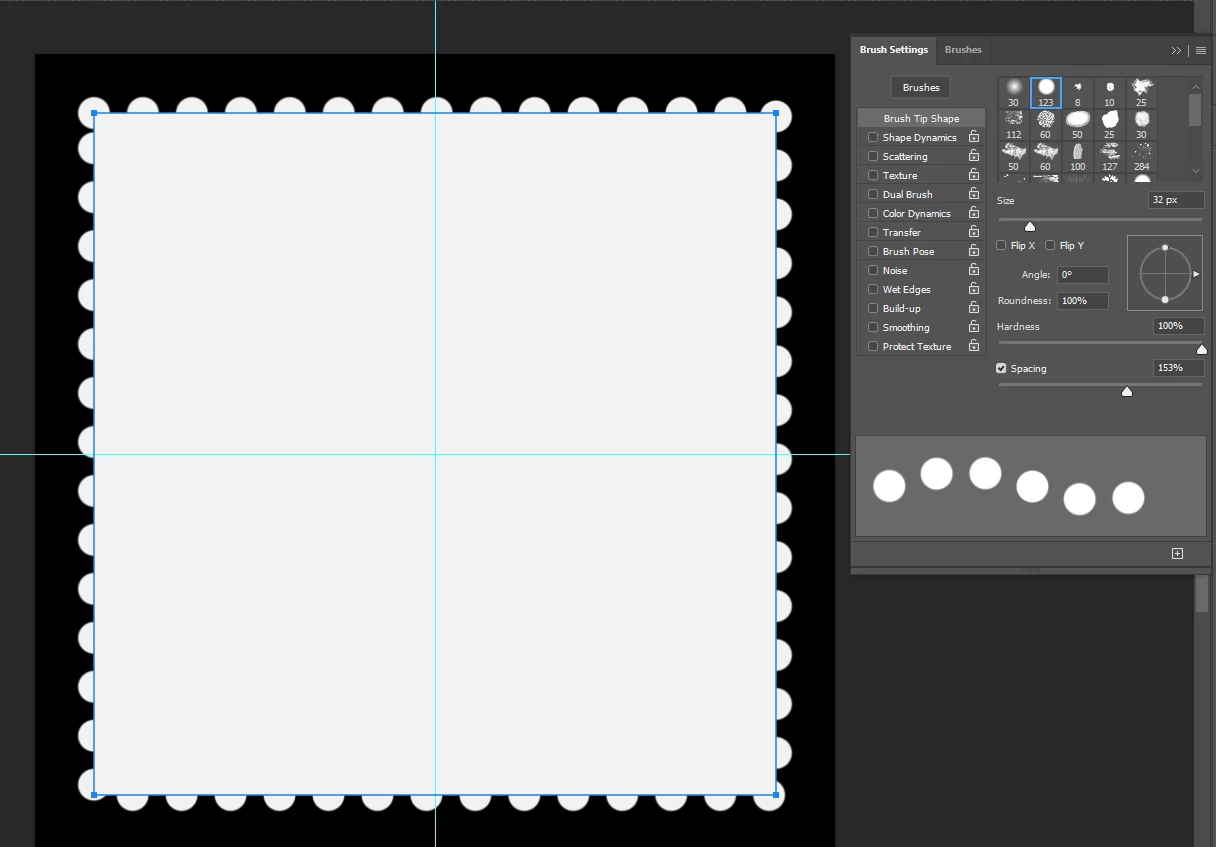
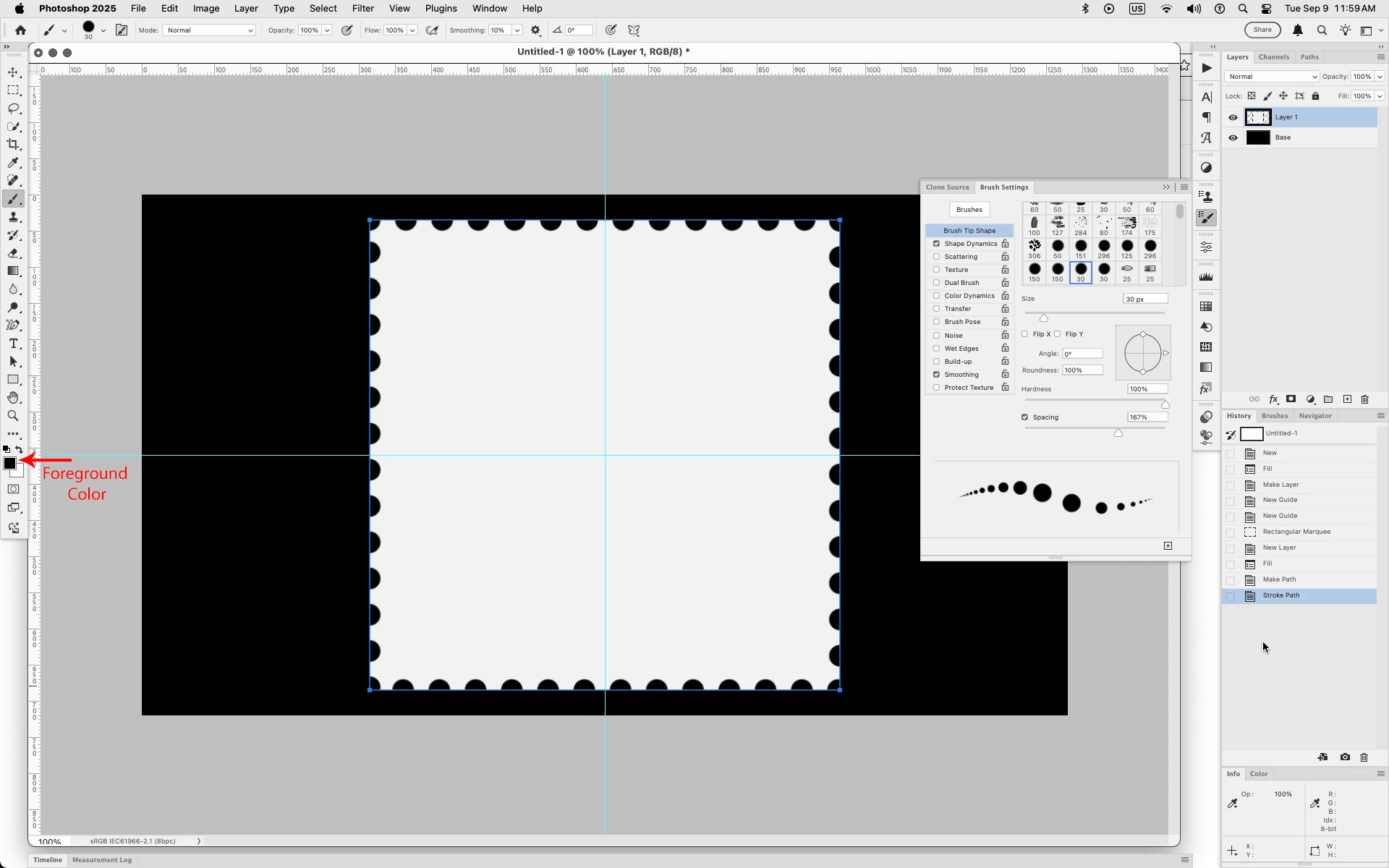
im working on creating a postage stamp is PS and one step calls for creating a work path then applying a circular brush to the path to get the perforated edge of a stamp. To achieve this the tutorial calls for making the work path, selecting the brush, then applying it and VOILA!! The effect. But.....the "brushes" in my brush menu (Win 11, F5) are all white and this effect seems to add to the work path (making the edge bulge out) instead of it subtracting from the edge.
Image of the brush menu and the bulged effect below. I'll add the tutorial link.
my question - what's wrong? Why are the "brushes" white and I'm getting the additive effect?much appreciated!! I did the reset under the setting for brushes but......uggh!!!!
tutorial (not meant to be "advertising ")
https://youtu.be/FznXiKhxoUw?si=QDyv4e2reNrbdOvy
image



 AdChoices