
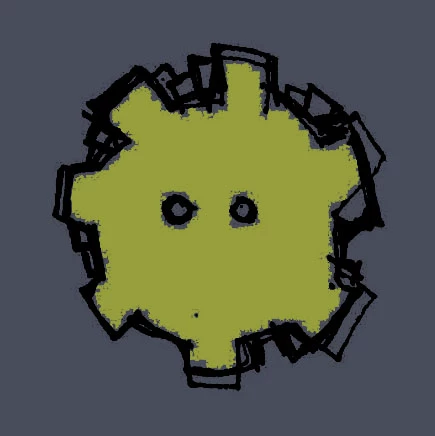
Answered
Photoshop brush settings - automatically remove overlapping lines
Hi all,
Long time listener first time caller...
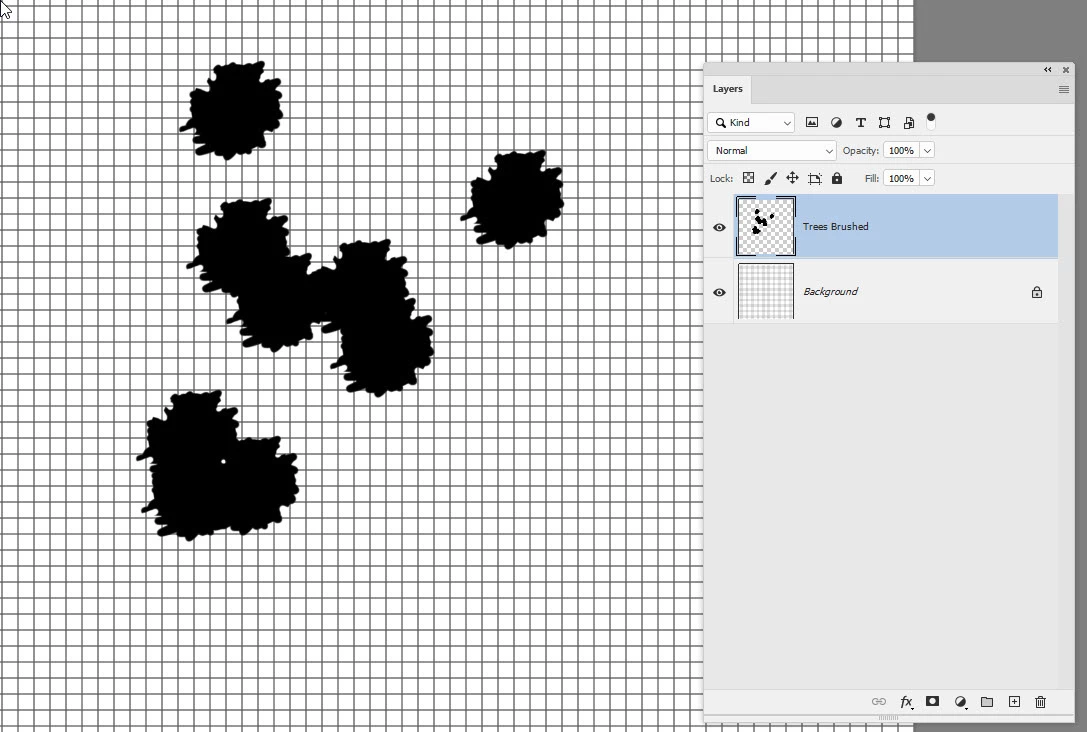
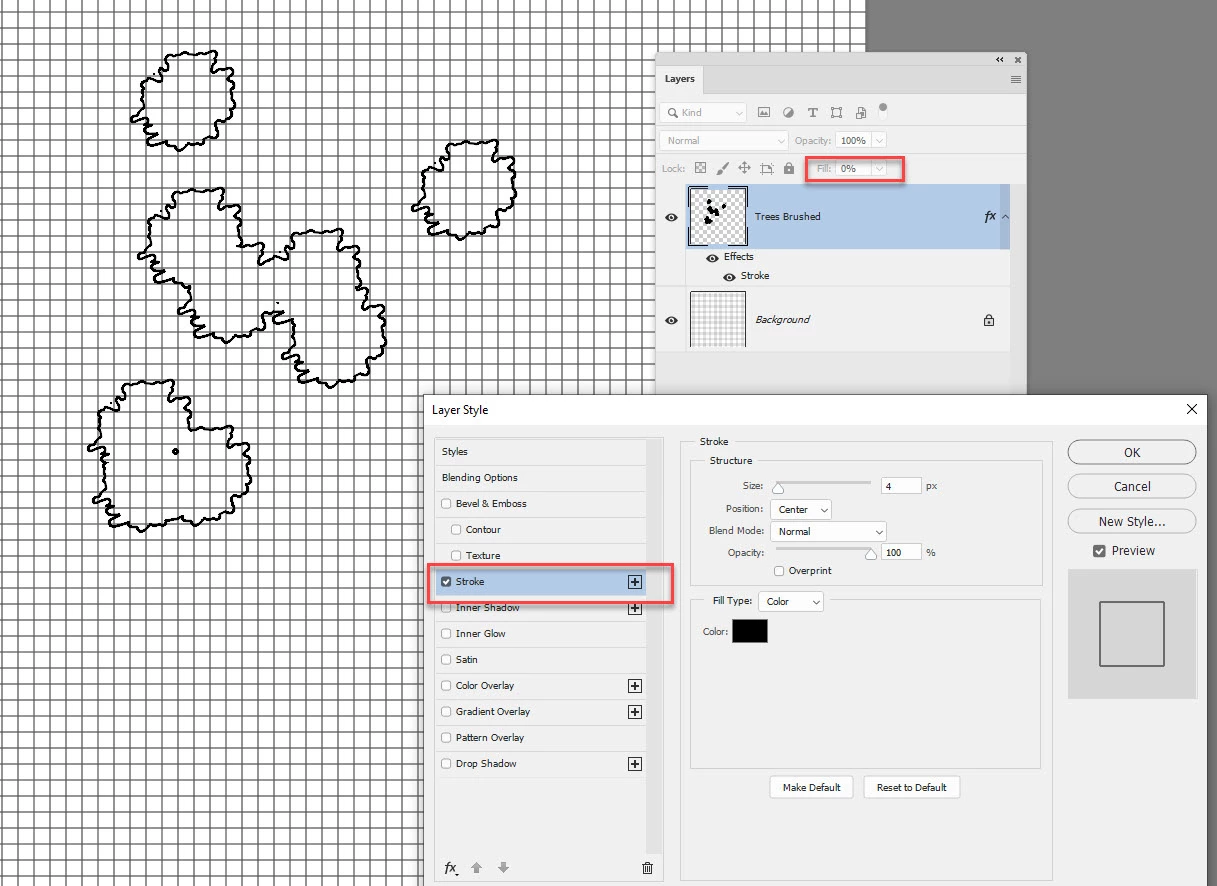
I am wondering if there is a quick and easy workflow for placing brushes over the top of each other, resulting in the overlapping lines not being visible.
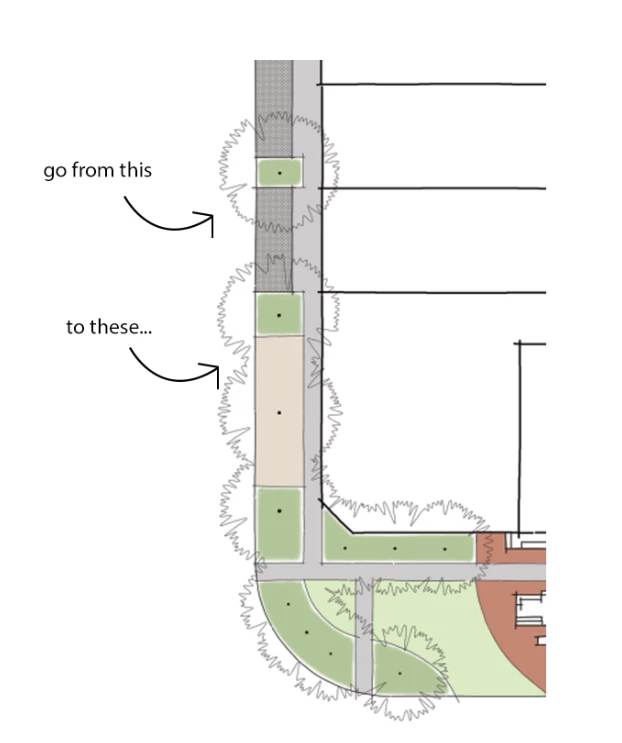
For reference, I am wanting to create an architectural plan using trees in plan view.
The tree brushes are the brushes I am wanting to amend to achieve the effect stated above.
see pic below for reference.
Many thanks in advance.

 AdChoices