
Answered
Photoshop CC 2018 - line spacing tool failoure
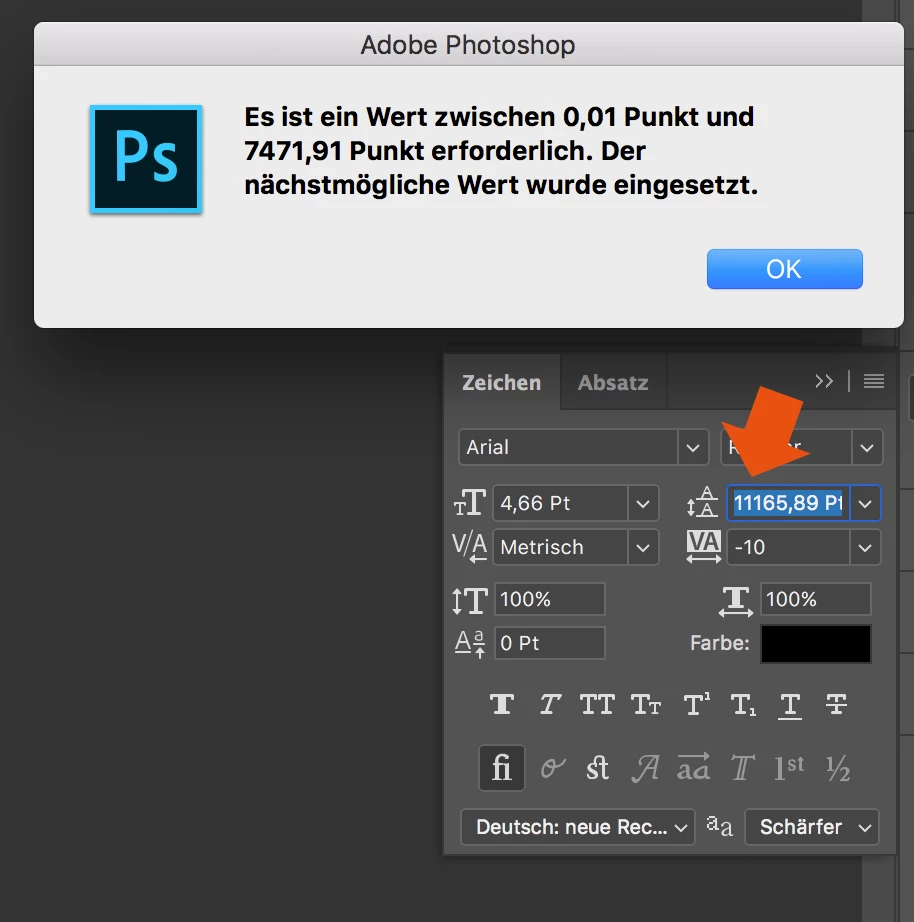
Since the Update of Photoshop CC 2017 to Photoshop CC 2018, the line spacing tool is not working anymore.
When I try to enter a number, it randomly changes it to another one. Also if I try to change the number via draging over the tool-symbol it first works and then jumps to a number over 8000...
How to fix this? Thank you in advance!
 AdChoices