
Photoshop CC crashes - conflict with NVIDIA Quadro M1200 graphics unit. Any suggestions?
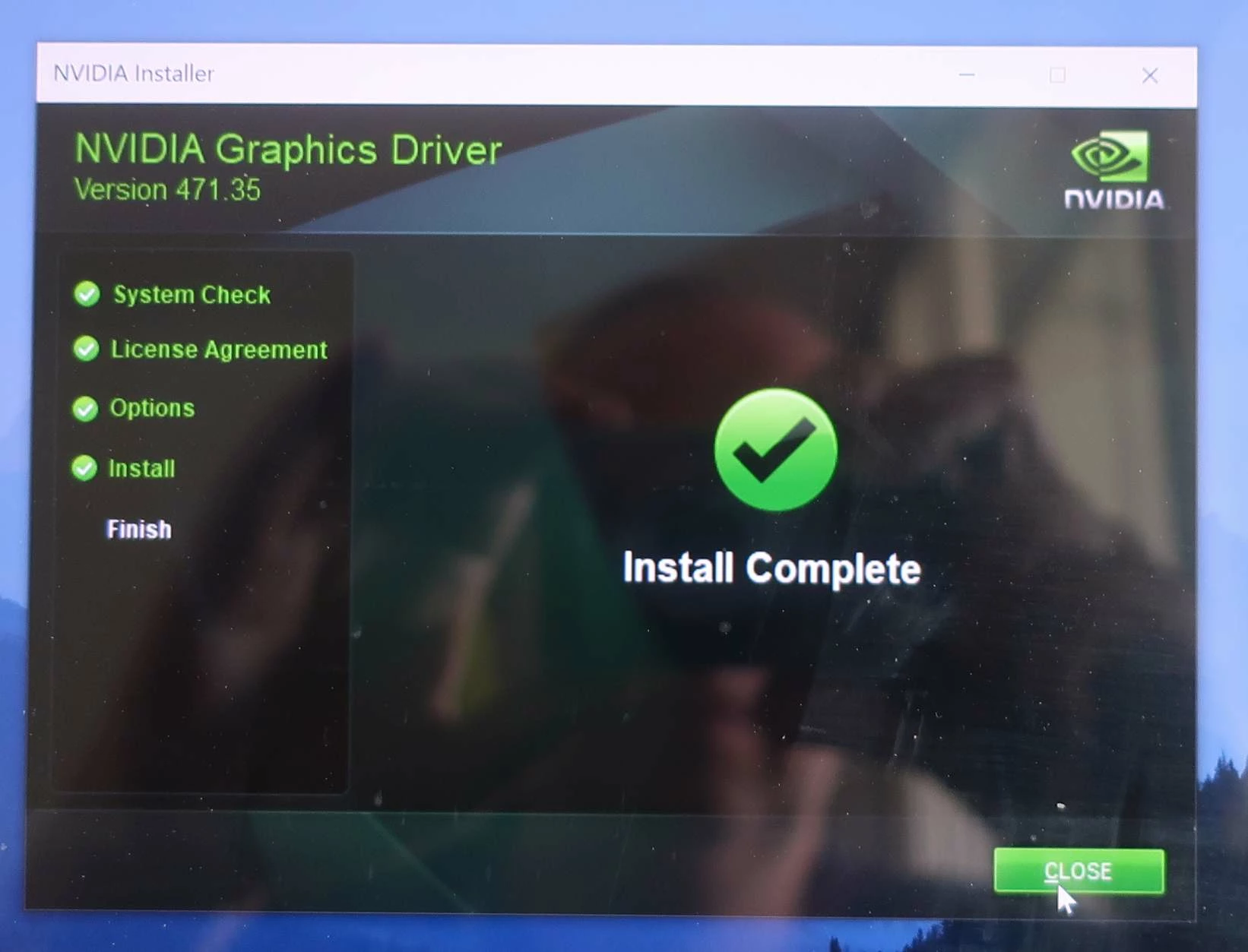
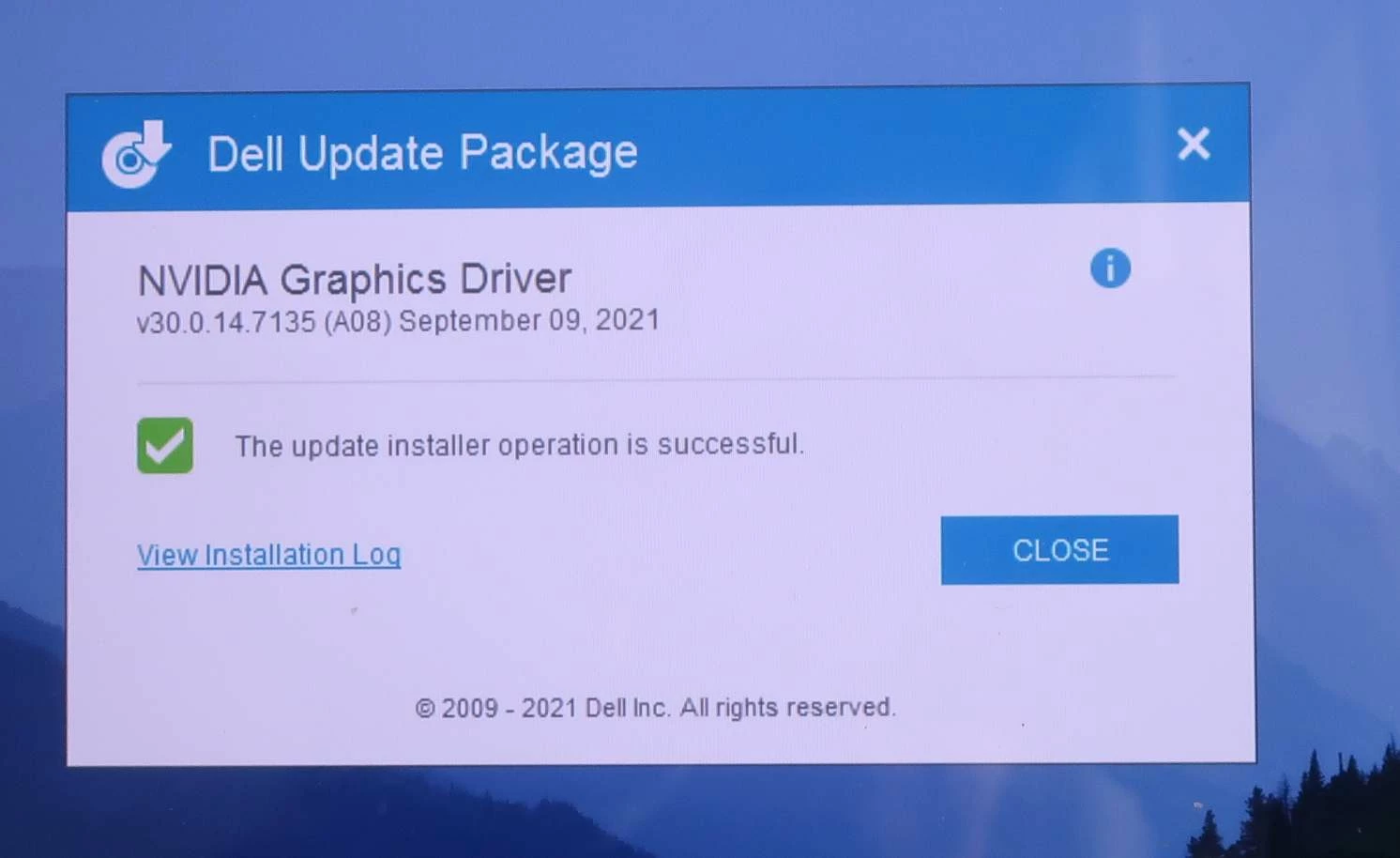
Photoshop crashes on my Dell 5520 Precision Laptop (Windows 10) - There's a conflict with the GPU (NVIDIA Quadro M1200). Dell support ran various diagnostics; all came back fine. I have updated all drivers and to the latest Photoshop version.
Here's what happens.
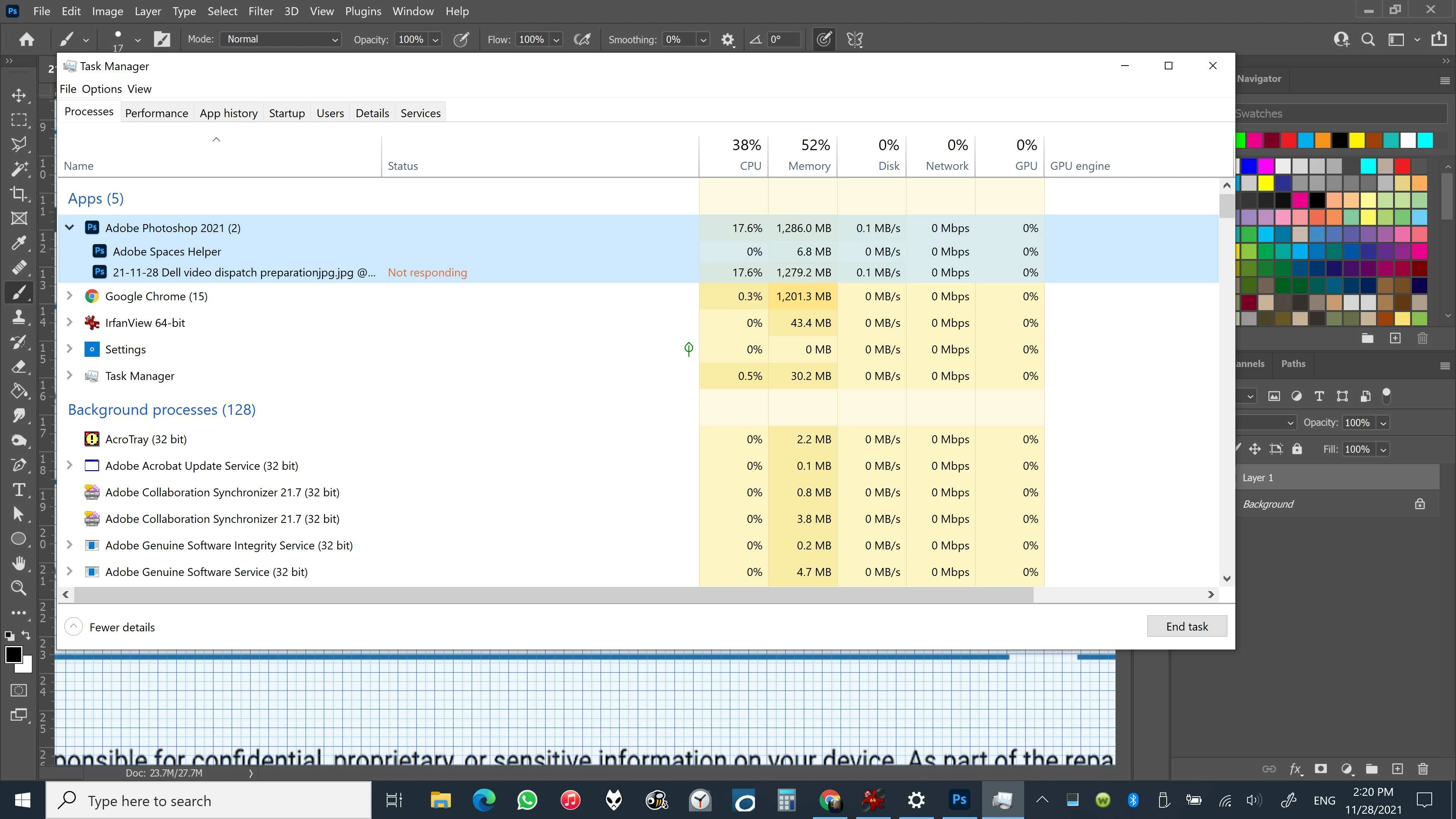
1. Photoshop hangs up. I can't do anything.
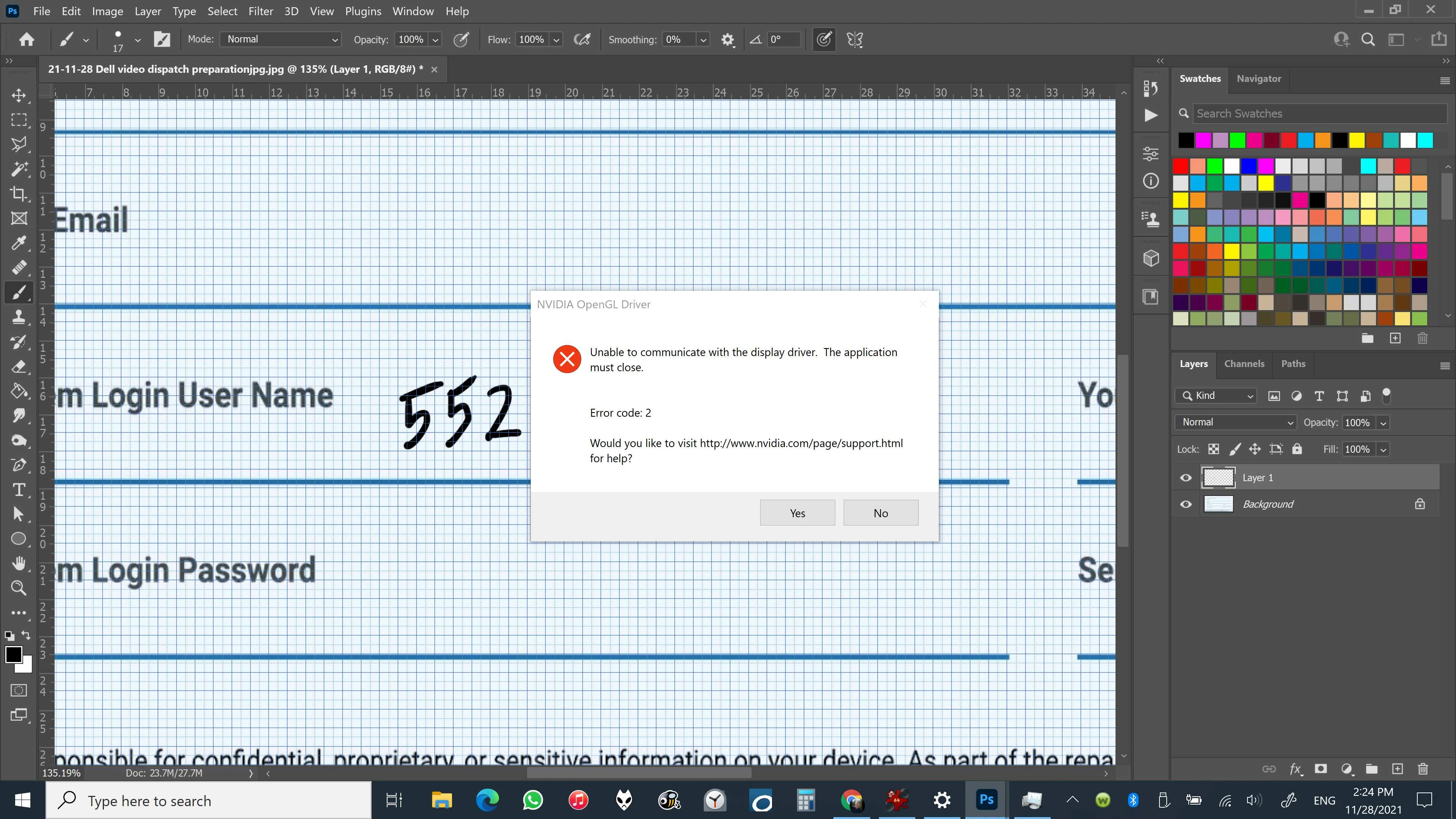
2. After a few minutes or a minute, but not immediately, this error message shows up (Please see also photos below):
Unable to communicate with Display Driver
2. After a little while, if I let the computer sit for a few minutes, I get another message and the blue screen of death with the following message (again, please see below)
Stop code: VIDEO_DXGKRNL_FATAL_ERROR
The machine runs stable with the NVIDIA Quadro M1200 disabled. But when I disable the NVIDIA graphics unit, it runs slower, and I have to slow down sketching in Photoshop.
I don't know when this problem started. It must have happened with some Windows or Dell update some months back.
I also need the fast scrubby zoom function in Photoshop. It's way slower with the NVIDIA GPU disabled.
Here's my workaround: I go to Photoshop and keep working in Photoshop, it will run fine, but I can't take breaks. I have to keep working on it. The program might hang up if I jump to another app, like Chrome or InDesgin, and spend too much time away from Photoshop. That also happens when I take a coffee break from the computer.
The computer doesn't always fall asleep with Photoshop, or it might hang up Photoshop.
I suspect some issue between Dell sleep function and may be an incompatibility of some sort.
A year ago, I tried to fix the falling-asleep issue with Dell, and it seemed to work at first, but then I noticed it again. I gave up on it because it doesn't affect my work. It's just a safety issue for me.
Closing the lid does the trick.
Unfortunately, I can't emulate the problem with precision. It just happens. Photoshop hangs itself up. After it happens, I need to do a restart. If it happens too often, I have to disable the graphic card in the Device Manager and work in slow motion. Very annoying.
I also wondered if the computer or graphic card gets too hot, but I have a cooling pad and noticed the problem even when I hadn't done much work, and the computer was still cold.
Do you have any suggestions?
I appreciate your help in advance or for directing me to the right place.
I'm working with 16 GB of RAM
4 GB Graphics Unit
I' am also pasting a few screenshots of the issue below.
BTW I run the same PS CC version on my Surface 7 without any problems (Sketching with a Wacom tablet etc.)

 AdChoices