

Answered
Photoshop changing colors from .jpg, why?
I need a help. I need to edit a jpg pic but when I put it on Photoshop, the colors change, got more saturate and vibrance. Sorry if I didn't explain well, english is not my native language. But i have some printscreens to explain more:
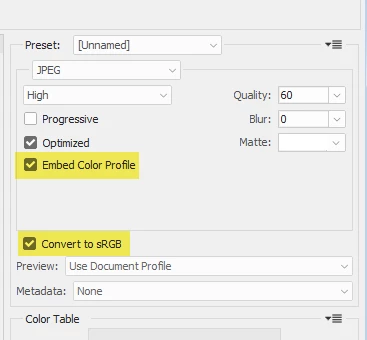
1 - This is the final edit and after all, the wife asked me to edit some wrinkles. This pic was export as srgb in "Save for web". Look at these colors and compare to the image 3.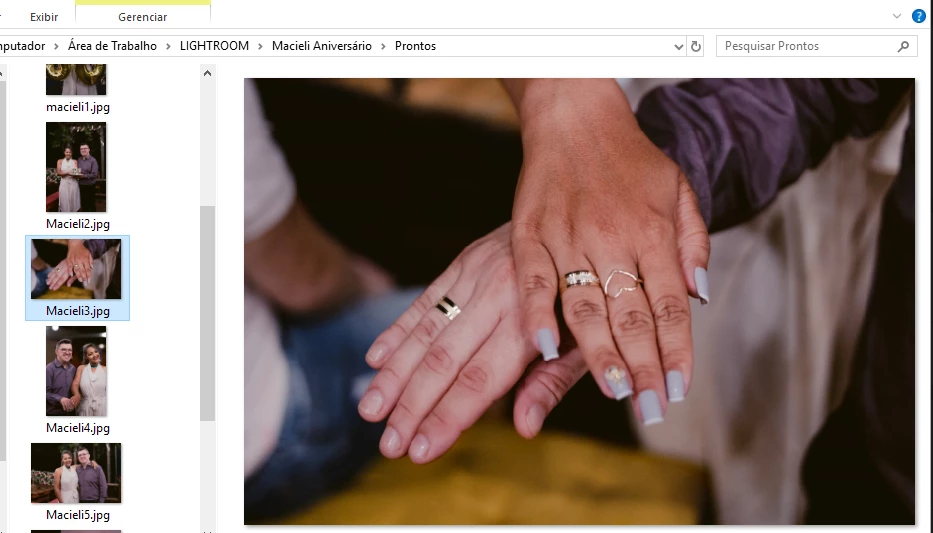
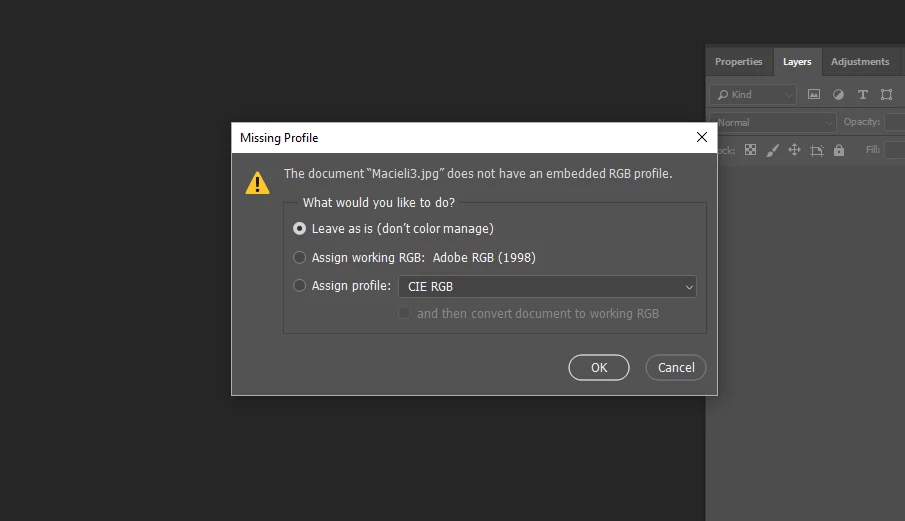
2 - When I open the image, the color profile window is displayed and I select "leave as is" and hit ok
3 - But the color is changing (look back image 1)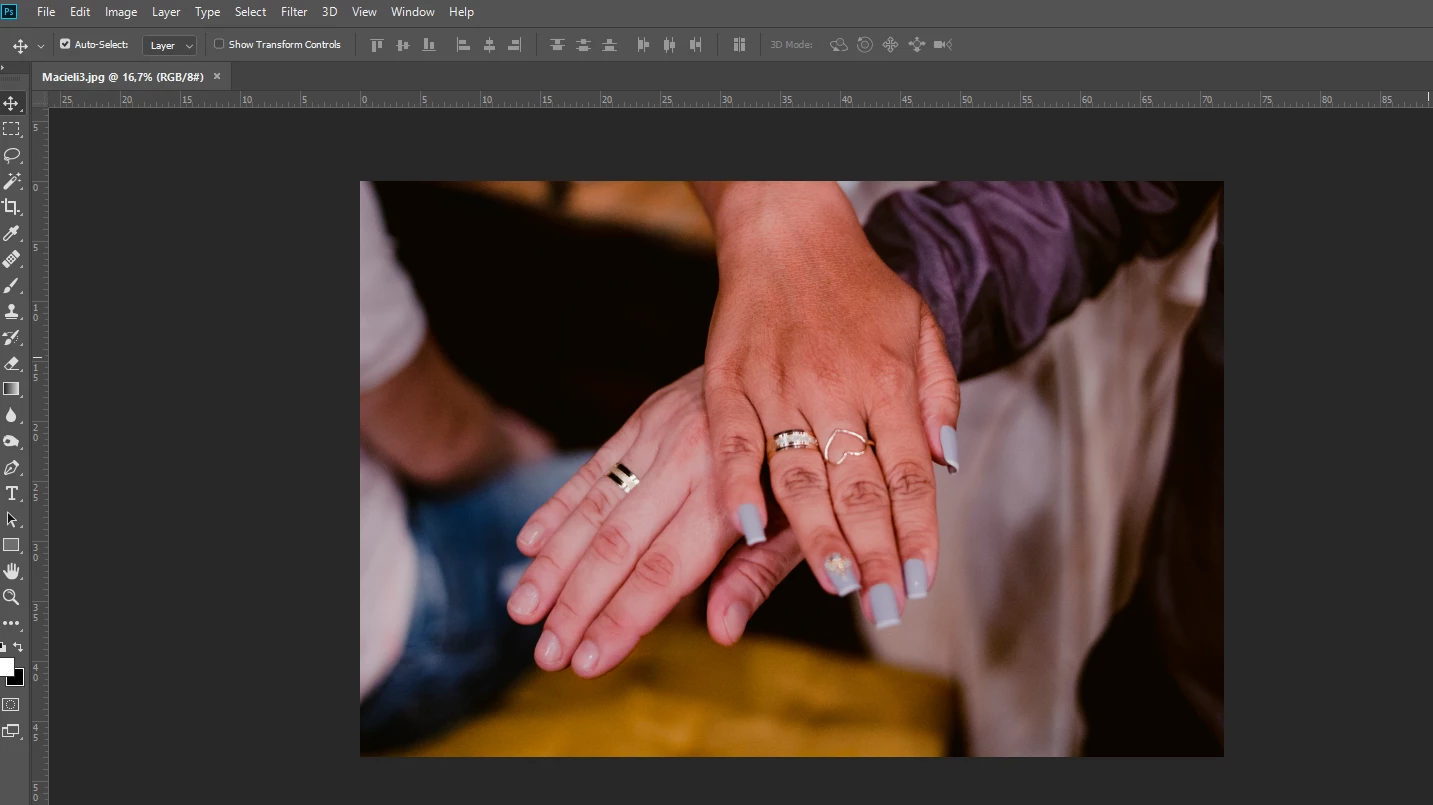
If possible, how can I fix it?


 AdChoices