
Photoshop color picker inaccuracy? don't know how to proceed my client's work
Hi, Everyone, 3 questions, if you could answer just 1 or 2, that would be nice...
I'm wondering about color picker accuracy or maybe something I did to cause this... Please see reference photos.
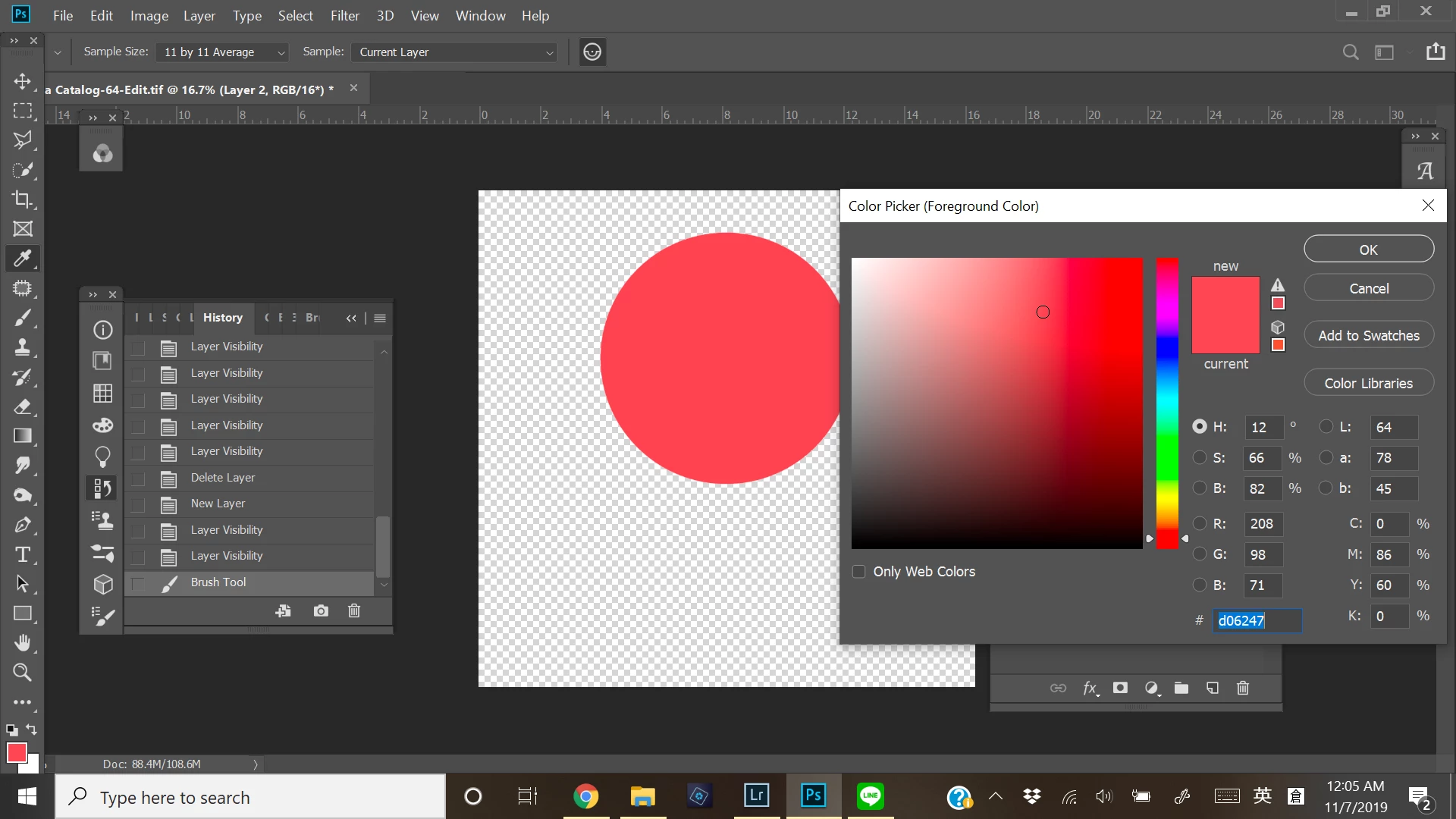
1) I entered a color code #D06247, and when I changed mode to LAB color, I found the #D06247 changes to #ff4853. Though the color seems no change to my eyes, the color point at hue scale is at very different position.
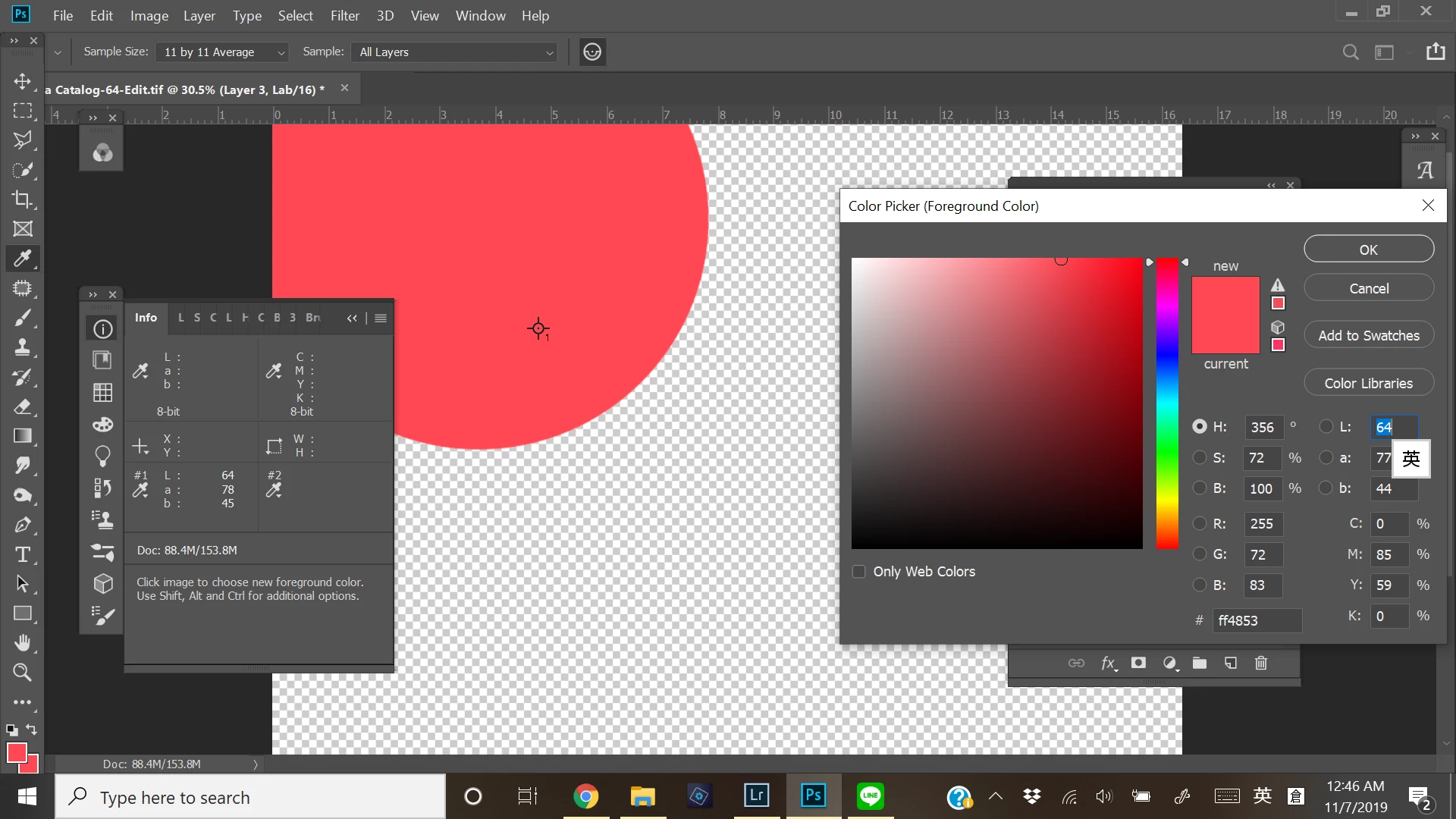
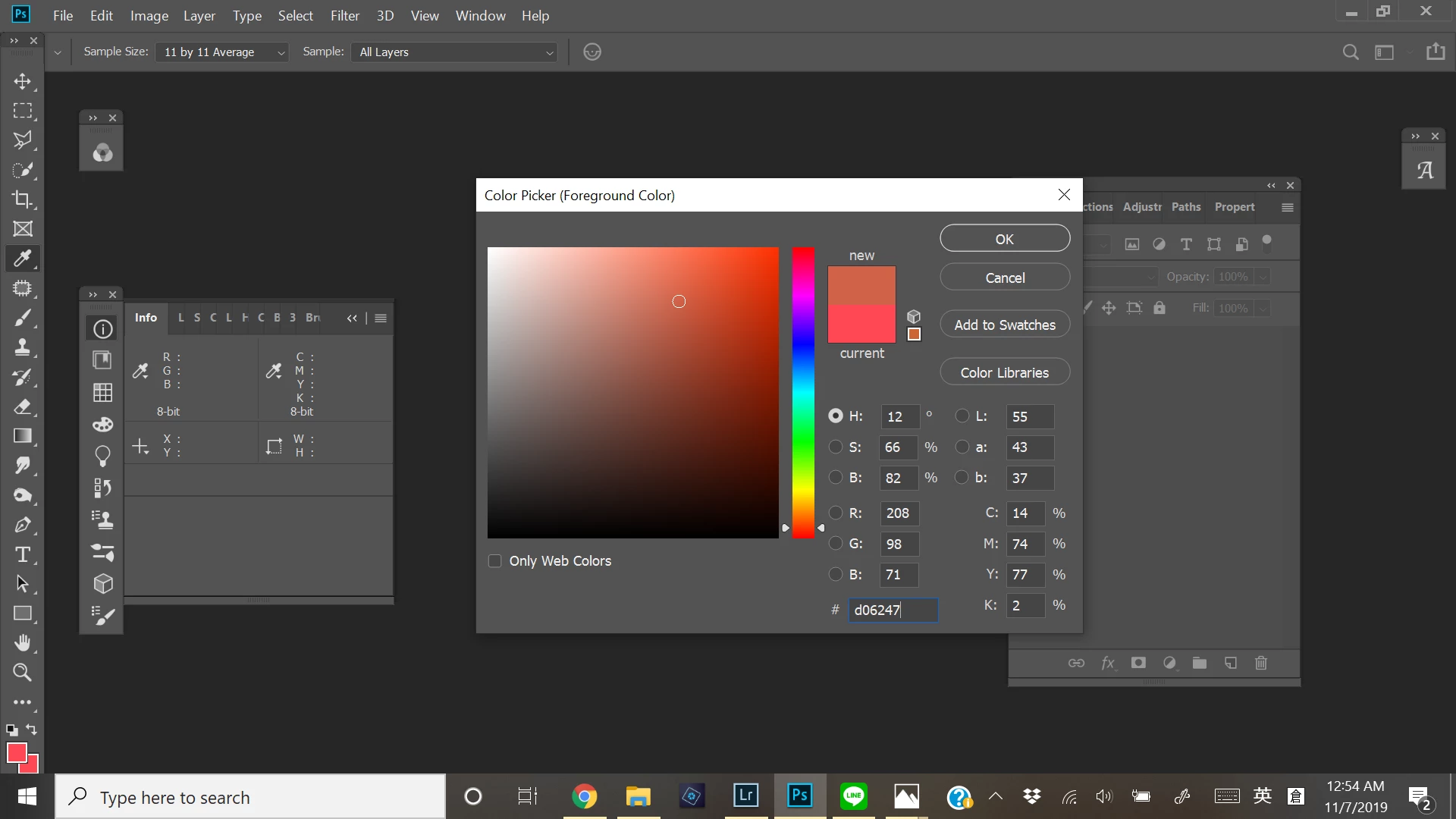
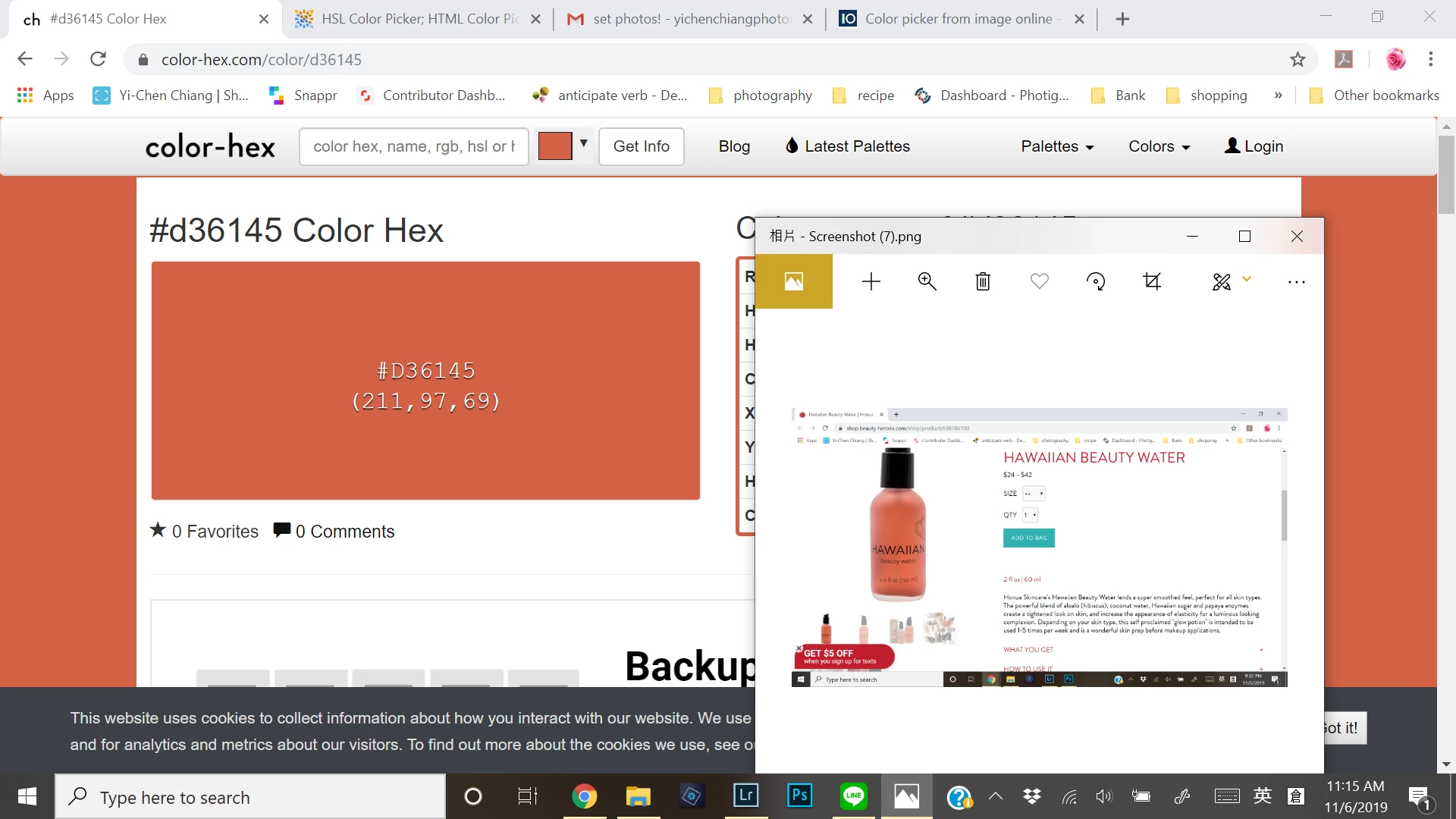
2) Strangly, I re-entered a few times color #d06247, it sometimes appears different color on screen and I don't know which color is correct?? You see the color below is more orangy and brownish, and this color is what I see when I use some other online color picker. However, at beginning and most of time, the color shows as in 1) attached photos, more red and pink.
However, despite the different color look for #d06247, the value stays the same? @@
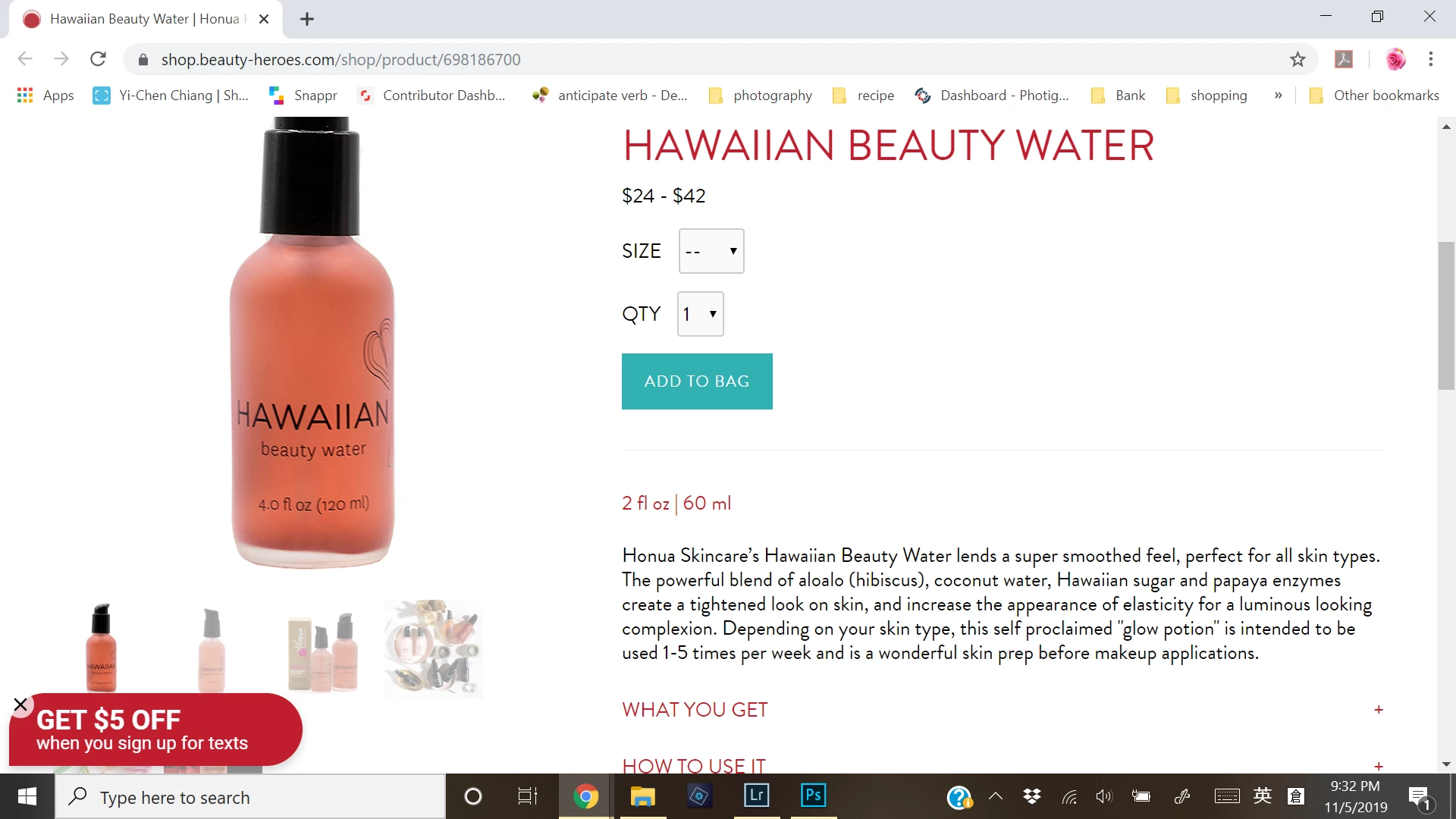
3) I am so very confused. This #d06247 is randomly picked on a bottle from an image client asked me to match it to my best). According to her, the color in the image is more pinkish (she said it's a lot pink there?) than my submitted photo that's more orangy look. However, to me I dont quite see pink on this image she gave me. As I randomly picked color on the bottle using online color picker, color mostly like in 2)photo. But when I picked color using photoshop color picker, it's more like color in 1)photo, but again, this kind of changes from moment to moment. I just tried again and it looks like 2) color.
My eyes are tired? What am I seeing exactly? What did my client see? (don't think she has knowledge of graphic background or something... and I am very new on taking case)
Thank you for any suggestions and solutions,
Yi-Chen


 AdChoices