Question
Photoshop Color tab isn't showing the right colors
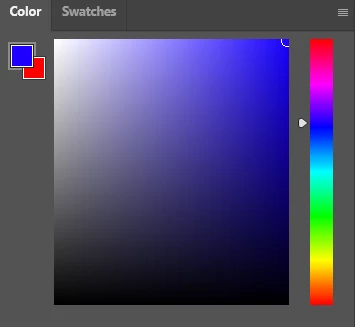
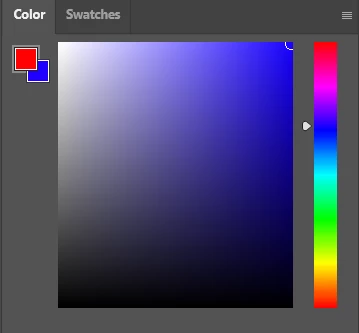
For whatever reason, when I switch between the colors or use the color picker tool in photoshop, the color shown in the color tab doesn't update or change at all. The colors getting put down are correct, but the fact that the tab isn't updating is slowing down my work. I've tried basically everything I can think of, including resetting preferences, resetting workspace, restarting adobe, restarting photoshop, changing color modes, restarting my machiene, and still the issue remains. I'm set to RGB color mode, using the default photoshop file. Is there a way I can fix this
 AdChoices