
Photoshop Color Tone on two different monitors
I currently have Photoshop 24.2.0 installed, Windows 11 Version 10.0.22621 Build 22621. Sometime within the last few updates, maybe more, I noticed that Photoshop would appear in its entirety (UI and what ever Image I had opened at the time) to be a Warm Color Tone on one monitor and a Cool Color Tone on another monitor. The stranger part of this apparent bug is that depending on how much of the photoshop UI window is in one of the monitors they will display the same color tone until the window is dragged into a certain position on one monitor. I have attached a combined full screen screenshots showing that the window UI and Images remain the same color tone on both monitors until a certain percentage of the window is in one of the monitors. The only edit I have made to the combined screenshots image is to blur out any personal or company related info. Tried adjust color settings and even resetting photoshop. Both monitors are using same color profile. Any help would be appreciated.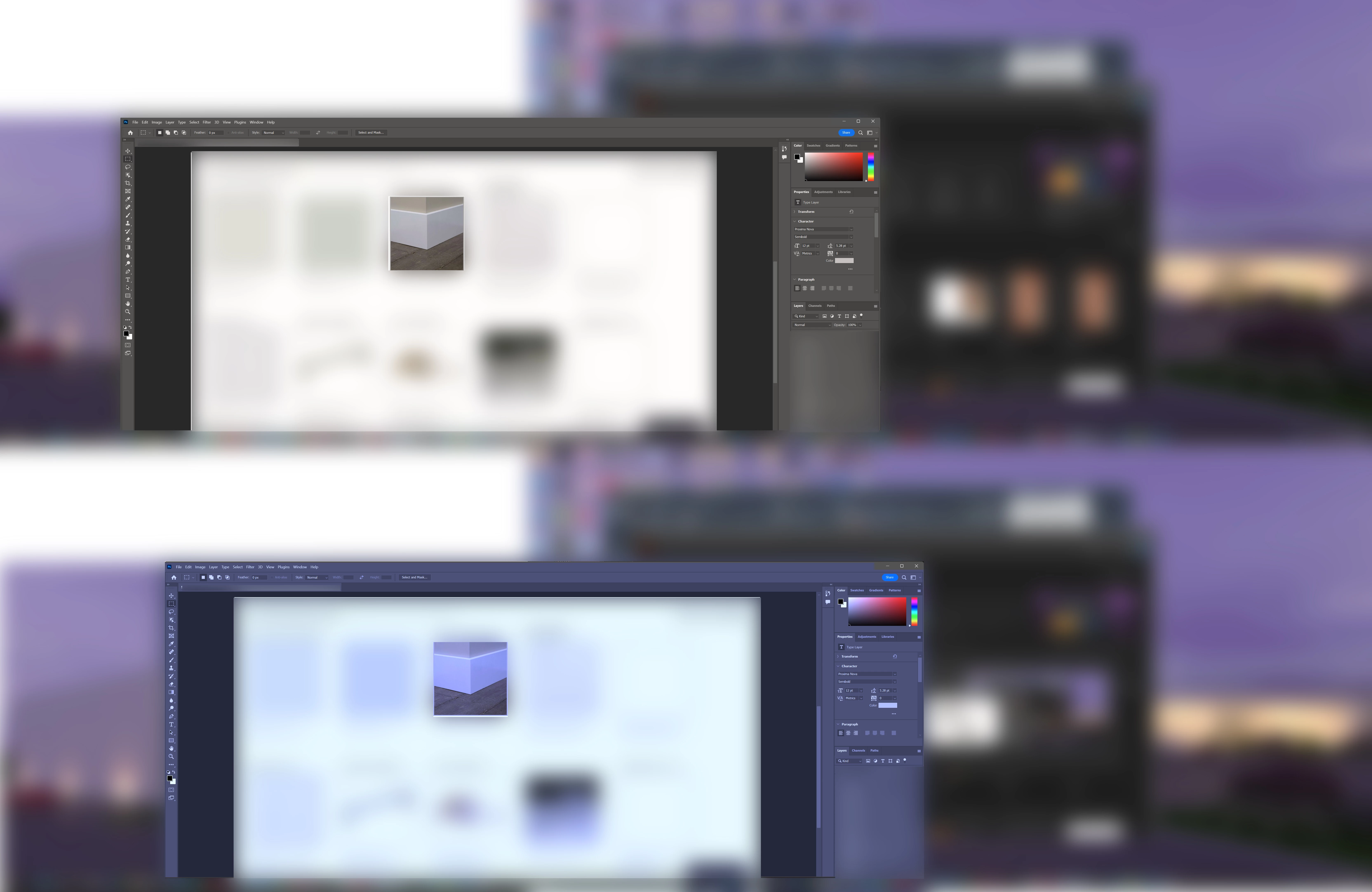


 AdChoices