

Photoshop crash issue + OpenCL
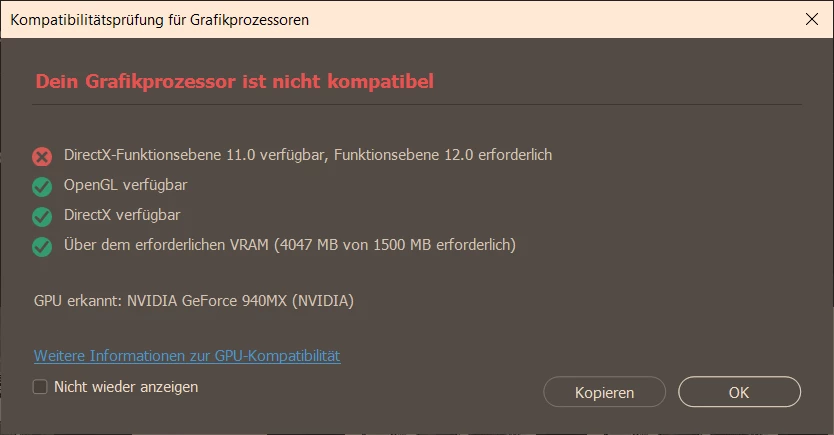
Photoshop started to crash always when I try to open any sort of image, some days ago. I've already got this incompatibility message for my GPU for months:
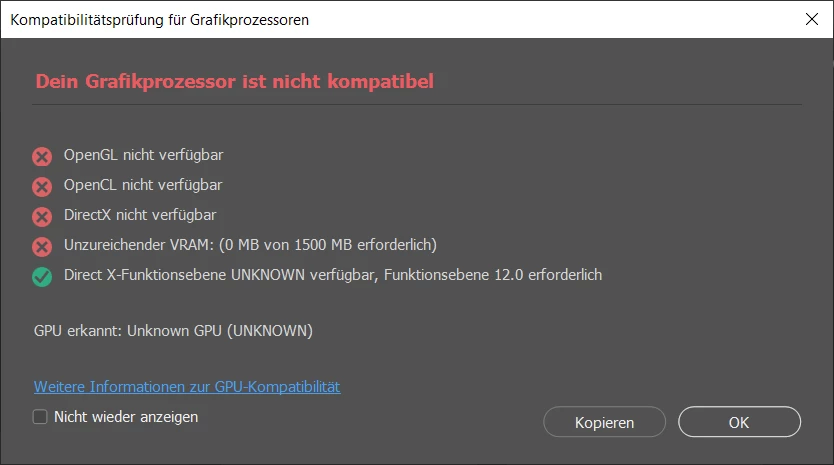
Sometimes, and for no reason (without changing anything), I get also this message:
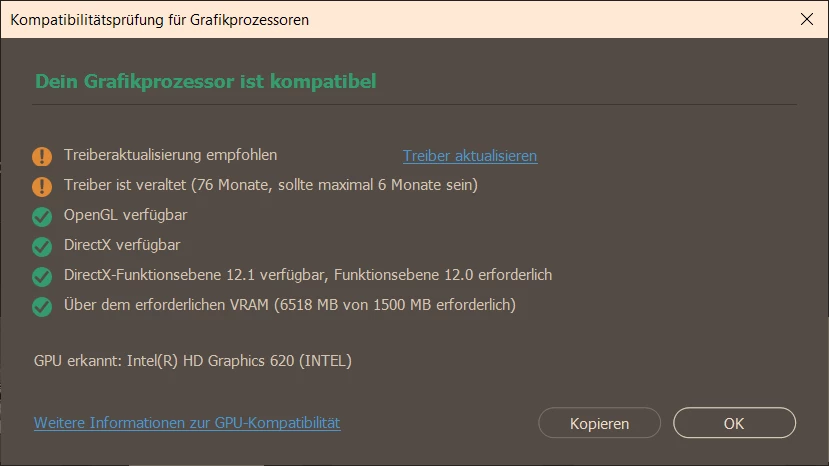
When I'm manually setting the Intel GPU, I only get the outdated driver message:
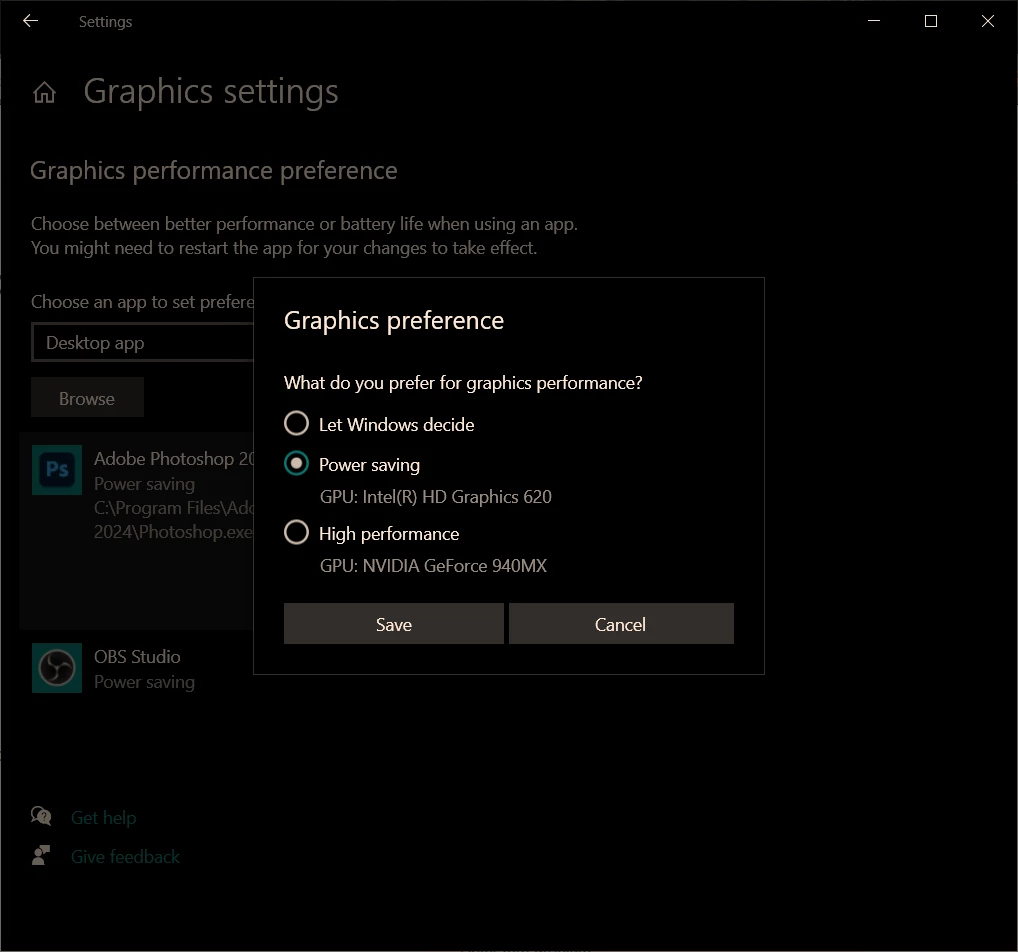
I'd rather want to use the Nvidia GPU though, for a better performance.
So 1st question: As Adobe recommends uninstalling OpenCL/GL when there are GPU incompatibility issues, I tried that. But OpenCL/GL is neither in the list of programmes to uninstall, nor in the Apps & Features list. Still, it appears when I search my C: for opencl:
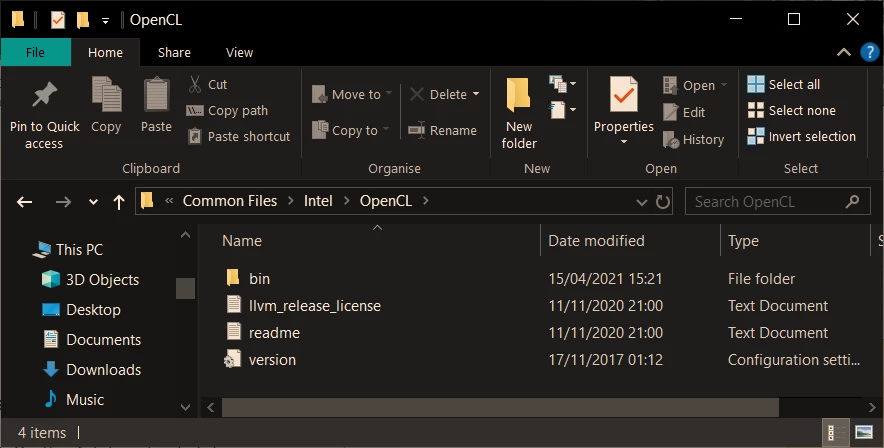
How can I uninstall or disable it? Could I simply delete that OpenCL folder?
Now, independent on my GPU settings, PS started to crash each time I open an image.
Therefore, 2nd question: How do I prevent this from happening?
I've recently reinstalled PS with a slightly older version (25.0) and it seemed to work, and can be a temporary workaround. But I'd need to go back to the current version someday soon.


 AdChoices