
Photoshop CS5 panels won't dock (Mac OS Sierra 10.12.6)
Can someone please help me remedy this issue I'm having?
I'm on a Mac running OS Sierra 10.12.6
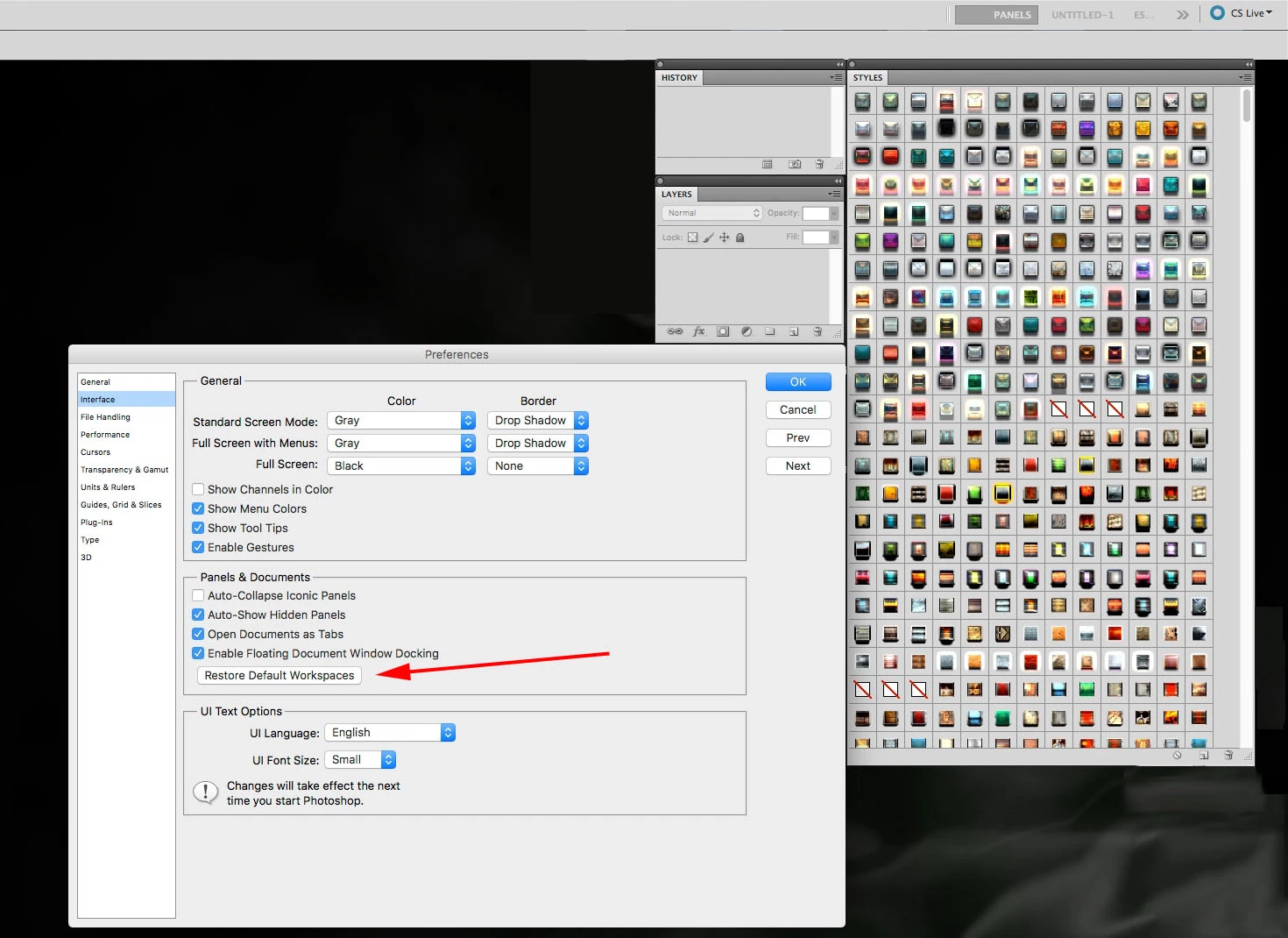
I clicked the “restore default workspaces” option and now my window panels are very difficult to undock/dock.
I undock them after many attempts because they keep snapping back into place.
Once I am finally able to successfully undock a window I cannot dock it again.
The blue line will appear when I drag a tab to a window panel, but only for a brief millisecond, and then the window panel/tab I’m attempting to move is instantaneously snapped back out to where it was before I dragged it to the window I wanted to dock it in.
It is very frustrating, and I’ve been trying to fix this since yesterday. Can someone please tell me what I need to do to be able to dock and undock these panels whenever I want to?
I cannot drag the tabs into other windows, and I cannot sort my window panels in the way I like.
I have added an image to show you what I'm dealing with. I clicked the restore default workspaces and now the history and layers tabs cannot be docked into the same window the Styles tab is found. They simply will not dock for some reason.
Thank you so much,


 AdChoices