My Photoshop CS6 recently started saving files in the wrong format. Specifically, when I choose "jpeg" from the format drop down menu it adds the ".eps" suffix to the file name. Clicking "Save" presents EPS options, which naturally I cancel out of. Plz see attached screenshots for what's happening.
This topic is closed to new replies. Start a new post to keep the conversation going.
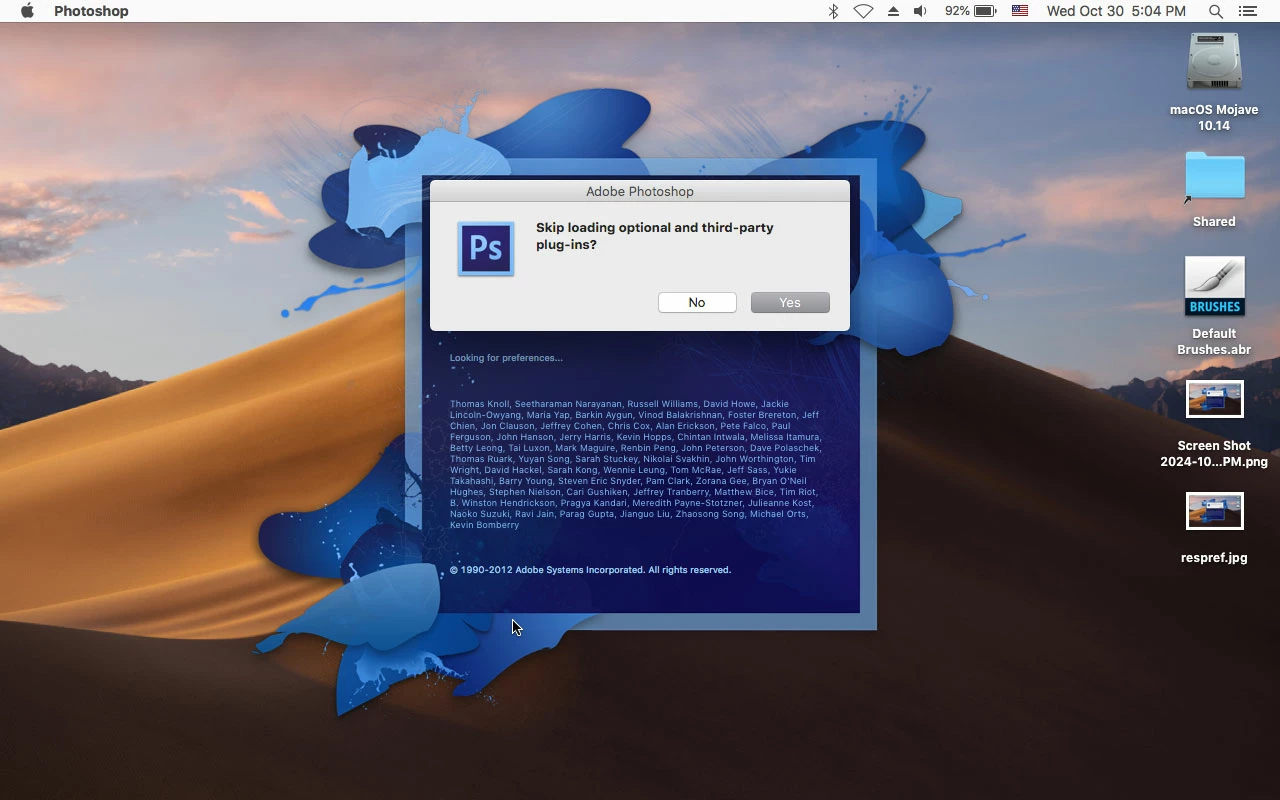
Yahoo! Holding down the Shift key while launching PS fix the problem! (Trashing the com.adobe.Photoshop.savedState folder didn't help.) Which tells us the culprit is at least one 3rd party plug-in. I recently added a few to try them out and thought I had removed them all--but evidently I hadn't. Mucho gracias, Jeff, for your generous time and consideration in sharing your knowledge with me on this matter. Where do I send the check?
BTW, does anyone know what "Multi-Picture Format" format is? My save command is defaulting to it. (However, it saves the file as a jpeg with the jpeg extension.)
I'm extremely reluctant to reinstall the photoshop component of my CS6 b/c Adobe servers STILL fail to recognize me as owning it's s/n when I attempt to register the software. Given that snafu, I foresee the installer failing to accept my s/n, and I have visions of spending/wasting more precious hours of my time on chat or phone trying to activate it all over again. Am I being paranoid?
OK, I've trashed those folders and files. But still no luck. I've posted more screen shots of what's happening when I open and save files.
1.) The "enable" menu is blank when I select a jpg to open. Clicking "open" gives the error message shown.
2.) Choosing format "jpeg" puts eps suffix on file, as before. Choosing "Multi-Picture Format" (what the heck is that format?) does add correct suffix to file name, and does save it as a jpeg. Spooky stuff!
I see that you have unlicensed, low-resolution, watermarked preview copies of Adobe Stock images. Please note that you need to purchase a license before they can be used.
Thank you for your suggestion. Alas, the problem remains. I think photoshop tripped and fell on its head — ALL the file formats are discombobulated. Confusion reigns in the format department and I'm unable to un-confuse it. Time to reinstall the application, I suppose.
You need to ask program questions in the forum for the program you are using To ask in the forum for your program please start at https://community.adobe.com/ Moving from Using the Community (which is about the forums) to the Photoshop forum




 AdChoices