
Question
Photoshop cut out image

Dear all,
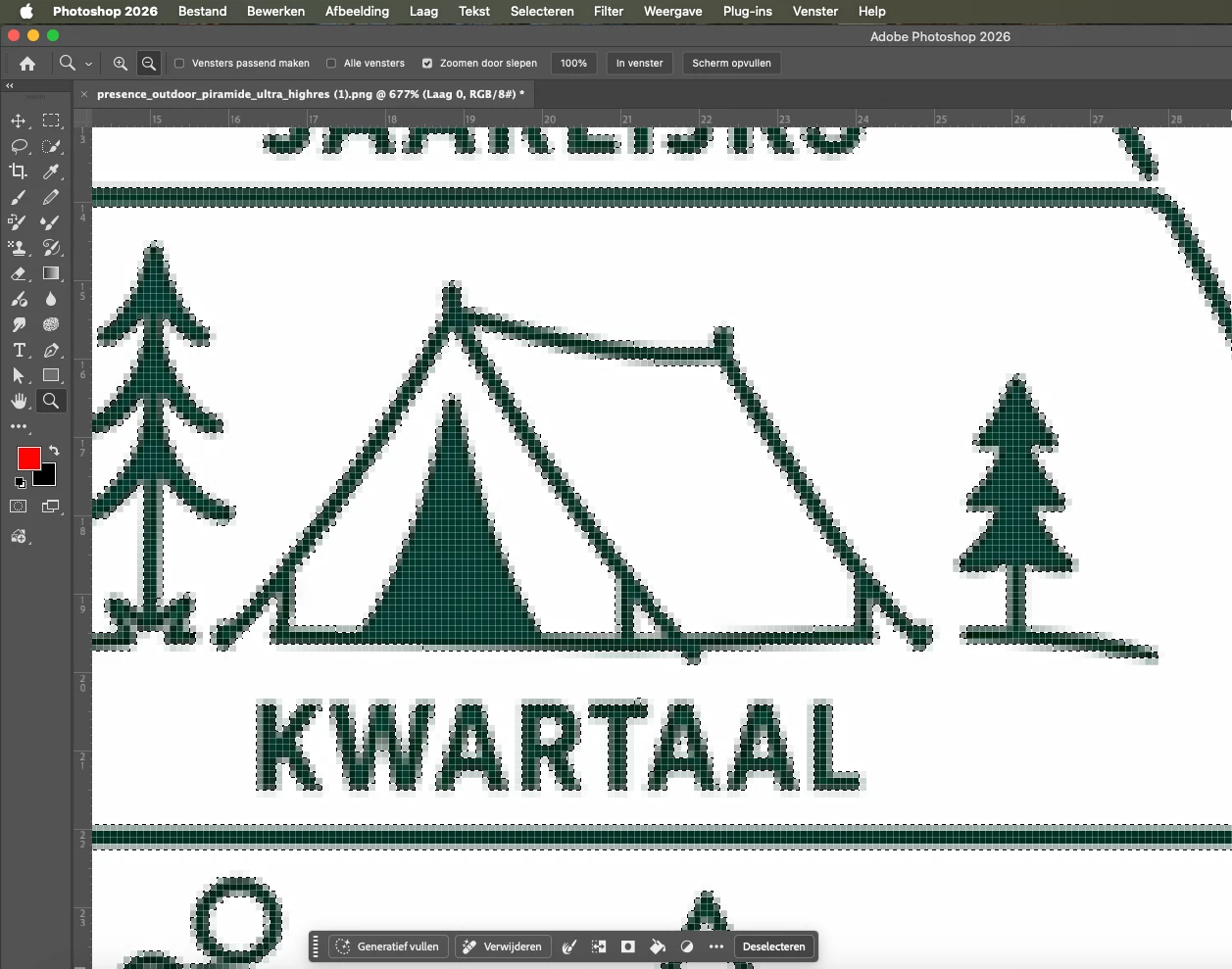
I have a question regarding cropping an image with complex lines. The image is in a High Resolution PNG. The design needs to be printed on one side of an enamel mug. I tried cropping it using the Magic Wand tool via Help > Adobe Help > Remove Background, but this is not precise enough. The client does not have any image other than PNG or JPEG.
I want to crop it using channels; can anyone give me a tip on how to do this as accurately as possible?
I have attached the PNG as an attachment.


 AdChoices