


Participant
February 29, 2024
Answered

Photoshop Desktop App - Profile Pic

  • February 29, 2024
  • 2 replies
  • 522 views

Hi folks - how can I change the profile pic in the top right corner, visible on all adobe desktop apps.


I have recently updated the public profile on my adobe account page, but the change is not reflected when I launch the desktop apps.

How can I
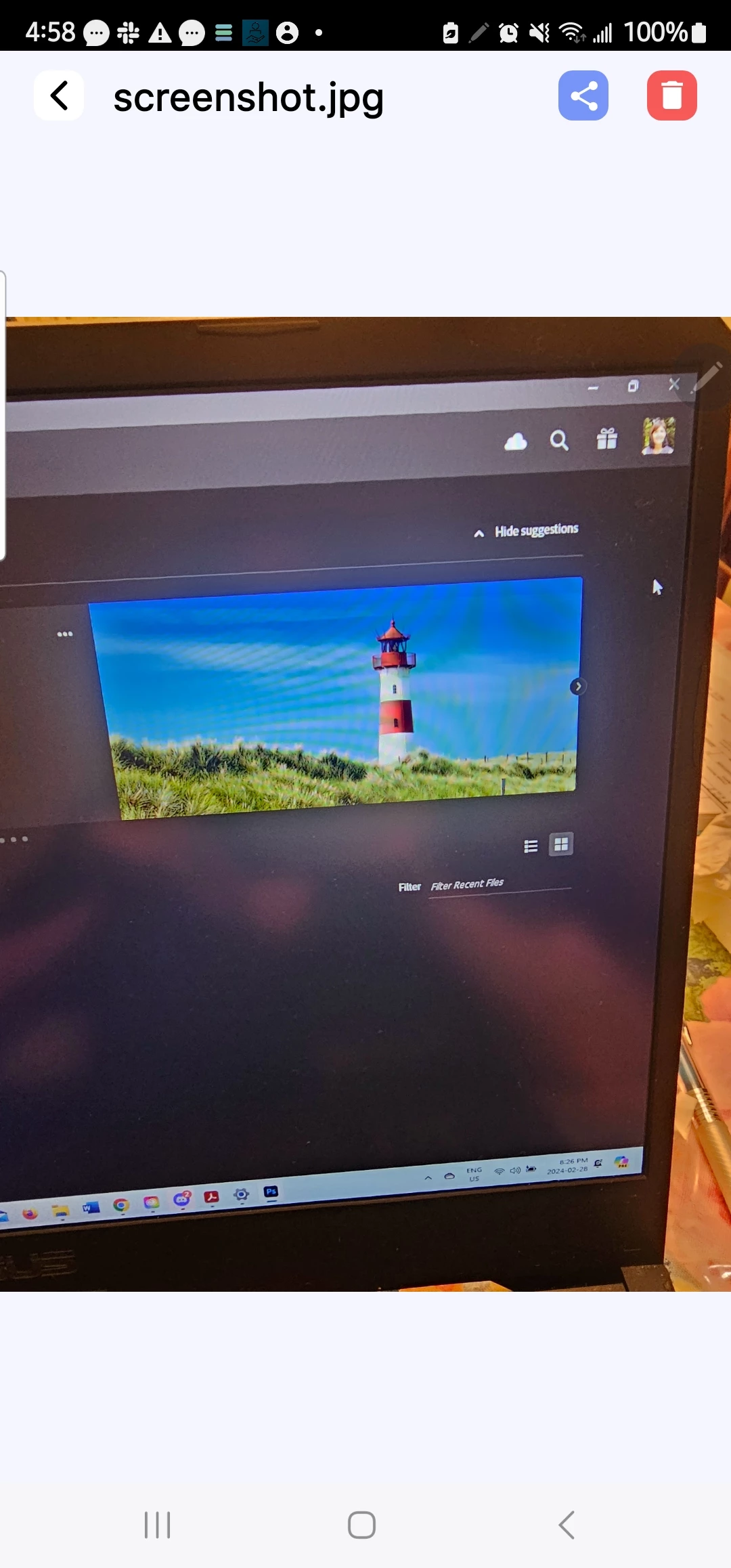
fix this!

Any insights!!

Thanks,

Bonnie

 

Correct answer Niesha Arya

In the Creative Cloud app, press CMD + OPT + T (macOS) to launch Creative Cloud Troubleshooter & select 'Close Creative Cloud and related processes' > click on Go.


1 - In Finder, go to ~/Library/Caches/Adobe/CCX Welcome

Hold down the Option key & click on the 'GO' menu from the top & select Library. 

2 - Rename the Avatar folder by adding .old or delete the folder. 

3 - Launch Creative Cloud again to open Photoshop and check if the profile icon updated.

2 replies

Niesha Arya
Adobe Employee
Niesha AryaCorrect answer
Adobe Employee
May 8, 2025

In the Creative Cloud app, press CMD + OPT + T (macOS) to launch Creative Cloud Troubleshooter & select 'Close Creative Cloud and related processes' > click on Go.


1 - In Finder, go to ~/Library/Caches/Adobe/CCX Welcome

Hold down the Option key & click on the 'GO' menu from the top & select Library. 

2 - Rename the Avatar folder by adding .old or delete the folder. 

3 - Launch Creative Cloud again to open Photoshop and check if the profile icon updated.

Myra Ferguson
Community Expert
Community Expert
February 29, 2024

Either go to account.adobe.com and log in, or from your Creative Cloud Desktop app, click on Manage account below your profile pic which opens up the same page. From that page, click on Edit profile where you can change your profile pic.

Participant
February 29, 2024

Hi Myra - as stated in the post, the public profile in the account section and in the creative cloud desktop has been updated, but this change is not reflected in the individual adobe creative apps, the desktop version. As you can see in the screenshot, the photo is an older one. Thanks!