Participant
August 4, 2021
Answered

Photoshop doesn't save in EPS

  • August 4, 2021
  • 1 reply
  • 1252 views

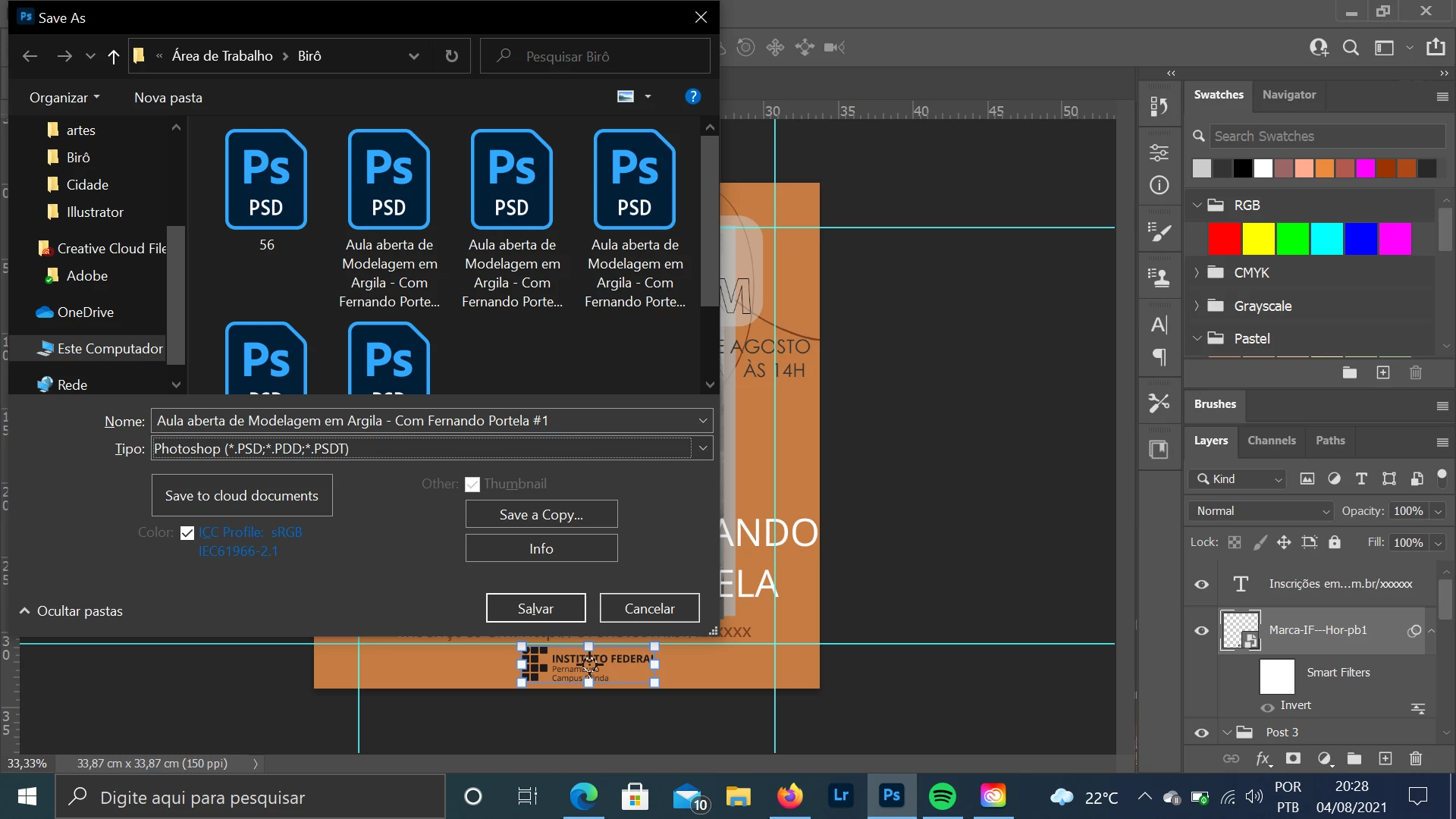
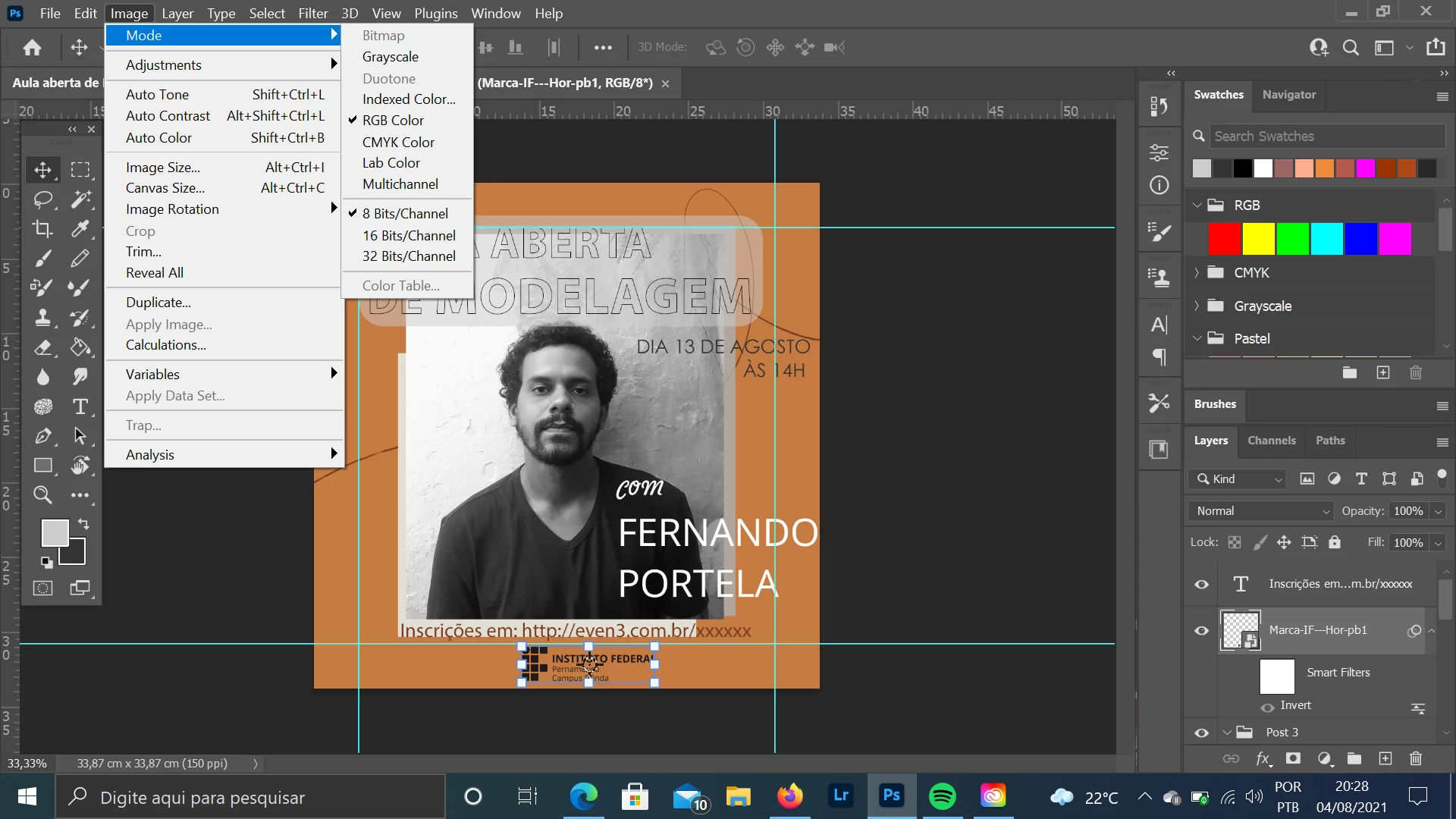
I opened a new file, 8 bit, RGB and, without adding anything, the option to save in EPS appears. After I finished working on the document and tried to save, the EPS option doesn't appear. I had to ask someone else, on another computer, to do it for me, so I assume the problem is with my Photoshop. The specifics are correct: 8 bit and RGB. I don't know how to solve it.


    This topic has been closed for replies.
    Correct answer jane-e

    Hi


    Click Save a Copy.


    As of 22.4.1, you can find png, jpg, pdf, etc., in Save a Copy.

    As of 22.4.2 you can revert to the previous behavior in Preferences > File Handling > File Saving Options:

    • Enable Legacy Save As
    • Do not append Copy to filename


    See this help page for details and cautions:
    https://helpx.adobe.com/photoshop/using/saving-images.html  

    ~ Jane


    1 reply

    jane-e
    Community Expert
    jane-eCommunity ExpertCorrect answer
    Community Expert
    August 5, 2021

    Hi


    Click Save a Copy.


    As of 22.4.1, you can find png, jpg, pdf, etc., in Save a Copy.

    As of 22.4.2 you can revert to the previous behavior in Preferences > File Handling > File Saving Options:

    • Enable Legacy Save As
    • Do not append Copy to filename


    See this help page for details and cautions:
    https://helpx.adobe.com/photoshop/using/saving-images.html  

    ~ Jane