Known Participant
January 15, 2025
Question

Photoshop Effect
  • January 15, 2025
  • 1 reply
  • 256 views


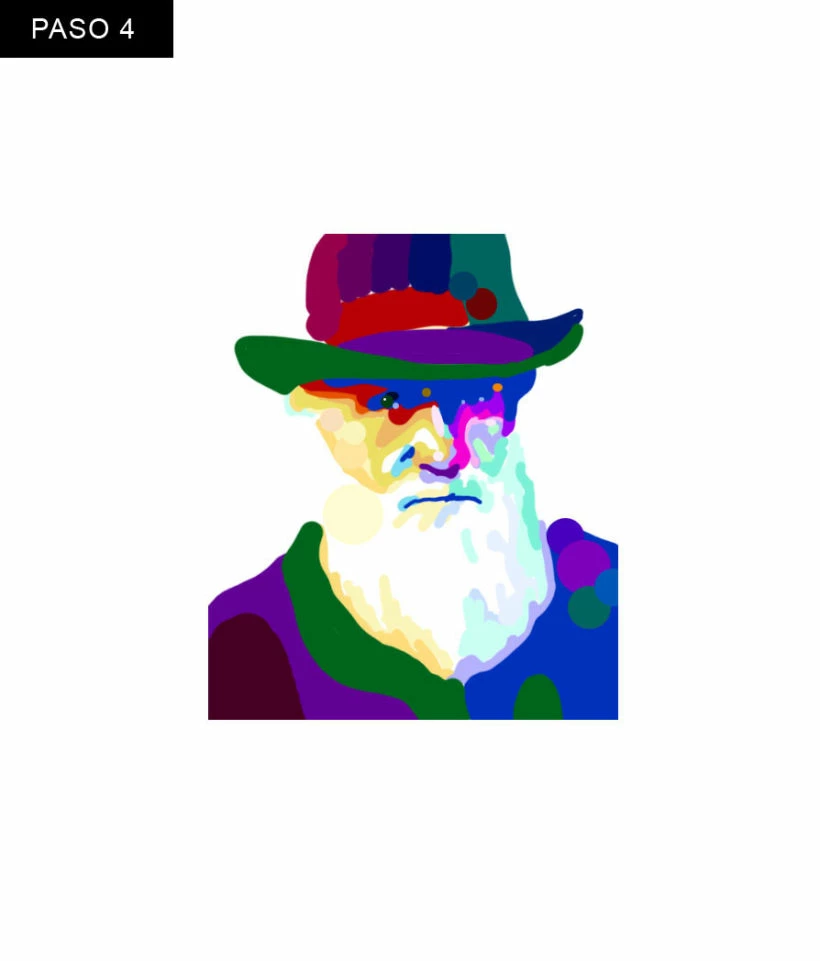
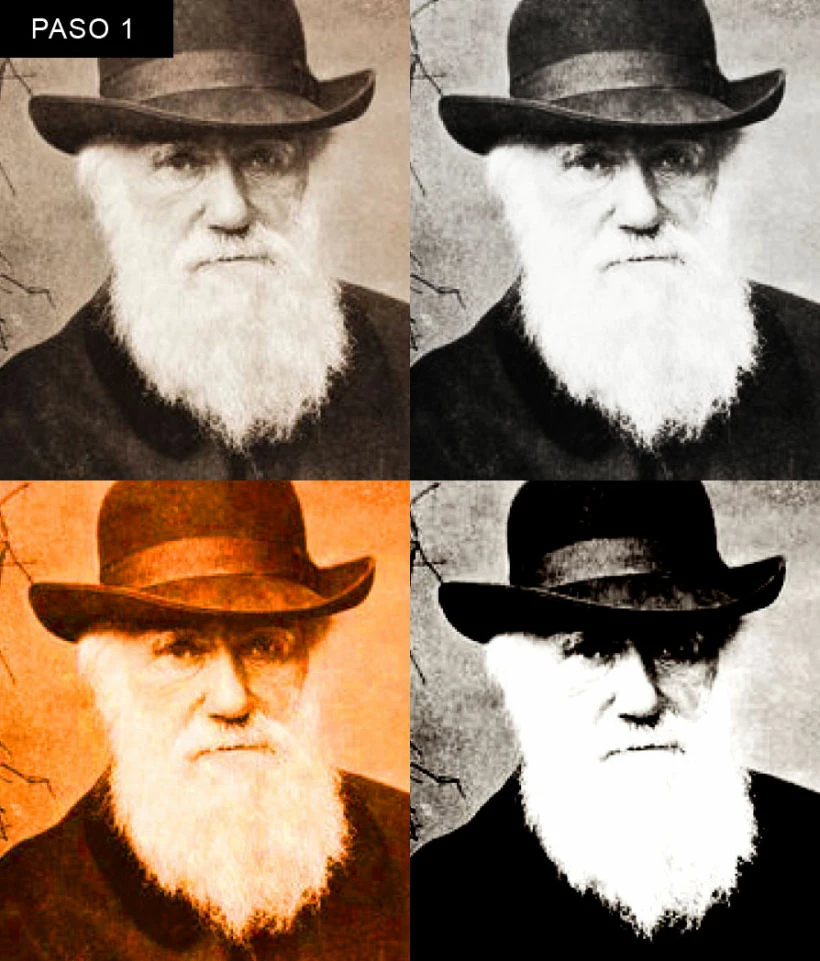
This is an image I pulled off one of my online classes, the black and white photo is a reference.  How would one use Photoshop to create such an effect?  I am guessing its a filter, but cannot figure out how to recreate the effect.

1 reply

Legend
January 15, 2025

My first impression was that the 4 monochrome images were somehow combined. It looks like the image to which you refer was created via a filter(s) or some other Ps effect(s) used on a colored version. Perhaps Cutout, Posterize, or a combination.


Larry
breGAuthor
Known Participant
January 15, 2025

I can surley overlay the diffrent edits to create one image, but where does the coloring come in?  Im confused

davescm
Community Expert
Community Expert
January 15, 2025

If you can split the image into a series of limited tones, using posterise or similar, then you could add a gradient map to add colour. The gradient map uses the grey tone values in an image and maps them onto a coloured gradient (with as many points as you choose to add). You may also need a curve between the posterise adjustment and gradient map adjustment .

Add all these the adjustments as adjustment layers, that way you can make changes to them until you get the effect you need, nothing is permanent.


Dave