
Participating Frequently
Aug 26, 2024 3:48 AM UTC
Question

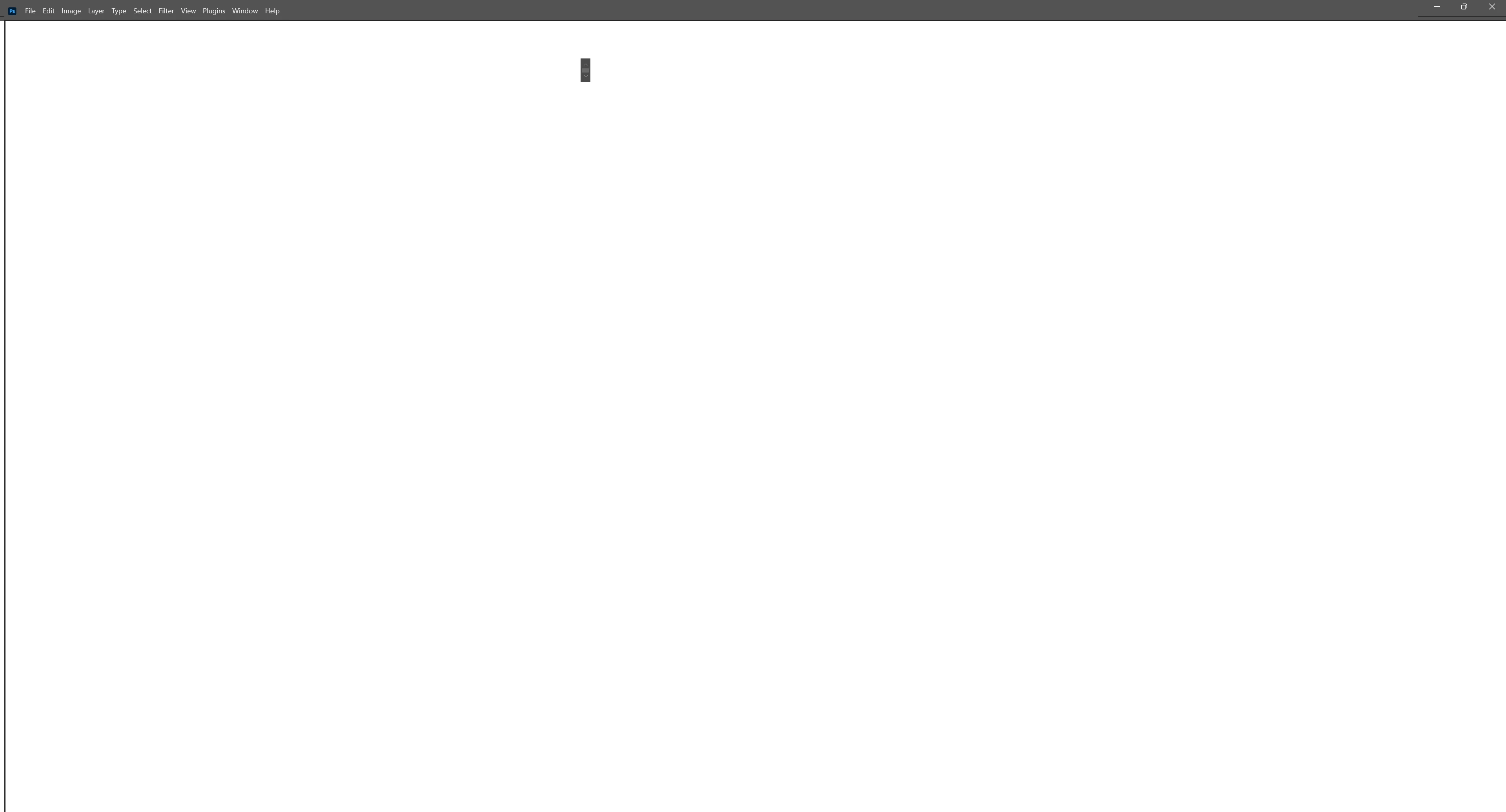
Photoshop Error: “Could not apply the default panel configuration because of a program error”

Can someone help me out with this problem? I've already done all of the instructions that i find on the internet such as using adobe cleaner, ticking-unticking boxes in the settings, restarting, uninstalling and installing PS again, and resetting work interface. Nothing is working to fix this problem, I use Photoshop for school and work, can someone please help me out?
This topic is closed to new replies. Start a new post to keep the conversation going.

7 replies

jane-e
Community Expert
Community Expert
Sep 12, 2024 9:41 AM UTC

@realjirami 


I've merged your duplicate posts. 


I don't see where you shared your system info with the instructions from Employee @Shivani Somayajula. Can you do that?


Can you also post the link you go to when you click "Learn how to fix" in the Alert?


Jane


Translate
Participating Frequently
Sep 12, 2024 4:41 AM UTC

Can someone help me out with this problem? I've already done all of the instructions that i find on the internet such as using adobe cleaner, ticking-unticking boxes in the settings, restarting, uninstalling and installing PS again, and resetting work interface. Nothing is working to fix this problem, I use Photoshop for school and work, can someone please help me out?
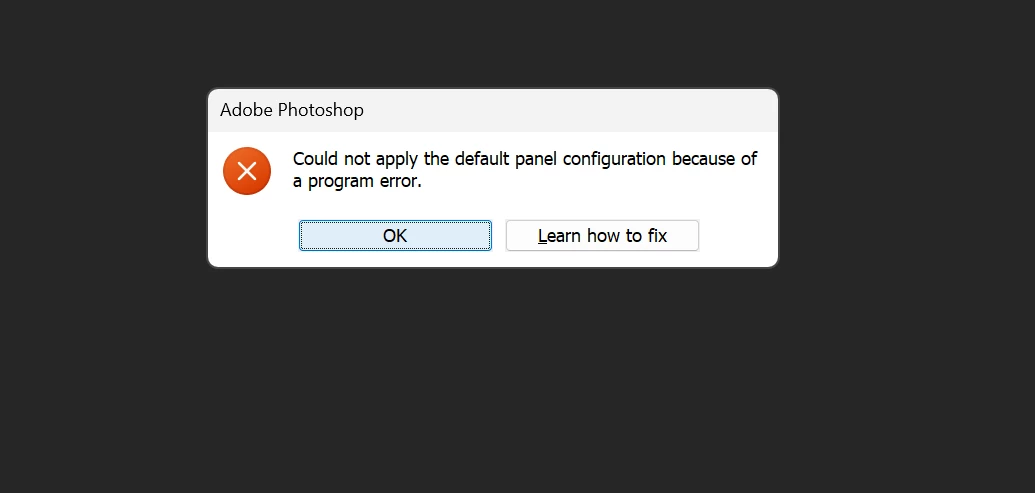
https://drive.google.com/file/d/1rdGiLs_yRYGAW2PaFvjAUV-AvJUwC2w7/view?usp=sharing  

Translate
Participating Frequently
Sep 12, 2024 3:54 AM UTC

Hello are there any updates about this?

Translate
Participating Frequently
Aug 30, 2024 3:08 PM UTC

Hello, I've tried resetting preferences and it still doesn't work. Here is the document.
https://drive.google.com/file/d/1rdGiLs_yRYGAW2PaFvjAUV-AvJUwC2w7/view?usp=sharing 

Translate
Participating Frequently
Aug 28, 2024 1:21 PM UTC

Hello, I've tried resetting preferences and it still doesn't work. Here is the document.
https://drive.google.com/file/d/1rdGiLs_yRYGAW2PaFvjAUV-AvJUwC2w7/view?usp=sharing 

Translate
Participating Frequently
Aug 28, 2024 1:21 PM UTC

Hello, I've tried resetting preferences and it still doesn't work. Here is the document.
https://drive.google.com/file/d/1rdGiLs_yRYGAW2PaFvjAUV-AvJUwC2w7/view?usp=sharing 

Translate
Participating Frequently
Aug 27, 2024 4:19 PM UTC

Hey, realjirami! Welcome to the Photoshop Community. 


I'll need more details to help you out. Could you confirm if you're getting this error when opening a specific file or image? Have you also tried resetting Photoshop preferences? If not, reset preferences: https://adobe.ly/3X1P1Zt and then relaunch Photoshop and check that it works. 


If the above step doesn't work, please share Photoshop's system info from Help > System info > Copy & paste into a text document > Upload as an attachment or copy/paste here in your reply. 


Thanks, 

Shivani 

Translate