Participating Frequently
Jun 23, 2025 5:53 AM UTC
Question

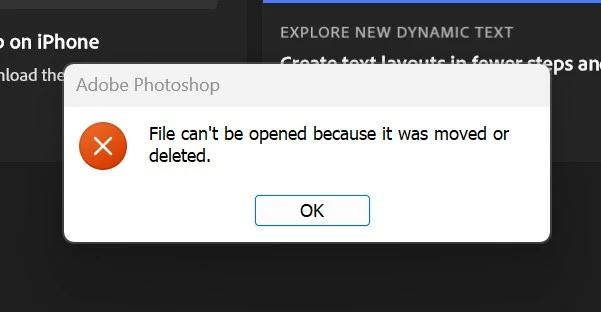
Photoshop Error: File can't be opened because it was moved or deleted.

5 replies

CreadiusAuthor
Participating Frequently
Jun 23, 2025 5:59 AM UTC

This is horrible. I have a new computer. I have downloaded Lightroom Classic and Photoshop. I can no longer "Open as layers" from lightroom to photoshop. It will "merge to panorama" just fine. I have uninstalled/installed lightroom and photoshop, updated camera RAW. It does not work. I am questioning why I remained loyal to Adobe. 

Translate
Sameer K - Alumni
Community Manager
Community Manager
Jun 23, 2025 12:05 PM UTC

Hey, @Creadius. Welcome to the Lightroom Community. I understand you are upset. I'll help you figure this out. 


Does this happen with all images, or images with specific edits? Try with a set of images that are not edited and check how it goes. 

There is an ongoing issue with images with SuperRes don't work in the Edit-in-PS workflow: https://adobe.ly/4lkKWKt;


Let me know how it goes. Thanks!

Sameer K

(Type '@' and type my name to mention me when you reply)

Translate
CreadiusAuthor
Participating Frequently
Jun 23, 2025 1:19 PM UTC

Hey Sameer, so I've found that it happens with images saved on my computers second hard drive. The exact same images saved on the C:/ do not work on the D:/. Even if I have imported into lightroom from the D:/ they will not open in photoshop. Images on an external hard drive will though.

Translate