
Question
Photoshop Error message when opening images
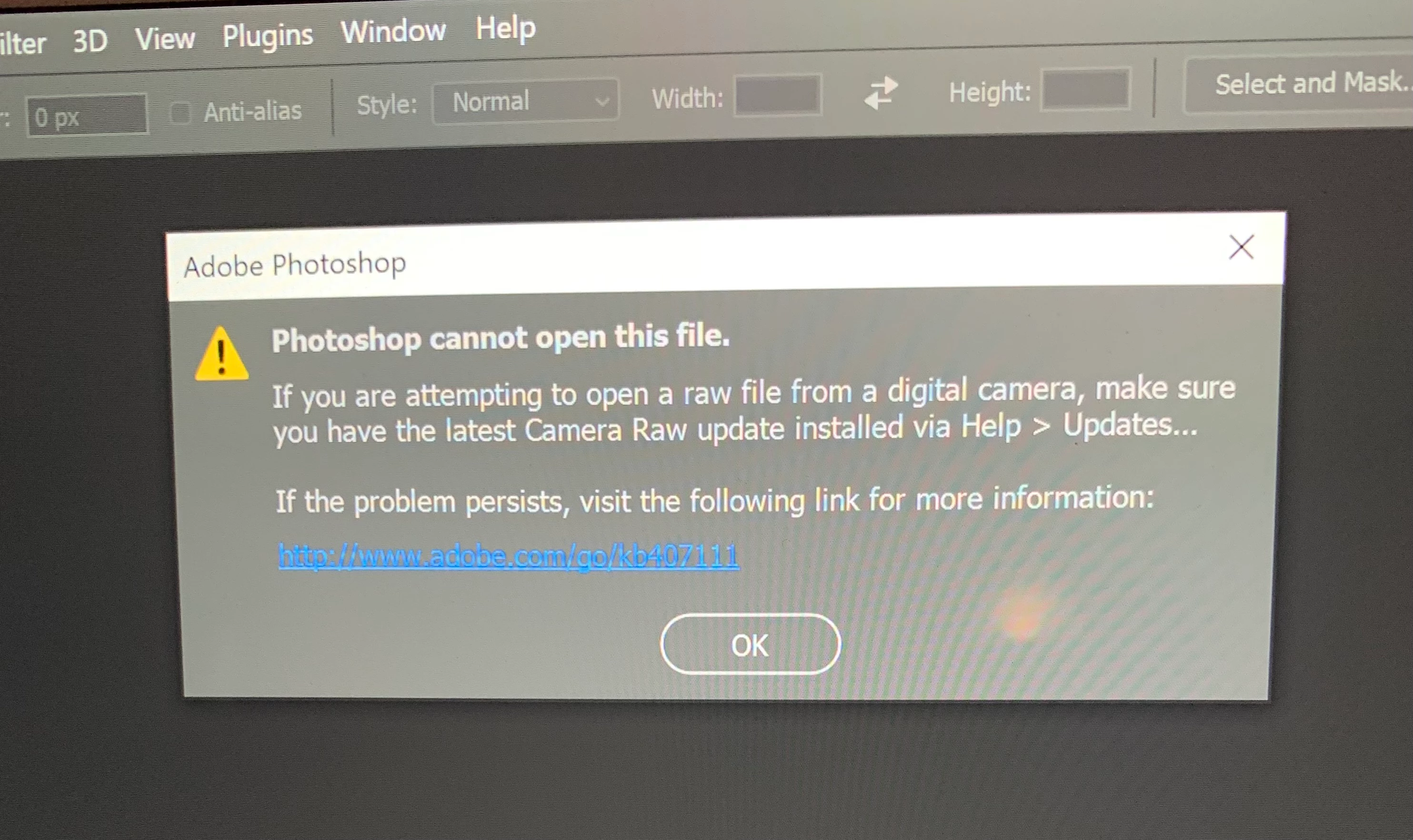 Recently on some of my images when opening from bridge into photoshop, I get this error message (See attached image) and clicking on the link is giving me no good answers. Looked at the Camera Raw preferences for handling raw files thinking that was the problem. However, it would not allow me to change to 'Camera settings' and/or 'add Camera info' .What does this error message mean? How do I fix it? Thank you
 AdChoices