Participating Frequently
November 26, 2019
Question

Photoshop file is exporting backwards - macOS

  • November 26, 2019
  • 3 replies
  • 2225 views

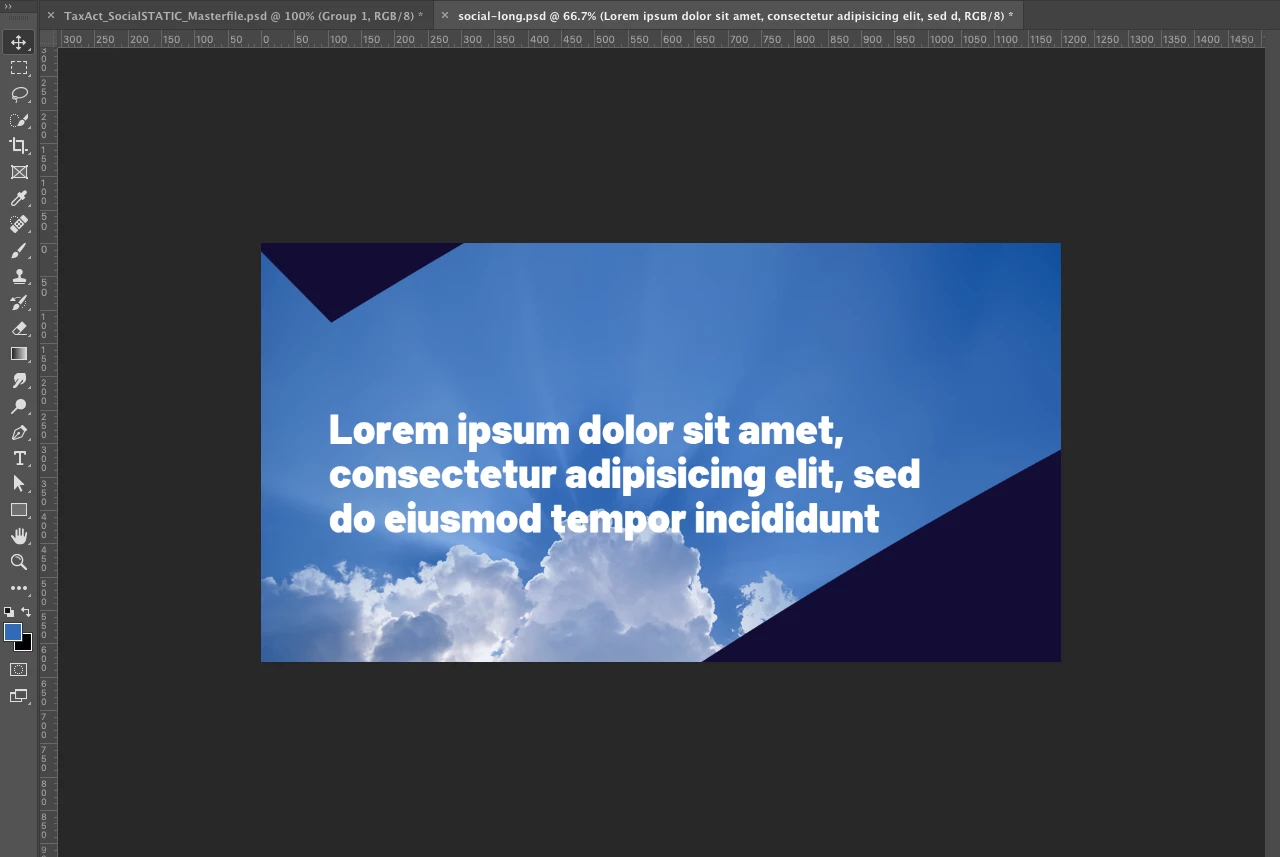
Here is my photoshop file


Here it is exported

Any ideas why this is happening?


{Thread renamed by moderator}

This topic has been closed for replies.

3 replies

Participating Frequently
November 26, 2019

Thanks for all your help. You can see the screenshots here of the file and the masks. The masks are flipped. Can't figure it out! 


Participating Frequently
September 14, 2020

Annie--did you get an answer??? This is happening to me now and I'm going out of my mind...I can't figure out what the heck happened!

I'm desperately hoping you can help...

Thank you!

niki

Participant
November 24, 2020

I had the same problem when exporting. I figured out that photoshop after selecting File>Export As; started a loading window to "transform" the image. In my project is was flopping 1 specific layer, so I went back into the project and converted the layer into a SMART OBJECT (right click>smart object). It then showed me the same flopped image as the export.


Hope this helps!

Sahil.Chawla
Adobe Employee
Adobe Employee
November 26, 2019

Hi there,

Welcome to the Adobe Community!


Have you tried resetting the preferences of Photoshop and see if it helps? https://helpx.adobe.com/photoshop/using/preferences.html


Note: Make sure that you back up all your custom presets, brushes & actions before restoring Photoshop's preferences. Migrate presets, actions, and settings


Regards,
Sahil

Participating Frequently
November 26, 2019

That didn't work 😞 

SaraBequette
Inspiring
November 26, 2019

Can you provide more information on the steps you are taking to export your file? I suspect it's an export option we need to turn off.

Participating Frequently
November 26, 2019

Just doing File > Export Export as PNG


It seems like the whole file is flipped and I can't flip it back