


Photoshop File saving errors
I work in Photoshop a lot and have been dealing with this issue for a while. I’ve found workarounds, but it’s gotten to the point where I can’t ignore it anymore.
When I try to save PSD or PSB files, it struggles hard. Sometimes it takes like 20–30 mins to save a file. I understand they’re large files, but I don’t remember it ever taking this long. A lot of the time it fails entirely and gives me one of these two errors:
1.) Error 0x8007045D: The request could not be performed because of an I/O device error.
2.) Could not save “DSC000” because of a disk error.
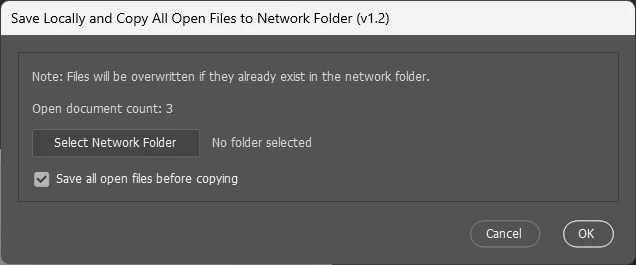
A couple months ago, I found a workaround by saving to the desktop first and then moving it to the external SSD, but that has stopped working.
I used to not have many issues with JPGs, but now those are starting to be a problem too. I’m having trouble saving them directly to the SSD from Photoshop. The workaround still works for JPGs, but not for PSD/PSB files.
SSD: Samsung T7 Shield – 1TB capacity, ~500GB free
- No issues saving other files (Word docs, Excel, etc.)
- No issues saving TIF files from Lightroom, although it does take forever there too
What I’ve tried:
- SSD: Properties > Tools > Check for file system errors and repair → No errors found
- Photoshop: Edit > Purge > All
- PC specs:
- CPU: AMD Ryzen 5 5600 – OC to 4.2 GHz
- MSI MPG X570
- AMD Radeon RX 6600 – OC
- 64 GB RAM @ 3600 (I think)
Yesterday, I updated to Windows 11 (I hate it) and also updated the BIOS (hadn’t done it since I built the PC in ’22) because Lightroom kept crashing. Lightroom no longer crashes, but I’ve noticed Adobe programs in general are running slower than normal (all are up to date).
Questions:
1.) Is there a way to fix my SSD so this isn’t an issue and I can save directly from Adobe apps without it taking forever?
2.) Is there anything I can do to stop Adobe programs from running so slow?

 AdChoices