
Photoshop frame tool bug
I'm using PhotoShop 26.7.0 20250513.r.15 e861f5e x64 Windows 11 64-bit
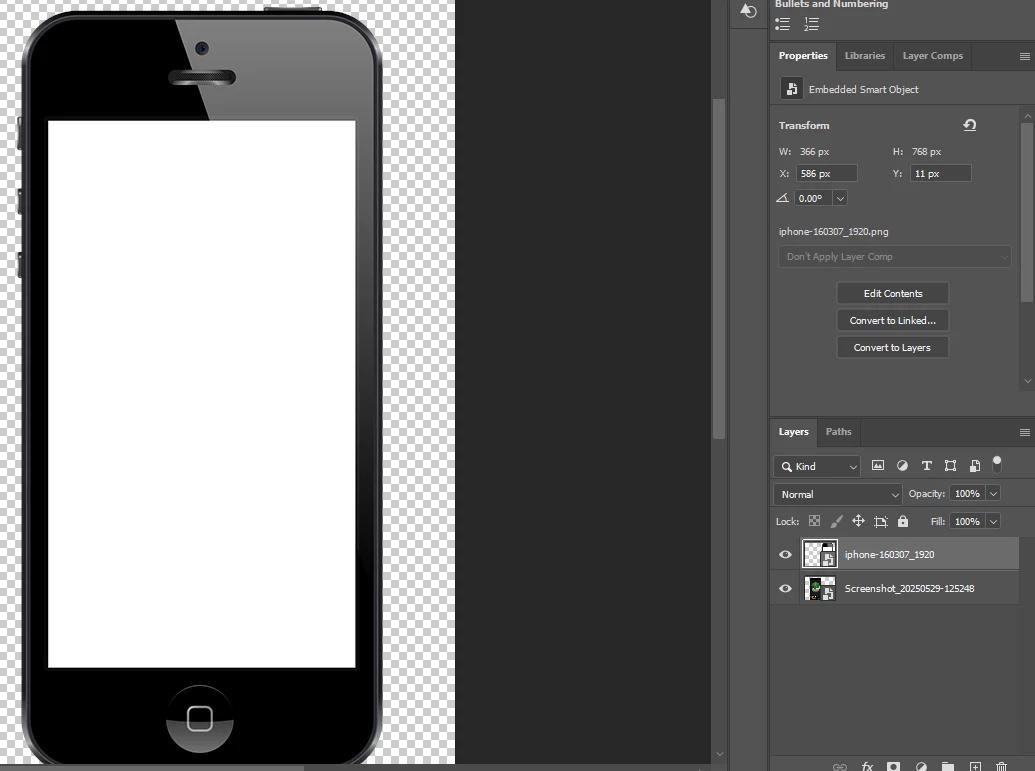
The frame tool doesn't seem to be working like it used to. I'm trying to place a frame in the white part of this image. Usually, I just need to use the frame tool to draw a rectangle over the part where I want to embed images. But now, doing so turns the phone image into the in-frame image instead of the frame.
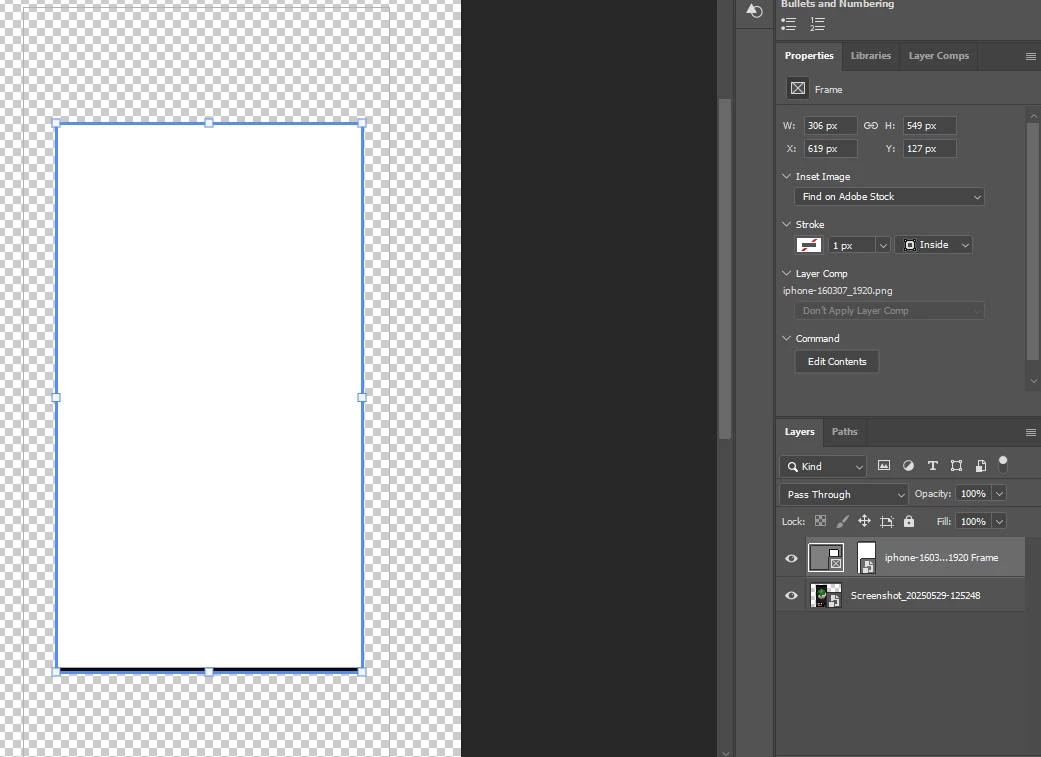
It happens even when I create a new layer (white rectangle shape over the empty phone screen) and try to put a frame on that instead:
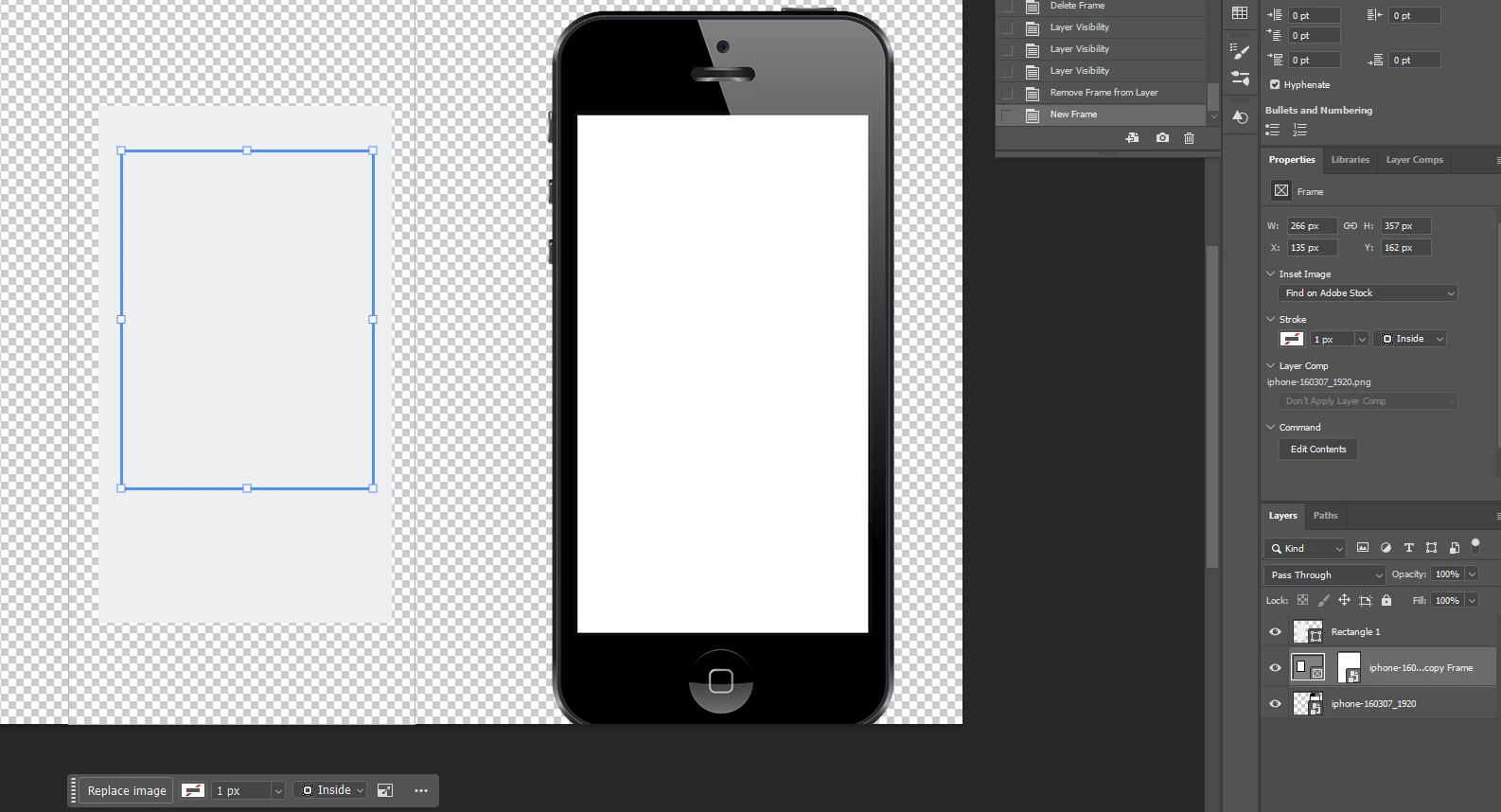
(I was trying to draw a frame on "Rectangle 1", but the frame got applied to the iPhone image)
I ended up using a clipping mask to achieve my objectives.
I don't remember the Frame tool being like that before, is this a bug or did the function change?


 AdChoices