

Question
Photoshop Gradient: Defaulting to Adjustment layer, need as a a color gradient on the layer
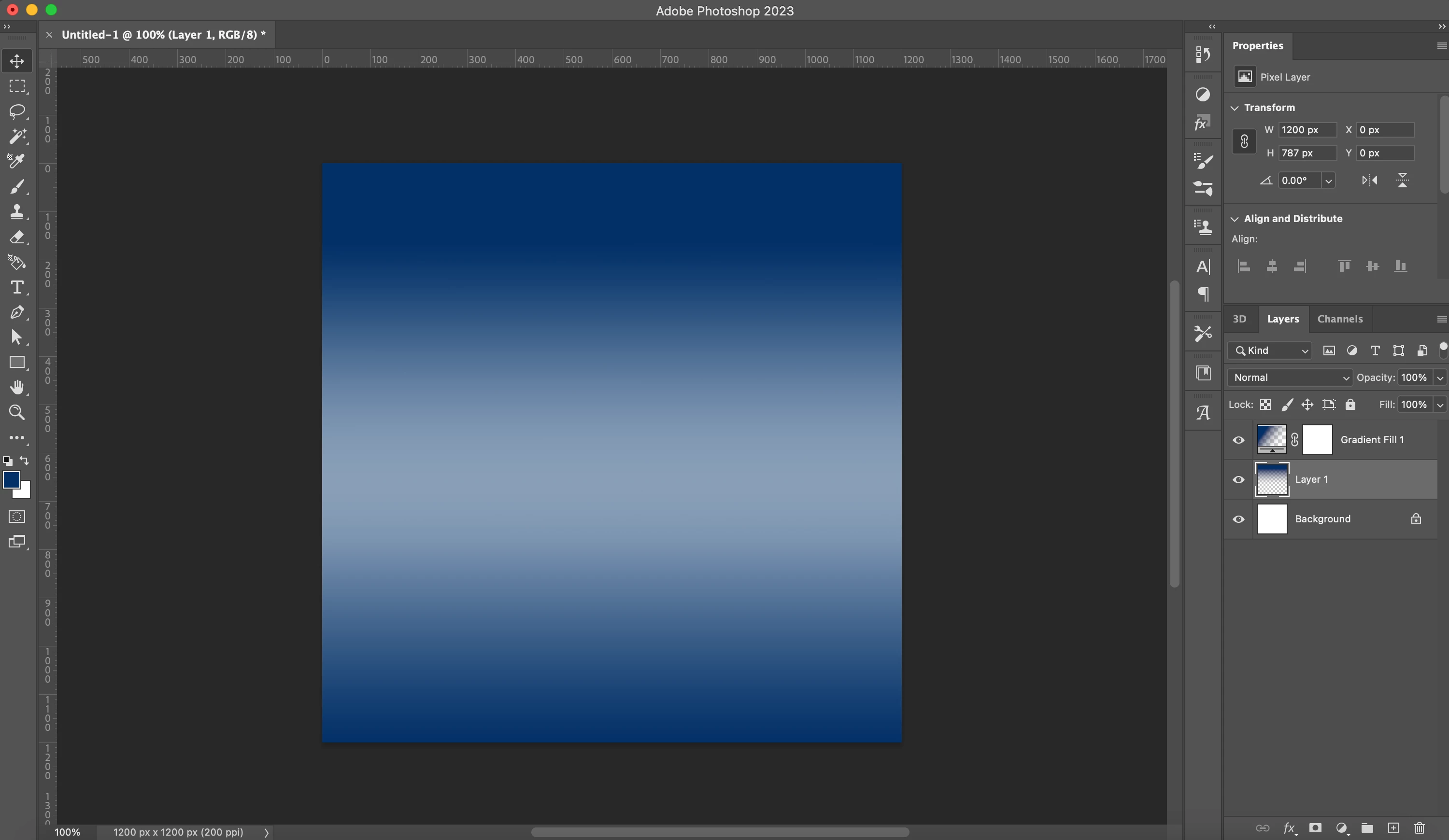
Hello, I'm trying to create a color gradient (color-to-transparent) on a new device. I haven't changed any settings but Photoshop is defaulting the Gradient tool to an Adjustment layer rather than allowing me to add a color gradient to a new/existing layer. When exporting with the Fill Photoshop is compressing the gradient and causing it to become a solid object.
I've added a screenshot on my original device to show Layer 1 of how I want the Gradient tool to work vs Gradient Fill 1 that is what the tool is defaulting on the new device. Not sure what setting is needed to default Gradient tool to making a color gradient on a specified layer.
 AdChoices