


Answered
Photoshop hangs when opening a Sony ARW raw file. Need to press enter to continue opening.
Hi all,
I am new to Photoshop. I am running PS on Windows 11 laptop.
Whenever I open a Sony ARW raw file using PS CC, I can see PS window showing but my raw file just doesnt show up.
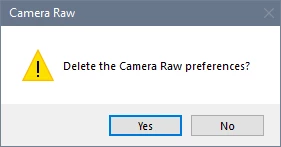
I tried to click somewhere on the PS window using my mouse and it gives off a "ding" sound like the appln keyboard/mouse focus seems to be focused on another popup dialog box but I just couldn't see the dialog box.
Then I pressed Enter key and PS continues loading my raw file.
Can I know is the issue really caused by some obscured popup dialog box belonging to PS?
How can I see the popup?
How can I disable this popup so that PS will open my raw file straight away?
Thanks in advance!
Mr Wong

 AdChoices