
Photoshop Import PDF phodialog hangs when opening large Illustrator files
Anytime I open an .ai document (RGB or CMYK), which is always saved with PDF compatibility, in Photoshop, the Import PDF dialog (which shows a thumbnail to the left) freezes. It takes anywhere from 30 seconds to several minutes to let me do anything in the dialog, like change the units, modify the width/height, or even just click the OK button.
This screenshot below is what is shown while I am waiting. The thumbnail is there (this particular image is very wide and not very tall), but I can’t click anything. Eventually I can, and it works just fine, and it only takes a few seconds to open when I’m able to click the OK button. There’s no indication that anything is going on while the box is frozen. It’s not building a thumbnail, because that shows up right away. All the data is already in the dialog box. It’s just...stuck. Again, once that time period is up, the dialog works as expected and is pretty snappy.
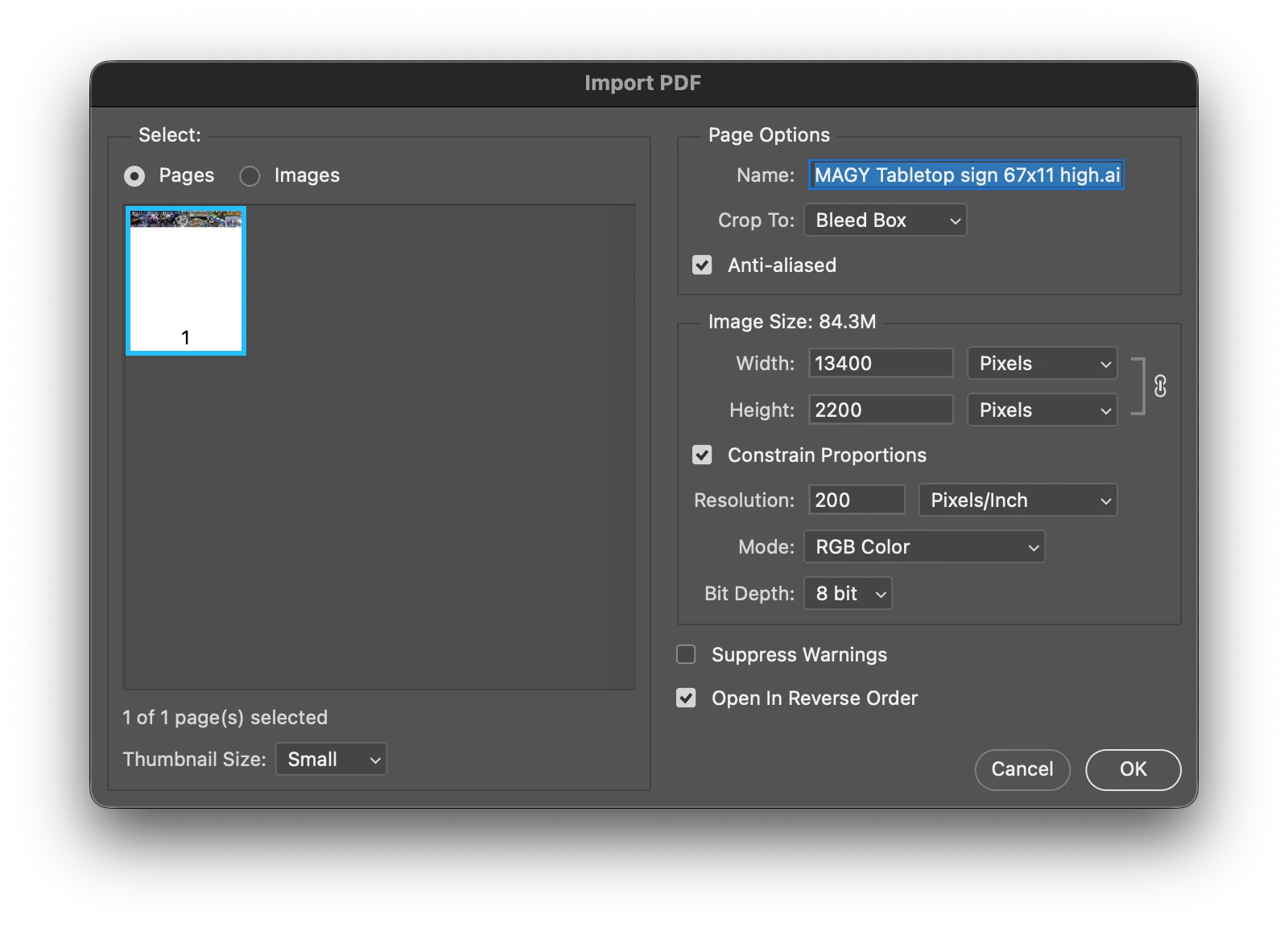
I’m using a MacStudio M1 Ultra with 128GB of RAM. I have the most recent version of Photoshop and Illustrator, but this has been happening for I think about 2 years, maybe longer.
Is there a setting somewhere I might have in Photoshop Preferences that is causing this? Any help would be appreciated.


 AdChoices