

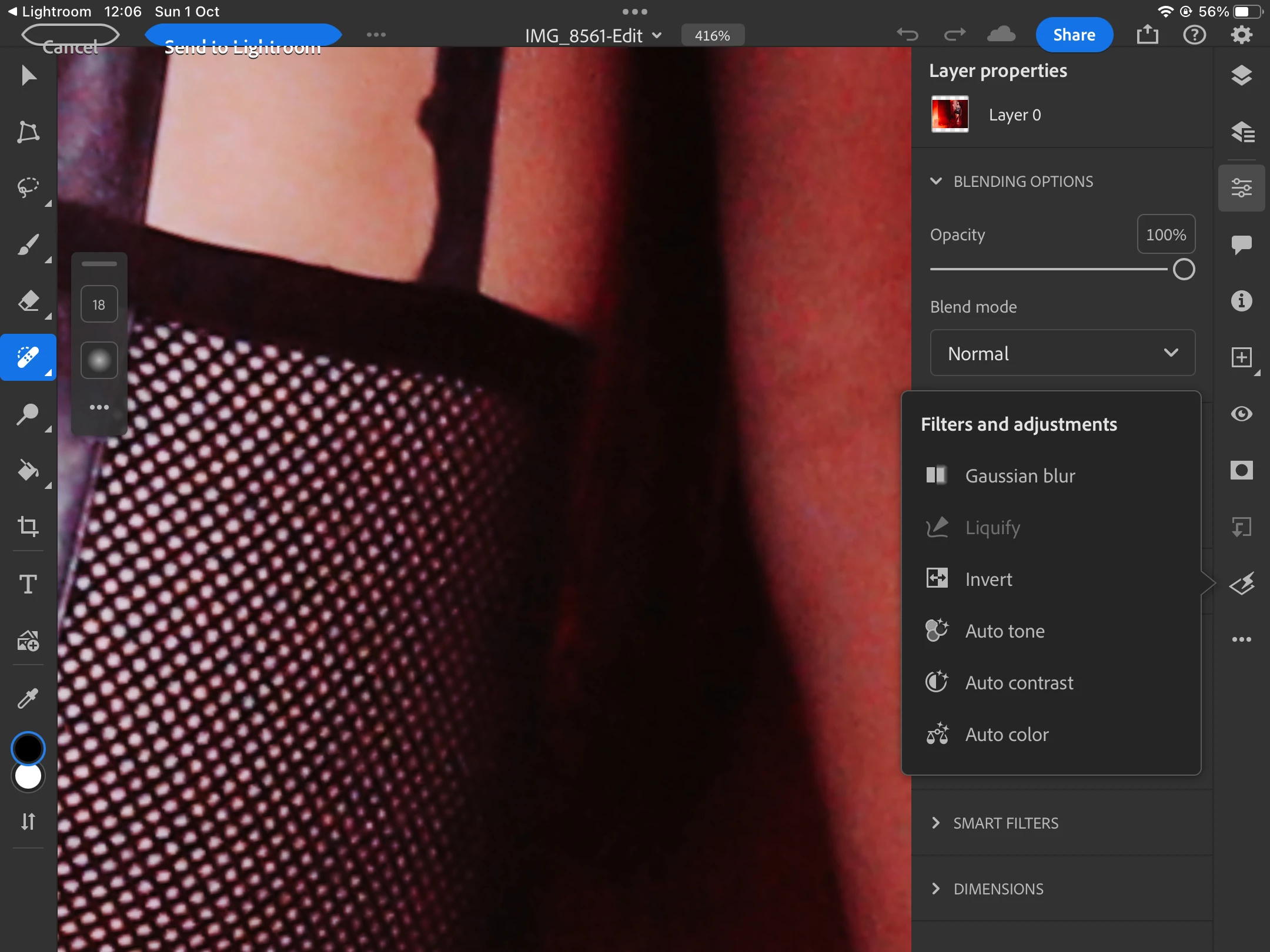
Photoshop Ipad Liquify tool not working when opening from Lightroom
Hello, maybe this topic has been approached before maybe i am doing something wrong, looking for answers, maybe it's still under work, maybe it's not working for my iPad 9.
Many of uss i think praised the moment when Adobe included the liquify tool on ipad but it has a flaw, and this one creates a very difficult WorkFlow.
If i open a photograph in Photoshop on iPad, simply from the iPad, the Liquify tool works, but if i need things done in Lightroom for iPad and need a quick Liquify from Photoshop and return in iPad the Liquify tool is disabled, it can't be used at all. This forces me to do two things, either i open from Lightroom CC the photo in Photoshop on the Desktop, when i get home if i have the time to do it, or i have to export the photo onto the iPad and open it in Photoshop for iPad, Liquify and then import the photo back to Lightroom. Doing this is literaly a torture, i understand that the Liquify tool is disabled for certain situations i read about that, but why disable for this situation where photographers need it the most, especially portrait, fashion and wedding?
iPad 9
iPadOS 17
 AdChoices