


NickNightengale
Participant
January 13, 2018
Question

Photoshop is exporting content outside of canvas...

  • January 13, 2018
  • 3 replies
  • 8144 views

I'm wildly confused. I've used this programs years and have never come across this issue. I must has tweaked my setting somewhere. But where? It's most likely so simple and I'll look like an idiot in the end, but it'll be worth it.

Whenever I have exported files from my project, only the visible area on my canvas is included on my final file. But now, the whole original image is there. What the heck?

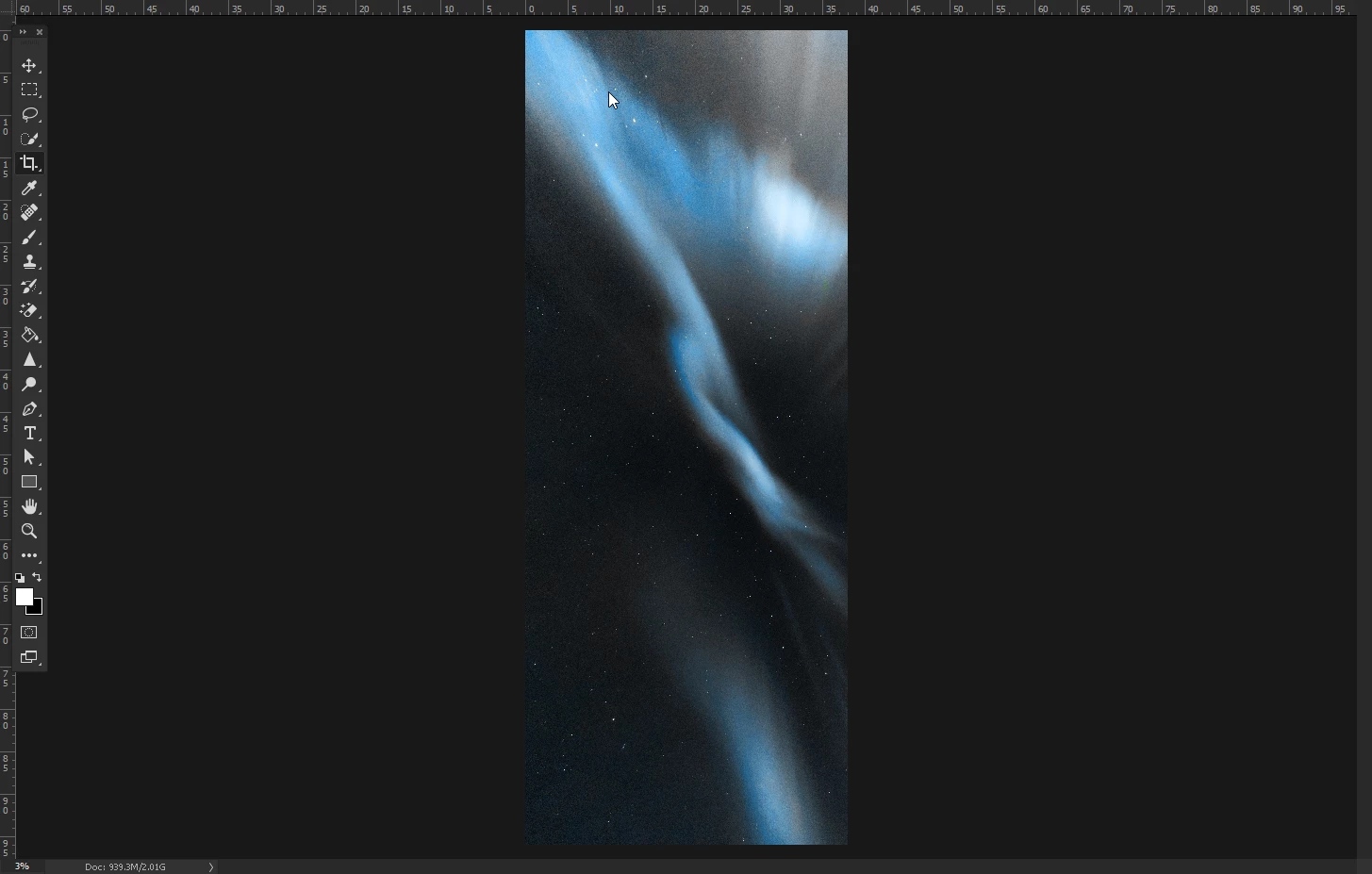
Here is it. Canvas with about 40% of my original photo visible. The way I like it, and the way I want it to export.
I go to export, and the whole friggin' photo is there:
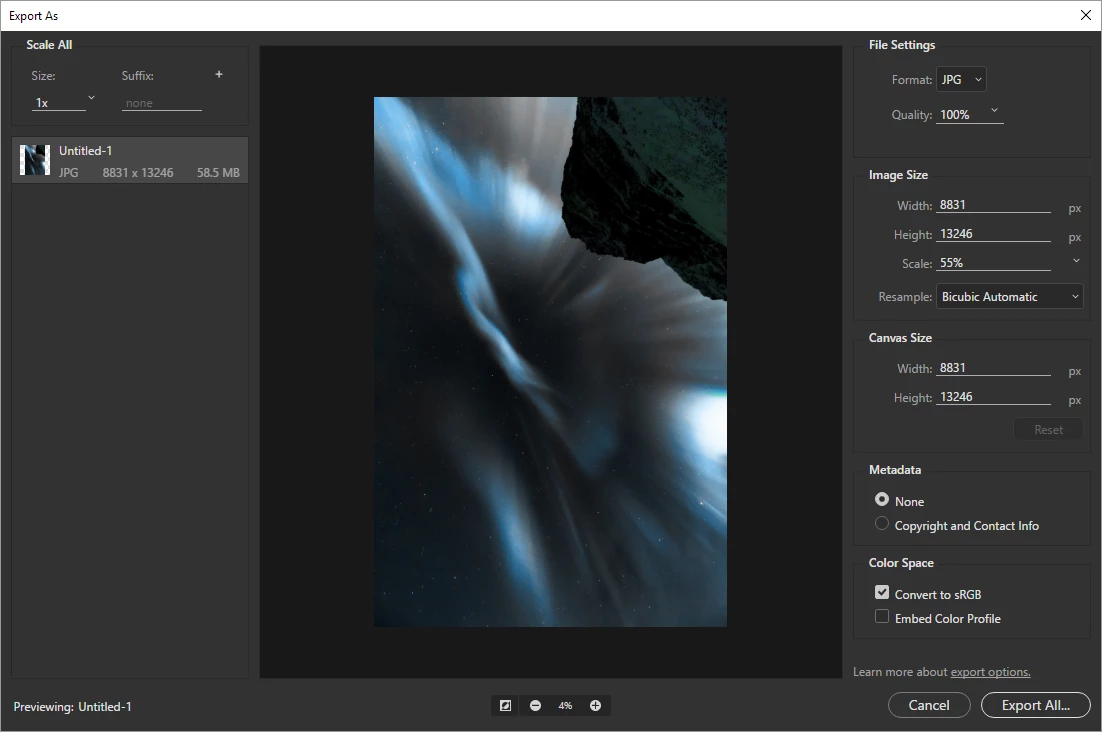
I've cropped the image with the "delete cropped pixels" function on too, and the stupid thing still shows up.

I know I'm overlooking something. Community, please help

Many thanks!

    3 replies

    akujobi6
    Participant
    September 27, 2021

    I had this same problem just a few minutes ago with a flyer i was designing.

    I checked the issue up online and I got here.

    Fortunately, I've been able to solve it.


    First, select the artboard with the move tool.

    - Right click on the move tool and select Artboard tool

    - Click on the Setting button (Cog icon ⚙️) located on the title bar as shown in the attached image.

    - Check the option that says "Shrinkwrap Canvas on Save".

    - Proceed with your export.


    This process should solve the problem and export the image without any extra white space


    This is my first comment/reply on the Adobe Community 


    Participant
    September 30, 2025

    Im currently having this issue aswell...

    But i got to say man! What a gorgeous image!

    I heavily like how the mountain arches towards the portal looking aurora.

    Participating Frequently
    June 4, 2018

    This helped me

    Use artboards in Adobe Photoshop

    I just selected the background layer (as it was the correct size) right mouse clicked and selected Artboard from layer.

    Mylenium
    Legend
    January 13, 2018

    Check your artboards and the relevant little tickboxes everywhere that make certain functions use them. You could have accidentalyl created multiple ones on top of each other and the one from the source image is still there and used.

    Mylenium