
Question
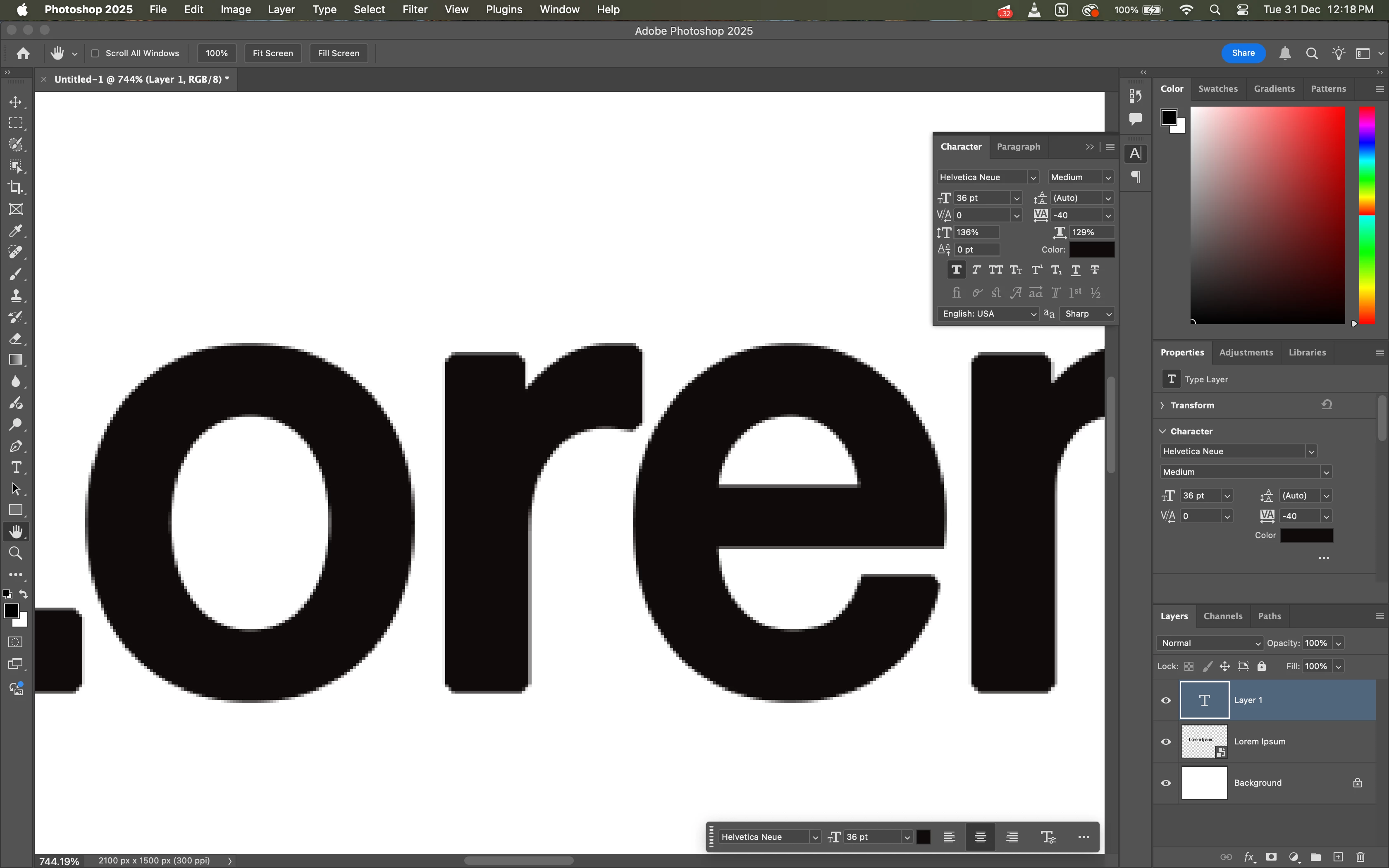
Photoshop is suddenly pixelating text and vector, even at 300ppi with anti-aliasing set to sharp.
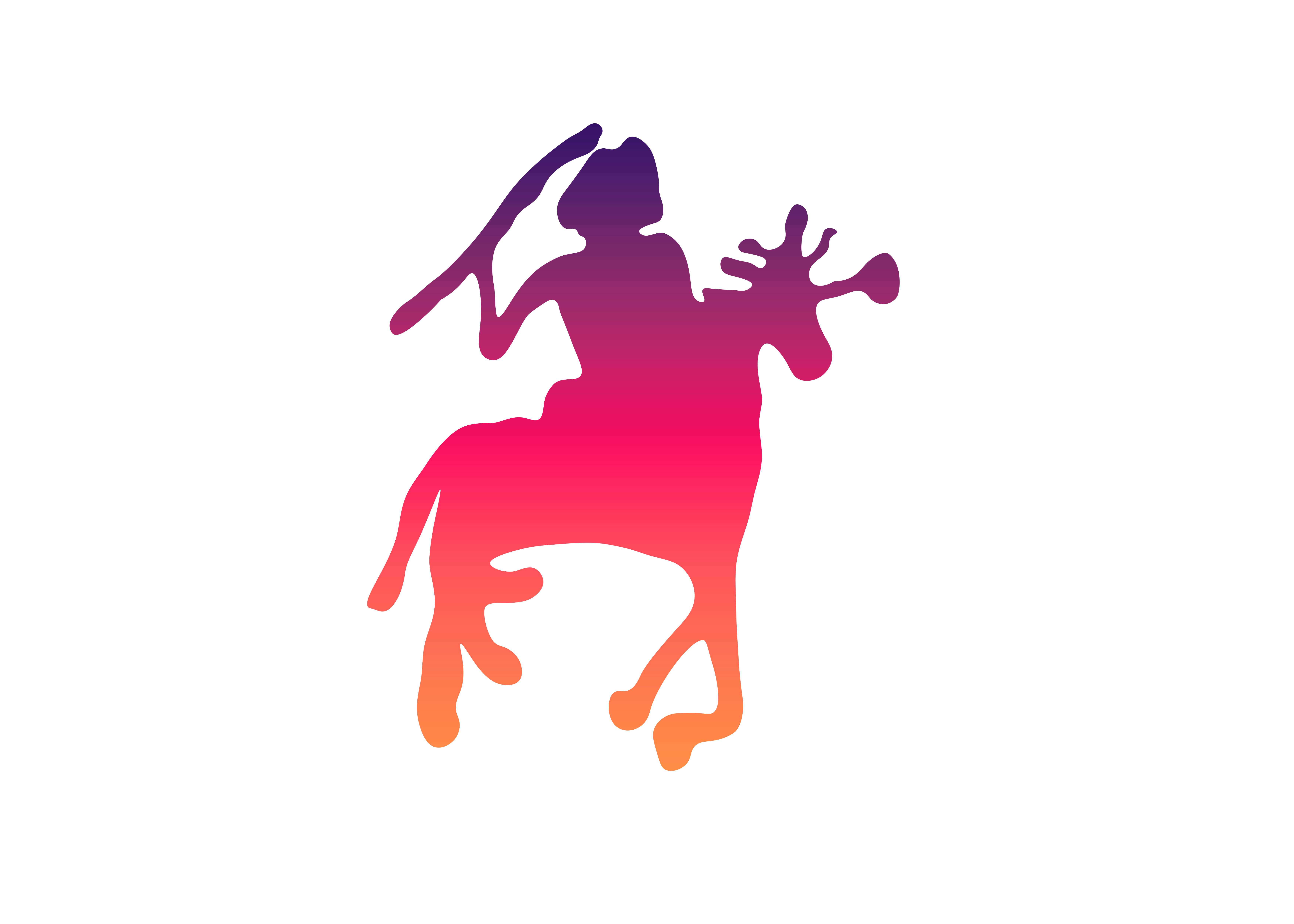
I was using photoshop just fine and had made a few basic edits, of whose sample I have enclosed below. In the first image, the text and vector were fine and scalable. Suddenly, one day recently, the text became extremely pixelated, even at 300ppi and sharp anti-aliasing. I have tried to reinstall the app, and reset preferences. But the problem persists. I have found that I am facing the same problem in after effects as well, but not on premiere pro. I am attaching samples.
Technical Information
- Photoshop Version 26.2.0
- System - M1 Macbook Air 2022 running Sequioa 15.2

 This is a major problem.


 AdChoices