
Photoshop Libraries Search Extremely Slow (112,170 assets)
I have downloaded 112,170 assets from [link removed]
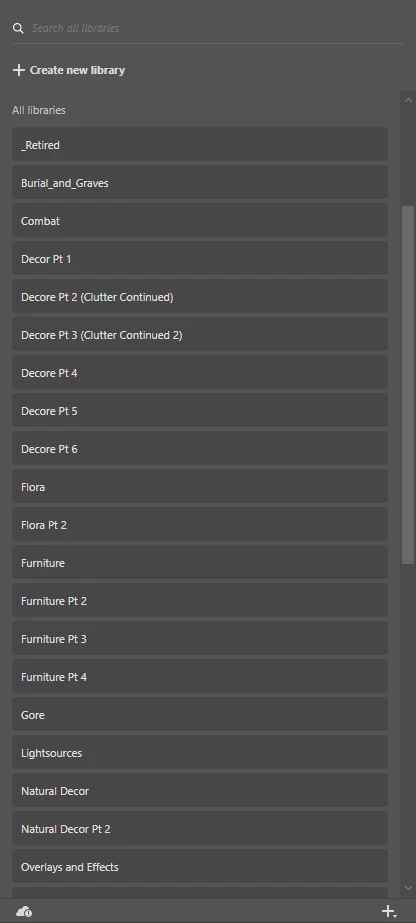
I spent a lot of time manually uploading the files into Libraries in Photoshop so that I could easily search for the assets, but Photoshop is not optimized for this many items in its libraries. These assets are local and are not on the cloud.
Even when uploading, the libraries got very very laggy, so I would split them apart into other libraries (Pt 2, Pt 3, etc.) but this only helped with the uploading process, not the search function.
The main issue: It searches each time you type a single letter into the search so trying to search "Wood" spends up 30 seconds before searching just "W". I believe this could be optimized by simply waiting for the user to submit a search instead of autosearching.
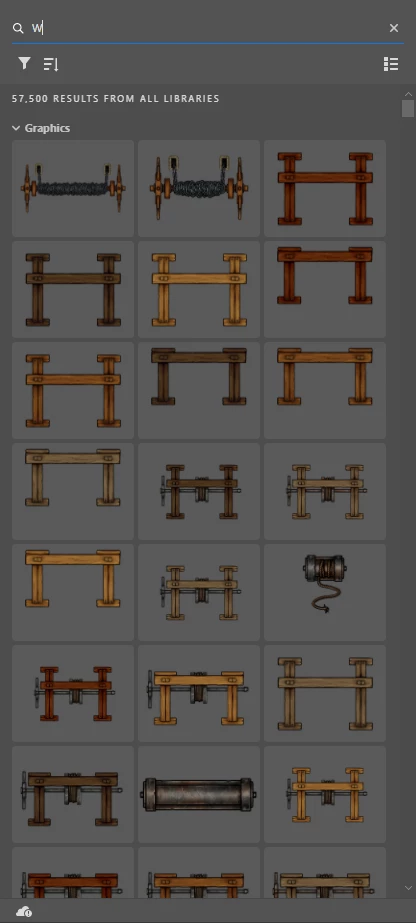
Additionally, the search itself takes a very long time to complete. I understand that there are a lot of assets, but even Windows indexes files more effeciently than this, and I uploaded them into photoshop to avoid using Windows File System.
I feel like this whole process is subpar for premium software.


 AdChoices