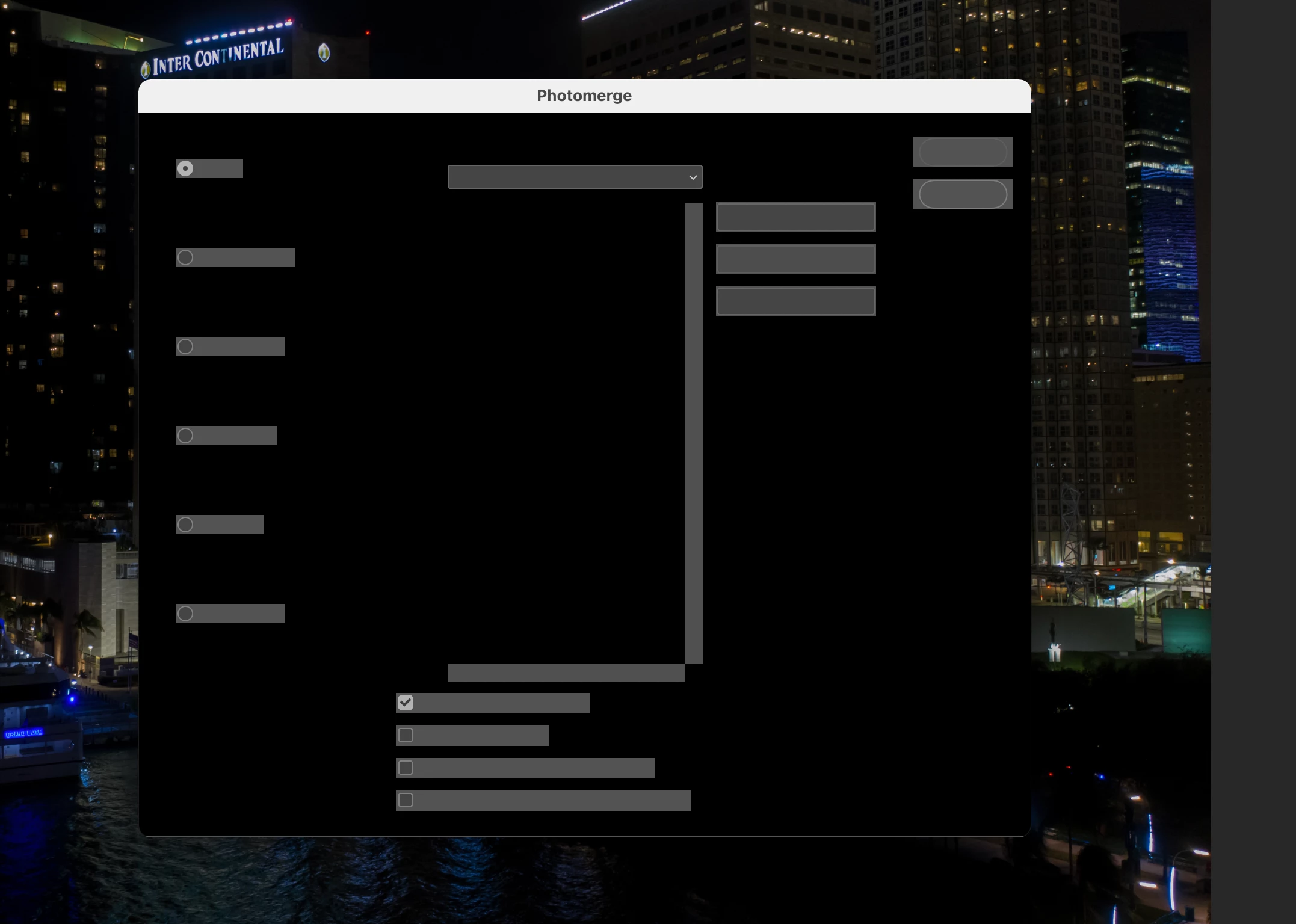
the only solution I discovered it that when you connect your hdmi cable to another screen it clears it all up.... disconnect the second screen and it all goes black again. Nothing else seems to work.
I'm currently on BIG SUR 11.4...and i also get the same result when i start Photoshop CC2019. Wanting to post process my RAW files...and the sliders are all blacked out. Surely there must be an Adobe update we can do to fix this issue. Plenty of people are seeing the same issue...Adobe...please help!!
Hey! Wondering if you ever found out a fix for this issue? I'm currently experiencing it myself after a Big Sur update and can't seem to find any way to resolve it. Thanks 🙂
That shouldn't be happening as Photoshop interface is completely blank, let's make it right.
Which version of Photoshop are you using and on which operating system?
Would you mind deselecting the option "Use Graphics Processor" located in Photoshop's Preferences > Performance menu, then relaunch Photoshop and let us know if it helps?
Could you please try resetting the preferences of Photoshop and let us know if it helps
Note: Make sure that you back up all your custom presets, brushes and actions before restoring Photoshop's preferences. Migrate presets, actions, and settings
I have the exact same problem, I've tried all troubleshooting you mentioned and nothing has helped. I've turned off use graphic processor and when I do it blacks out even more than when I have it on. In liquify it blacks out the menu but I can still see the image and when I turn it off it blacks out everything.
I reset all my settings, same problem.
Using the most recent version of photoshop CC. IOS Mac Big Sur.
It reders a lot of the app useless and for something that we pay montly for it's rather annoying, specially since I need to be able to use it to do my job. This has really damaged my work flow. I've also noticed huge issues when using Rush Premire as well where the video will skip nonstop at first I thought it was only the playback but after I exported a non edited video it made it so it skipps evebn though I had the original recording from my phone with ou any of the skipping. So it took a video clip that works fine and turns it into a skipping mess, completly negating the use of the program.