
Participant
November 29, 2023
Question

Photoshop mirror text problem

  • November 29, 2023
  • 2 replies
  • 346 views

Hello, when selecting a text layer and mirroring it. The text changes from what it said originally. Sometimes it also changes position. It doesn't happen in all the files and we tested it on different photoshop versions but have no idea how to fix it or what caused it.
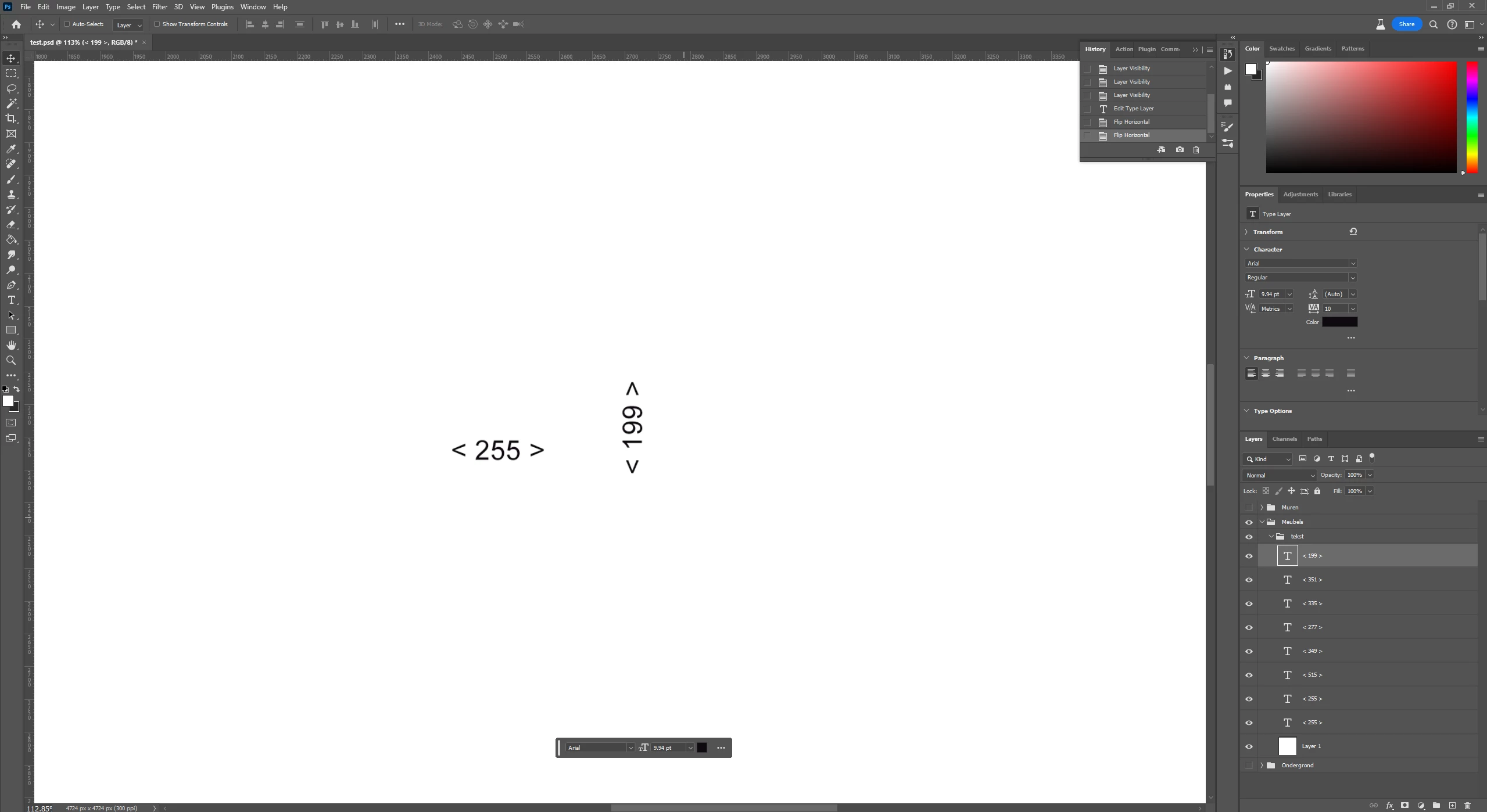


For example here I select < 199 > in the middle and flip it.
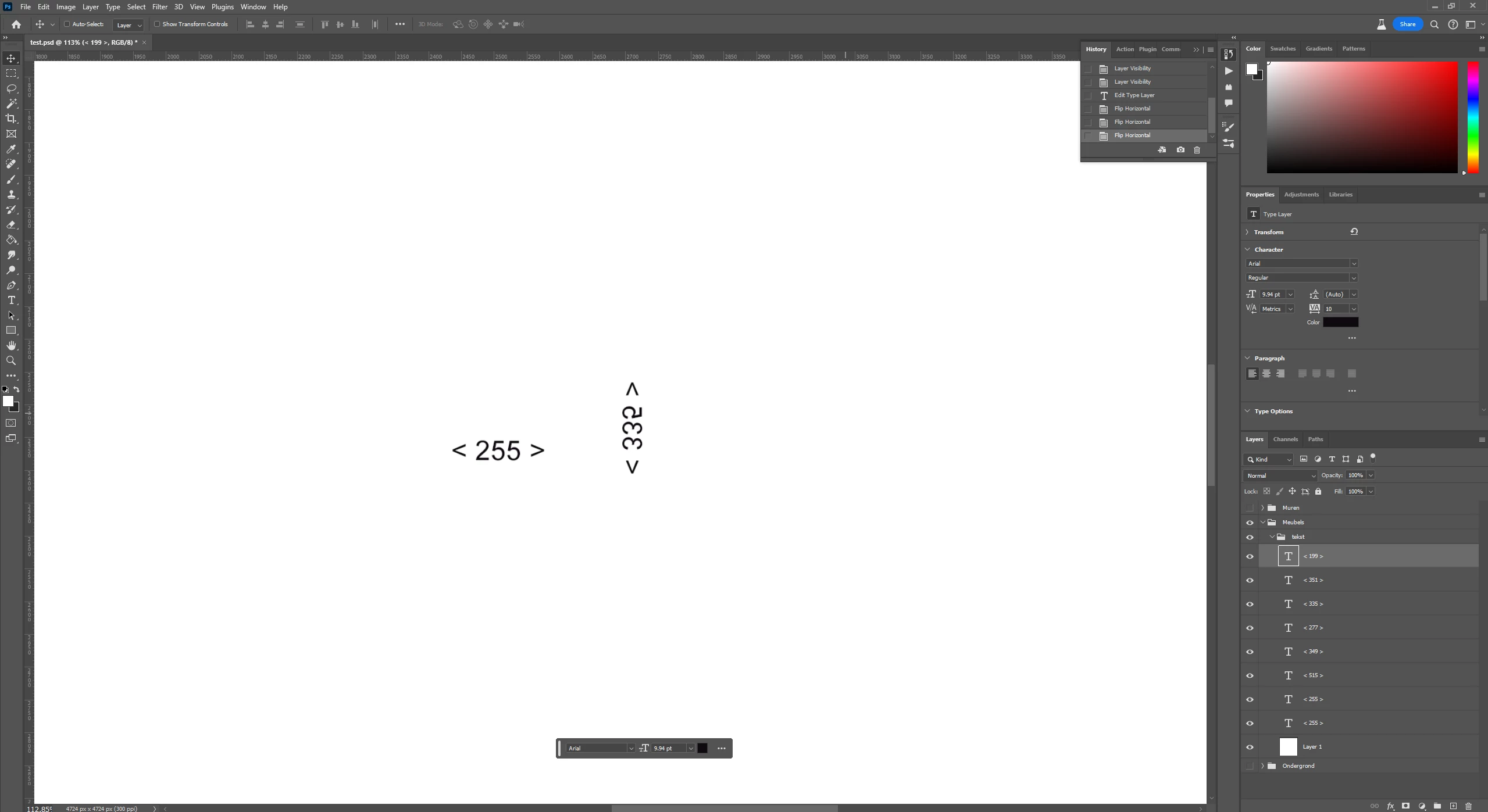


Once flipped it changes to < 335 > for some unknown reason
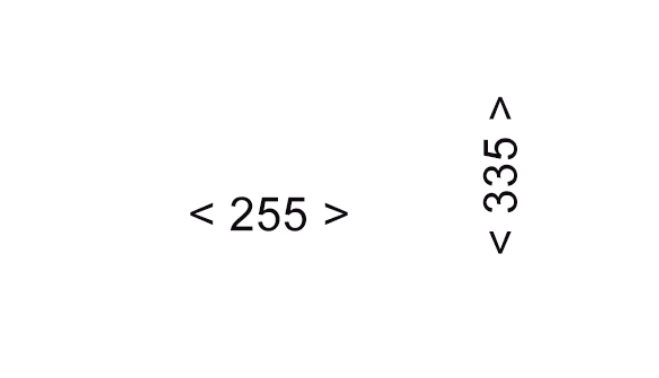


If I flip it again it stays as < 335 >


I attached the photoshop file where it happens.  To reproduce: select a text layer and flip it using edit > transform > flip horizontal

Version: All the photoshop versions

OS: Windows


This topic has been closed for replies.

2 replies

CasperRAuthor
Participant
November 29, 2023

This does indeed not happen in all photoshop files, however we did encounter it in several different files. So something is causing the bug to happen.

Bojan Živković11378569
Community Expert
Community Expert
November 29, 2023

I encountered a problem when I tried to rotate a text layer by 90 degrees using Edit > Transform > Rotate 90 Clockwise or Counter Clockwise. The text changed from 255 to 515 after flipping. This did not happen when I rasterized the layer before flipping. 


The problem does not occur in any other document except the one you provided, so your document is the problem, not a Photoshop bug.