


Photoshop Move Tool Not working
Hello all,
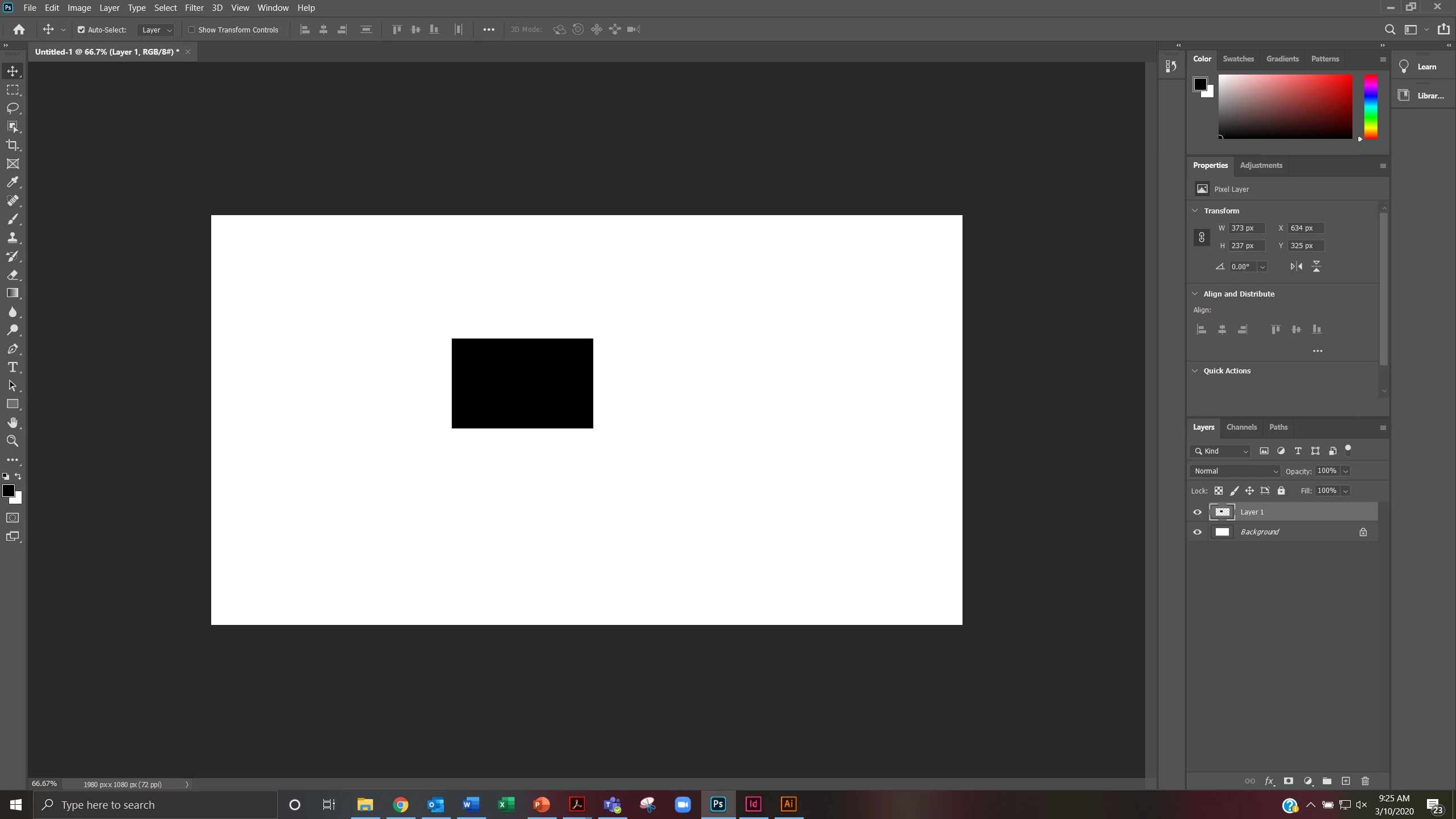
For some reason, the move tool in photoshop is not working at all. Every time I try to move the black rectangle with the Move tool (V), it will not "drag" it anywhere around the document. Unselecting "Auto-Select" will not fix this issue. I have already reseted my prefences by clicking ctrl+alt+shift when I opened Photoshop.
See screenshot for reference below.
Please advise. Thank you.
~ TeleIowa
EDIT:
Oddly enough, after about an hour or so and restarting Photoshop and my laptop once or twice, the Move tool seems to be working now. I have no idea what I did to remedy that, because after the first time I reset the prefences, restarted photoshop and laptop, I still had the same issue. But after the second time, it seems to be doing okay.
I'm sorry I cannot provide an answer to this, but I just wanted to give you an update.
Thank you!
 AdChoices