


Answered
Photoshop new document window gone outside of the monitors
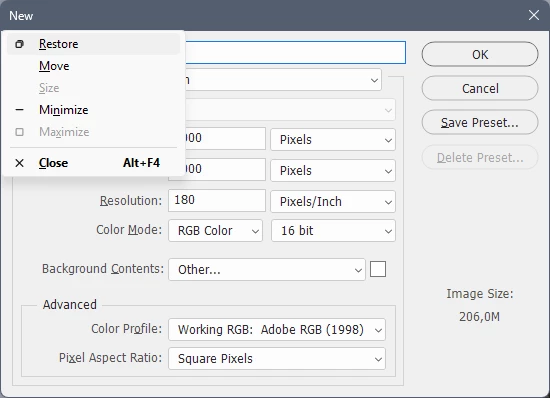
I’m working both at the office and at home, with different dual screens in different setups, and now the window for new documents in PS is invisible when i chose new document. I believe the window is stuck somewhere outside of my monitors and I can’t find a way to retrieve it.
I suspect it is related to the screen resolution issues too, since the program windows can change size in crazy ways depending on which screen I move them to.
The same issue happened on my previous computer but in Illustrator, so I just had to press enter and get whatever image size that was default and then change it in the program to what I needed.

 AdChoices